 NEWS
NEWS
Apple Promises two new Retail Stores Coming to Japan in 2019
 07/30/2019
 3905
3905

Apple is promoting its plan for a significant retail expansion in Japan with new teaser imagery posted to its retail website. Stylized Apple logos promise two new stores scheduled for 2019 and celebrate upgrades to Apple’s existing store in Omotesando.
Last October, Apple added a mosaic logo to its Japanese retail site alongside the reopening of Apple Shibuya after a significant rebuilding effort. The logo promised a store project on the horizon for 2019. The new imagery added today differs from last year’s logo, showing both a rainbow striped Apple logo and a dusk gradient logo reminiscent of throwback 1980s graphics.
We’ve heard rumors of new Japanese Apple Stores coming to both the Kanagawa Prefecture at Lazona Kawasaki Plaza and to the Marunouchi district of Tokyo. Both projects are expected to be completed this year, lining up with the expectations Apple has set.
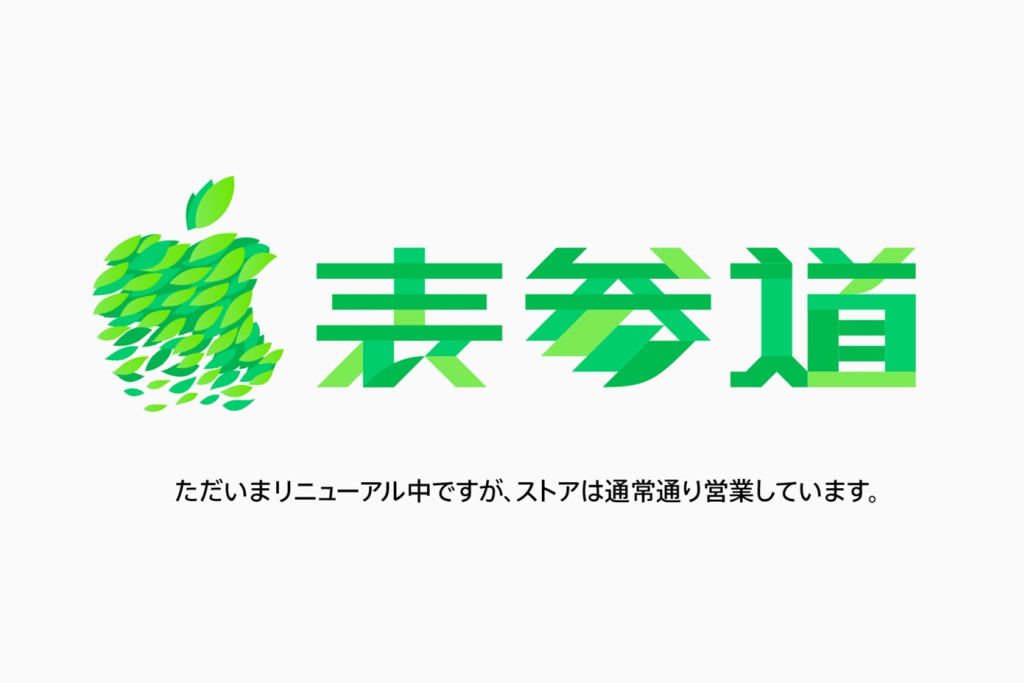
Apple Omotesando, meanwhile, is a classic Apple Store location that first opened in 2014. Throughout this summer, the store has been remodeled section by section. Upgrades to the ground floor first removed graphic panels to add accessory shelving. The underground floor was later closed for more substantial renovations. Apple is now promoting the store’s upgrade as a refresh for Today at Apple creativity. The store’s new website graphics reference the original logo used for the grand opening five years ago.
Significant upgrades to Apple’s fleet of stores in Japan began last year when former retail SVP Angela Ahrendts announced a major investment in the country. Apple Shibuya was rebuilt and entirely new locations opened in Shinjuku and Kyoto. Stores in Ginza, Osaka, Nagoya, and Fukuoka remain in their classic condition for the time being.
If you attend a store opening, spot something interesting, or attend a great Today at Apple session, we’d love to see your photos. Follow 9to5Mac’s retail guide for in-depth coverage of the latest Apple Store news.
Source: 9to5mac










