 NEWS
NEWS
Apple Preparing iOS 14.8 Release As iOS 15 Launch Nears
 08/10/2021
 2343
2343
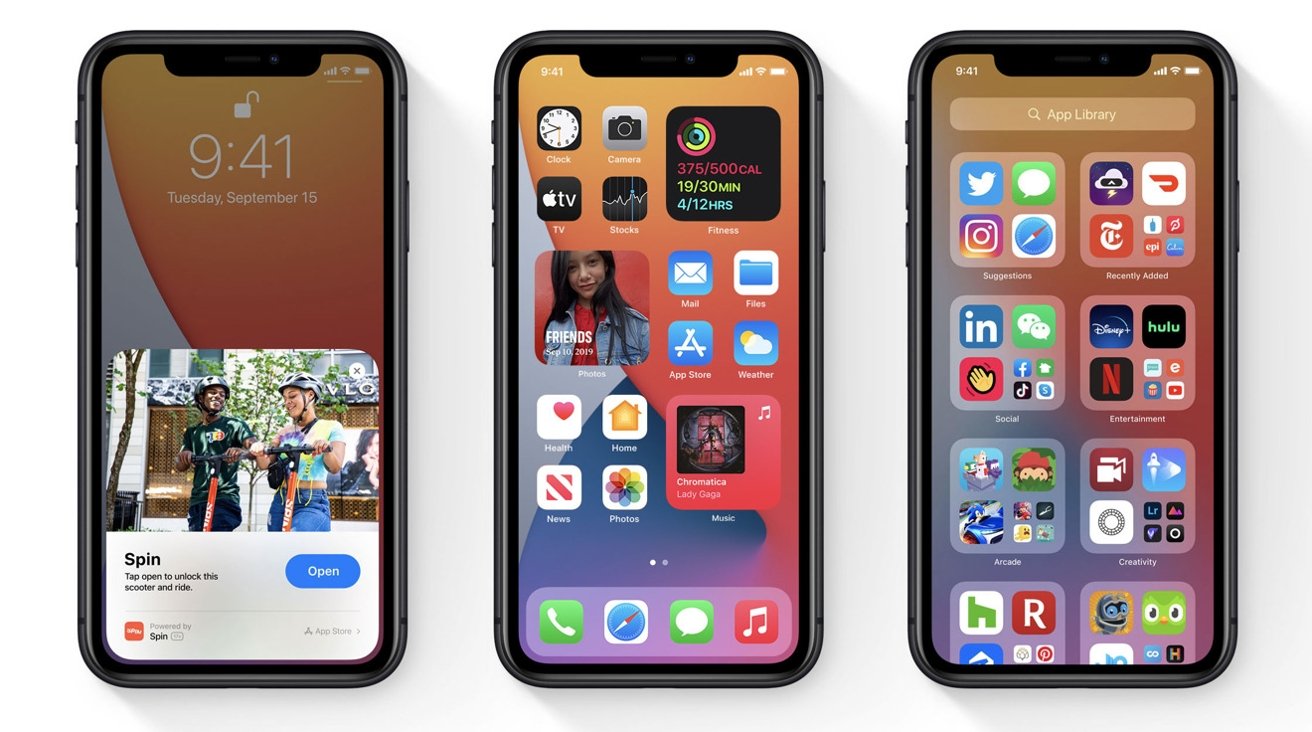
Apple appears to be readying a major point release for iOS 14 ahead of an expected iOS 15 launch this fall, with references to the update recently surfacing in an Xcode beta.
Spotted by developer Brendan Shanks, the latest Xcode beta version lists iOS 14.8 as an available or soon to be available operating system version. The supposed update is accompanied by existing iOS 14 point releases, but the list does not make note of minor revisions like the most recent iOS 14.7.1.
What will be incorporated in an iOS 14.8 release is unclear. Apple has patched most known vulnerabilities, the latest round arriving in late July, and the prospect of new feature introductions is highly unlikely given iOS 15 is due this fall.
Issuing an eighth major point update would be an unprecedented move, as Apple's past mobile operating systems have capped out at seven point revisions, at most. That said, the company is for the first time modifying how it handles major iOS updates.
At the Worldwide Developers Conference in June, Apple said it would continue to supply users of past operating systems with security updates following the launch of a major release.
Instead of pushing users to the next major version, in this case iOS 15, Apple will provide "important security updates" to those who elect to remain on iOS 14. Users will be able to choose from two software update versions in system settings when iOS 15 sees release, the company said in a preview of the feature.
The option will be a welcome respite for some, as Apple intends to roll out new Child Safety tools with the next iteration of iOS. The multi-pronged system, which in part "scans" user photos for child sexual abuse material, has proven controversial, with some arguing that the features reduce user privacy.
Source: Appleinsider










