 NEWS
NEWS
iPhone 18 A20 May Cost Apple about Double Per Chip What A19 Does
 01/05/2026
 1606
1606
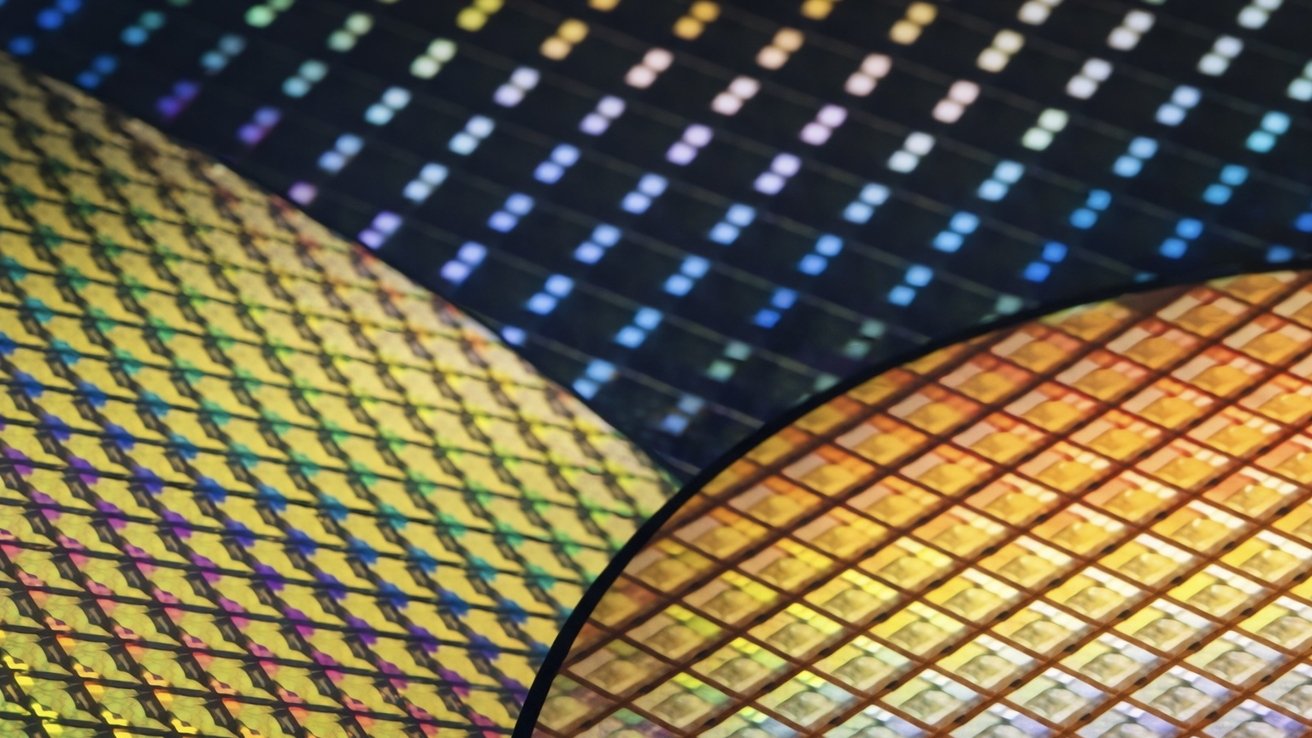
Apple's iPhone 18 processor may have the biggest year-over-year price increase yet, as the company's chip partner pushes into 2nm manufacturing.
Supply-chain reporting suggests Apple's A20 chip could cost as much as $280 per unit, roughly 80% higher than the prior generation. Earlier reporting estimated a smaller increase, but newer projections have climbed as manufacturing challenges persist.
Apple is expected to build its A20 chip on TSMC's 2-nanometer process. The transition prioritizes performance and efficiency gains but brings higher manufacturing costs and tighter production constraints.
Apple has historically accepted higher early manufacturing costs to secure access to leading-edge nodes. Previous 5-nanometer and 3-nanometer transitions delivered competitive advantages without cost increases of this magnitude.
Several factors are converging as Apple moves to 2-nanometer production. First-generation nanosheet yields remain fragile, while advanced packaging and rising memory prices push costs higher.
Each pressure reinforces the others, making the transition more expensive than past node shifts.
Apple's annual chip transitions usually deliver modest efficiency improvements, but 2-nanometer represents a more disruptive shift. The node introduces nanosheet, or gate-all-around, transistors, which improve power efficiency and transistor density but are harder to manufacture reliably at scale.
Gate-all-around, or GAA, is a newer way of building transistors that gives engineers tighter control over how electricity flows inside a chip. Instead of touching the silicon channel on just a few sides, the gate wraps all the way around it, reducing wasted power and improving efficiency.
For iPhone users, the practical benefits show up in sustained performance and battery life, especially as Apple increases on-device AI workloads. Features tied to photography, system intelligence, and local inference depend more on raw silicon capability than software optimization alone.
TSMC leads while Samsung pressures the market
TSMC is widely viewed as the safest option for early 2-nanometer volume production. That reputation explains why Apple, Qualcomm, and MediaTek are all tied to its initial capacity.
Apple is believed to account for a large share of early output, though allocation details remain unconfirmed. Capacity balance often shifts as yields improve and additional customers ramp.
Source: Appleinsider










