 NEWS
NEWS
Apple Could be Banned from Importing iPhones into the US in Royalty Battle with Qualcomm
 05/05/2017
 2975
2975
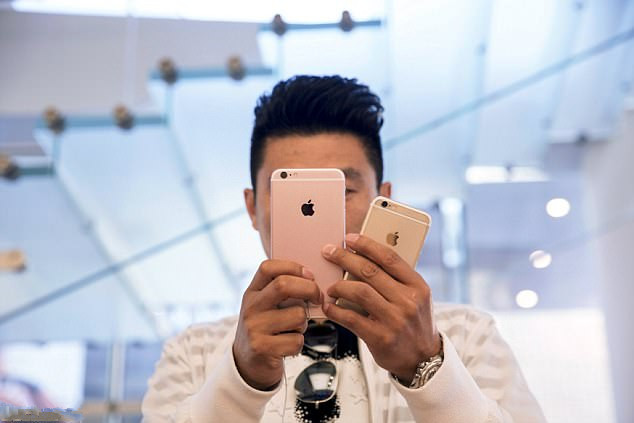
In its ongoing battle with Apple, Qualcomm could soon seek a ban on iPhones being imported to the US just months before the highly anticipated iPhone 8 is set to be released.
The report comes after Apple had revealed it would stop paying royalties to the chip-maker, as the firm believed it had been overcharged by 'billions of dollars' in Qualcomm's 'illegal scheme'.
The two firms have been in a legal battle since January, which was a result of the FTC accusing Qualcomm of engaging in 'anticompetitive patent licensing practices'.
The news of a ban was revealed by Bloomberg, which spoke with a person familiar with the company's strategy who said Qualcomm plans to hit Apple hard by asking the International Trade Commission to ban imports of iPhones to the US.
The move comes months after Apple had accused the California chip-maker of abusing its market power to demand unfair royalties.
Apple said in the court filing that it had been overcharged 'billions of dollars' by its chip-making partner's 'illegal scheme.'
The company also claimed Qualcomm owes it a billion dollars, but is refusing to pay due to Apple cooperating with South Korean antitrust regulators looking into the company.
'For many years Qualcomm has unfairly insisted on charging royalties for technologies they have nothing to do with,' Apple said in an email statement.
'To protect this business scheme Qualcomm has taken increasingly radical steps, most recently withholding nearly $1 billion in payments from Apple as retaliation for responding truthfully to law enforcement agencies investigating them.'
Qualcomm rejected Apple's claims, saying the iPhone maker 'intentionally mischaracterized' agreements as well as the value of the company's technology.
'Apple has been actively encouraging regulatory attacks on Qualcomm's business in various jurisdictions around the world... by misrepresenting facts and withholding information,' Qualcomm general counsel Don Rosenberg said in a statement.
Source: dailymail










