 NEWS
NEWS
Apple Store in Simi Valley Permanently Closing Later This Month
 09/04/2017
 3765
3765
Friday, September 15 is the last day the store will be open. Apple provided thanks for "over 10 great years" and advised customers to visit its retail store list to find a nearby location. Apple Simi Valley originally opened in May 2006.
Apple hasn't publicly commented on the reason for the store's closure, but the location may have suffered from low sales and customer traffic — a rarity for an Apple Store.
At a minimum, the closure doesn't appear to be related to Apple's ongoing store renovation process across the United States.
There were high hopes for Simi Valley Town Center when it opened in 2005, but the outdoor shopping mall hasn't been as bustling as envisioned. The less-than-expected customer traffic may be partially due to an expansion of The Oaks Shopping Center in nearby Thousand Oaks, California in 2008.
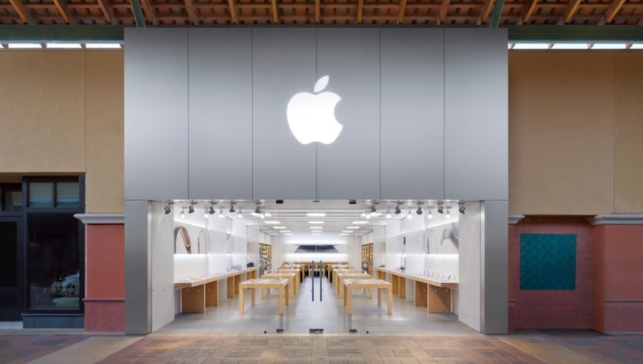
Apple itself has a retail store at The Oaks that opened in October 2005, and several other locations in the greater Los Angeles area.
Over the years, Simi Valley Town Center has lost several retailers, including Abercrombie & Fitch, Hollister, Coach, American Eagle, Cache, Forever 21, and PacSun, according to the Simi Valley Acorn. Macy's also merged its standalone menswear store into its main location at the shopping center earlier this year.
A tipster informed us that Simi Valley Town Center may eventually be repurposed as an outlet mall, which could explain Apple's departure.
we have yet to learn whether the store's employees will be laid off or offered the opportunity to transfer to another location.
Apple did not immediately respond to a request for comment.
Source: macrumors










