 NEWS
NEWS
Apple's South Korean Offices Raided Ahead of Regional iPhone X Launch
 11/24/2017
 3252
3252
South Korean authorities have reportedly conducted a raid of Apple's offices in the country earlier this week, with investigators said to have questioned the company about its business affairs just days before the launch of the iPhone X in the country —which could raise questions concerning the government's animosity for competitors of local manufacturers, such as main rival Samsung.
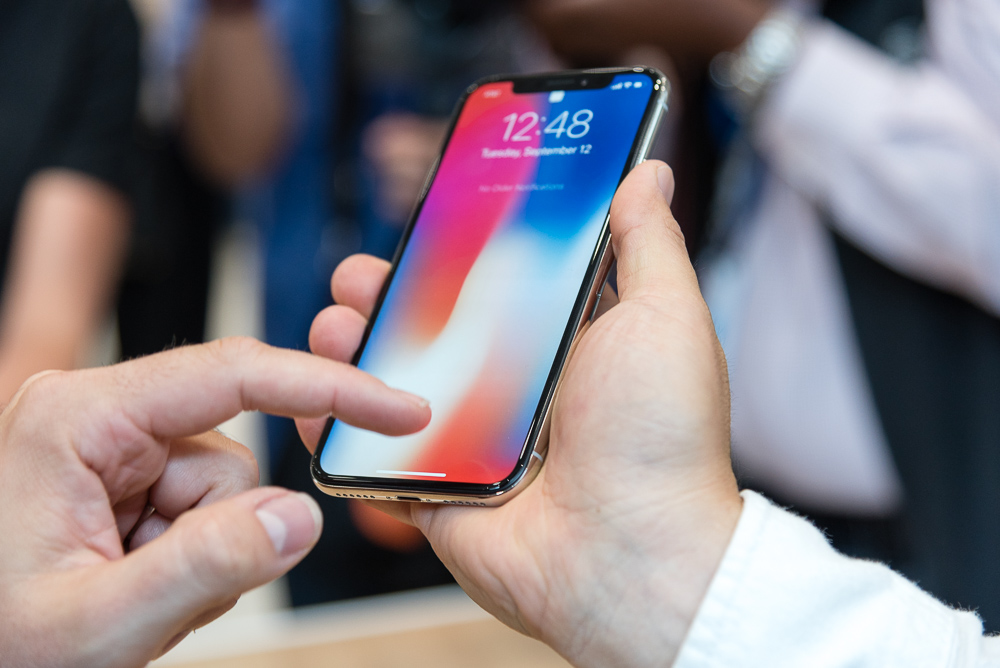
No official explanation for the raid has been provided, though it is believed by Metro the raid was part of an ongoing probe into "unfair" contracts between Apple and South Korean firms. Investigators are said to have asked Apple officials about its business practices, though it is unclear if the raid concerned just questioning or included the collection of documents or other evidence as part of the inquiries.
The investigation, launched last year, looked at the contract terms Apple required carriers to accept in order to sell iPhones, an issue that South Korea's Fair Trade Commission wanted rectified. These included provisions for carriers to buy a minimum number of iPhones, sharing the burden of repair costs, and the inability for repair firms to file lawsuits against Apple Korea for a year after a dispute.
While Apple did take action to address concerns about its contracts, it appears the probe is ongoing, with the raid likely to have been part of the investigation.
The timing of the raid, ahead of the iPhone X's launch on November 24, raises questions about the purpose of the raid. Pre-orders for the iPhone X ran out within 3 minutes of availability, according to GSMArena, with industry analysts estimating there to have been around 150,000 units allocated to the country.
The South Korean Fair Trade Commission also launched a task force in 2015 to find out if foreign smartphone producers were damaging the domestic market with their imported devices. The task force was created at around the same time Apple achieved a 33 percent share of the South Korean smartphone market.
Critics have previously complained about the South Korean Fair Trade Commission's activities, suggesting they are giving preferable treatment to local firms compared to those based outside of the country.
Endpoint Technologies Associates president Roger Kay accused the commission of having a "protectionist agenda," writing in Forbes in 2015 the agency had "pretty much run amok in recent years, slapping spurious charges on foreign companies."
Erik Telford, the president of the Franklin Center for Government & Public Integrity, suggested in The Hill the same year that the anti-trust agency "has exhibited alarming behavior that threatens the viability of companies doing business in South Korea."
South Korea's government has, in recent years, been under close scrutiny for corruption, following an investigation into Samsung's ties to the country's leaders. In August, Samsung Group head Jay Y. Lee was sentenced to five years in prison after a six-month trial, convicted of bribery and other charges that led to the downfall of former Korean President Park Geun-hye.
Source: appleinsider










