 NEWS
NEWS
Apple Fixed iOS 11.2 Vulnerability That Allowed Unauthorized Access to HomeKit Devices
 12/08/2017
 2854
2854
A HomeKit vulnerability in iOS 11.2 that allowed unauthorized access to HomeKit accessories that included smart locks has been fixed by Apple.
"The issue affecting HomeKit users running iOS 11.2 has been fixed. The fix temporarily disables remote access to shared users, which will be restored in a software update early next week."
To patch the vulnerability, which was reportedly difficult to reproduce, Apple disabled remote access for shared users, something the company says will be reintroduced in a software update that's set to be released early next week.
Apple was able to address the vulnerability server side as it affected the HomeKit framework rather than individual HomeKit products. Though the vulnerability impacted all HomeKit devices, it is of particular interest to HomeKit users with smart locks and other HomeKit-enabled devices that allow access to the home, as someone able to exploit this kind of problem could gain entry to a dwelling without a physical key.
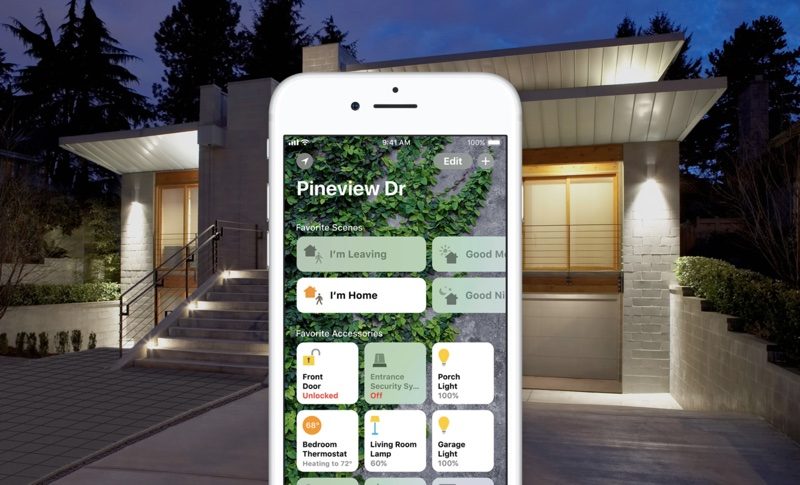
9to5Mac says that Apple was first informed about the security issue and other related HomeKit vulnerabilities in October. Some of the problems were addressed in iOS 11.2 and watchOS 4.2, while the rest were fixed server side. HomeKit setups with at least one connected iPhone or iPad running iOS 11.2 and signed into a HomeKit user's iCloud account were impacted.
Since its launch in 2014, HomeKit has seen many major improvements and its adoption has grown steadily. A wide range of manufacturers have embraced HomeKit, and there are HomeKit lights, outlets, switches, thermostats, window coverings, fans, sensors, cameras, locks, and garage door openers.
August, Friday, Koogeek, Kwikset, Schlage, and Yale all make HomeKit-enabled smart locks that can be controlled via Siri voice commands and HomeKit apps.
Source: 9to5mac










