 NEWS
NEWS
Apple Promises Fix for ChaiOS iMessage Bug Next Week
 01/19/2018
 3118
3118
A few days ago we detailed a new iOS and macOS bug that crashes Messages when you receive a specific message. Described as the chaiOS bug, Apple now tells Buzzfeed that a fix is expected next week.
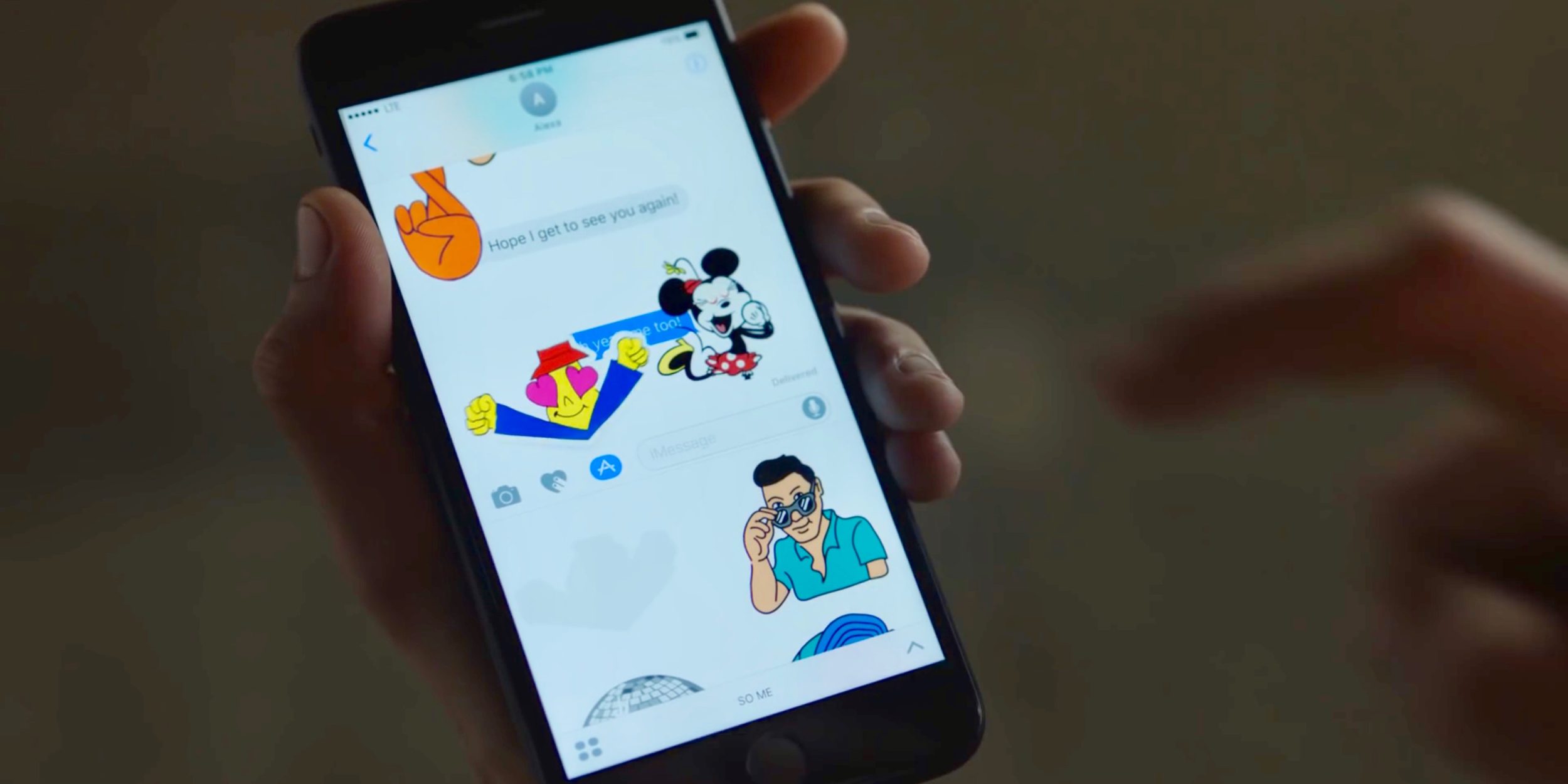
Apple confirmed a fix is coming in a software update next week.
As we noted earlier this week, chaiOS was discovered by Abraham Masri and potentially causes crashes, resprings, and battery issues on the latest versions of iOS and macOS.
We tested the bug and experienced pervasive issues that required removing the message thread and in some cases digging in to macOS and removing the whole Messages database and starting over. Bottom line is it was a pain to resolve after receiving the test message.
Presumably, the update will come in the form of an iOS and macOS update, but the version number is not yet known. iOS 11.2.2 is the latest version for iPhone and iPad, and iOS 11.2.5 is the latest developer beta version. That update includes AirPlay 2 features and is currently at its sixth beta version so it’s possible we could see it ready by next week, or the fix could be included in iOS 11.2.3 as Apple seems to have left room for bug fixes in between versions.
The chaiOS bug is very similar to the annoying ‘effective power’ bug that similarly caused devices to crash a few years ago.
Apple has also promised a new iOS update for developers next month that will enable iPhone users to opt out of performance throttling when weaker batteries become subject to unexpected restarts. That version will presumably be iOS 11.3 and ship to all customers in March, possibly timed with the release of the HomePod, unless it ships sooner.
Source: 9to5mac










