
NEWS

Apple Sets Grand Opening of New Shinjuku Retail Store in Tokyo for April 7th

03/20/2018

2670

A new page on Apple’s Japanese retail website and accompanying neon banner have announced the opening of a new Apple store in Tokyo’s retail district of Shinjuku. The brand new location will begin welcoming customers on April 7th at 10:00 a.m.


Apple Shinjuku will be the company’s 8th retail location in Japan, but not the first in the Shinjuku district. In 2015, Apple opened a special Apple Watch shop at the Isetan Department Store across the street, a luxury shopping destination filled with other high-end watch brands.


Last January, two of the three original Apple Watch shops across the globe closed their doors, leaving Apple Watch at Isetan the last remaining location. After the shop’s retail page disappeared, it seemed likely that it too would be replaced. Photos taken as late as February show the shop still in place, and the department store’s map still lists Apple as a tenant.
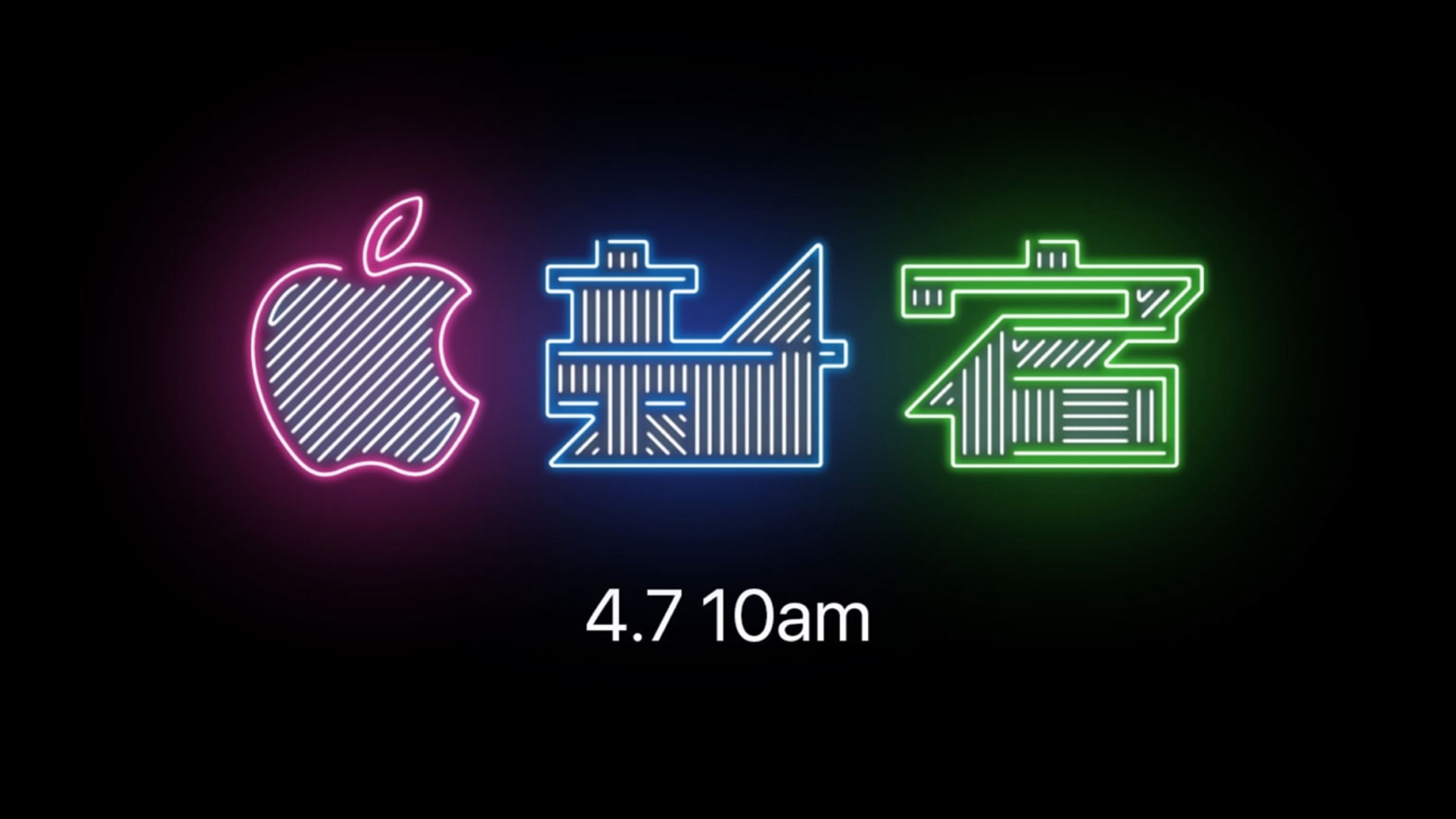

Apple Sets Grand Opening of New Shinjuku Retail Store in Tokyo for April 7th


Apple’s new store in Shinjuku will sell not only Apple Watches, but the company’s entire line of products, making it a much more versatile location. Elsewhere in Japan, Apple Shibuya has been closed for renovations since November 2017.


Source: 9to5mac

Windows
Mac OS
iOS
Linux
3uTools
Win 64-bit For this device
V9.01 2025-12-27
Download
Win 32-bit For this device
V9.01 2025-12-27
Download
3uTools
Intel Chip How to Identify Chip Type
V9.01 2025-12-31
Download
Apple Silicon
V9.01 2025-12-31
Download
How to Identify Chip Type
1.  Click the Apple icon in the top-left corner of the screen and select About This Mac.
2.  Check the Processor or Chip field to determine if it is "Intel" or "Apple".
Please use the 3uTools PC client to install the iOS client:
1、 Install either the Windows or Mac version of 3uTools on your computer
2、 Open the PC client and connect your device to the computer via USB cable
3、 After the connection is successful, wait for the computer to automatically install the mobile app for the device, or locate “Install Mobile App” on the computer and manually click to install.
3uTools
deb file
V3.01 2025-11-20
Download
rpm file
V3.01 2025-11-20
Download
Windows
Windows
iOS
iOS
Android
Android
TV
TV
3uAirPlayer
Win 64-bit For this device
V6.0.2 2025-11-19
Download
Win 32-bit For this device
V6.0.2 2025-11-19
Download
iOS Device Mirroring (No App Required)
1、 Install 3uAirPlayer on the Windows PC
2、 Open Control Center and select Screen Mirroring
3、 From the list, choose your PC to start mirroring
4、 Or connect your iOS device to the PC via USB to begin mirroring
Scan to get "3uAirPlayer" App
3uAirPlayer TV V1.0.18
2025-11-28
TV System Requirements: Android 7.0 or later
Download the TV installation package, copy it to a USB drive, insert it into your TV or set-top box, then select the file from the home screen to install.




