
NEWS

Apple Updates Clips With New Soccer Content

05/22/2018

2385

Apple has updated its Clips app to bring in even more sports-related content.


Today, Apple officially updated its Clips app to version 2.0.4. This is a minor update in the grand scheme of things, not adding any new major forward-facing features, but there is new content to look through. Specifically, Apple is adding soccer (or football, if you prefer) content to the mix.


Clips users will be able to choose a new animated sticker, a new poster, and new label. The pair of latter options will also boast customizable text.
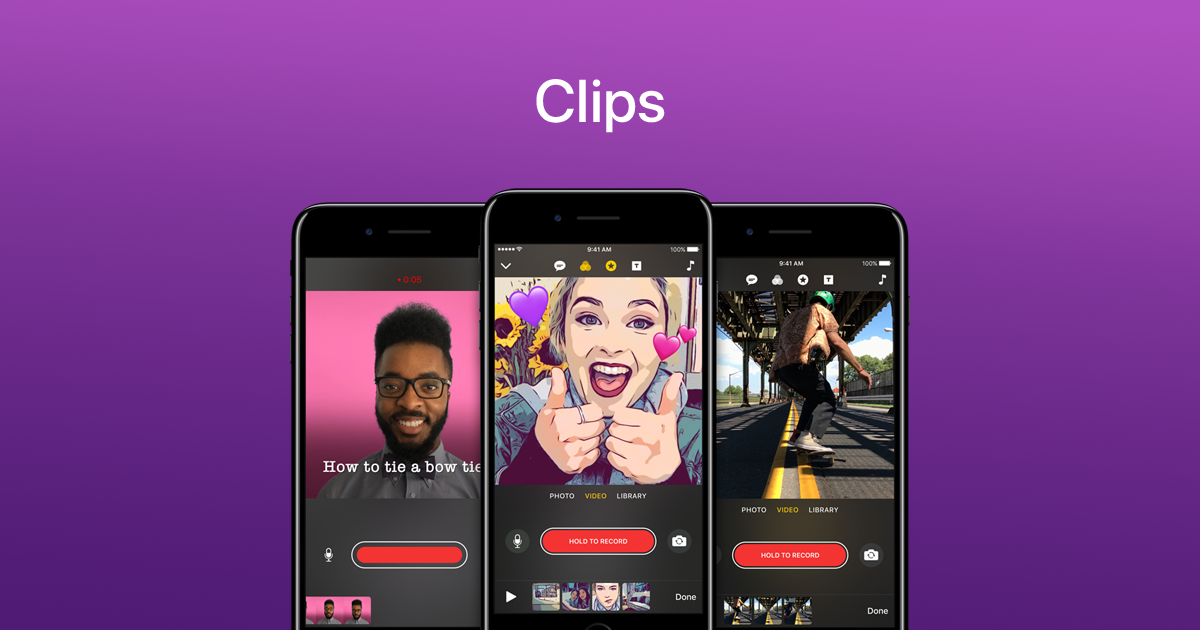

Apple Updates Clips With New Soccer Content


Apple doesn’t necessarily say anything about a reason why it’s adding soccer content to Clips right now, but a safe guess is that it is at least tangentially related to the beginning of the FIFA World Cup, which will kick off next month.


The last time Apple updated the Clips app was November of last year. At the time, the app was updated to version 2.0 and it brought with it a host of new additions, including optimizations for Apple’s newest flagship smartphone, the iPhone X, brand new Star Wars-related stickers, Selfie Scenes, and much more.


As mentioned above, Clips is updated to version 2.0.4 today, so if you already have the app installed the update should be ready to go. If you don’t, there is a link below to download and install the app if you want.


Source: clips

Windows
Mac OS
iOS
Linux
3uTools
Win 64-bit For this device
V9.01 2025-12-27
Download
Win 32-bit For this device
V9.01 2025-12-27
Download
3uTools
Intel Chip How to Identify Chip Type
V9.01 2025-12-31
Download
Apple Silicon
V9.01 2025-12-31
Download
How to Identify Chip Type
1.  Click the Apple icon in the top-left corner of the screen and select About This Mac.
2.  Check the Processor or Chip field to determine if it is "Intel" or "Apple".
Please use the 3uTools PC client to install the iOS client:
1、 Install either the Windows or Mac version of 3uTools on your computer
2、 Open the PC client and connect your device to the computer via USB cable
3、 After the connection is successful, wait for the computer to automatically install the mobile app for the device, or locate “Install Mobile App” on the computer and manually click to install.
3uTools
deb file
V3.01 2025-11-20
Download
rpm file
V3.01 2025-11-20
Download
Windows
Windows
iOS
iOS
Android
Android
TV
TV
3uAirPlayer
Win 64-bit For this device
V6.0.2 2025-11-19
Download
Win 32-bit For this device
V6.0.2 2025-11-19
Download
iOS Device Mirroring (No App Required)
1、 Install 3uAirPlayer on the Windows PC
2、 Open Control Center and select Screen Mirroring
3、 From the list, choose your PC to start mirroring
4、 Or connect your iOS device to the PC via USB to begin mirroring
Scan to get "3uAirPlayer" App
3uAirPlayer TV V1.0.18
2025-11-28
TV System Requirements: Android 7.0 or later
Download the TV installation package, copy it to a USB drive, insert it into your TV or set-top box, then select the file from the home screen to install.




