
NEWS

Apple Confirms it Will Live Stream WWDC Keynote on June 4

05/23/2018

2564

Although Apple didn’t offer a video stream of its March education event, it comes as no surprise that its WWDC stage will be streamed live. Apple confirmed this today with a new banner on the Apple.com homepage, inviting customers to join in on the announcements on June 4.
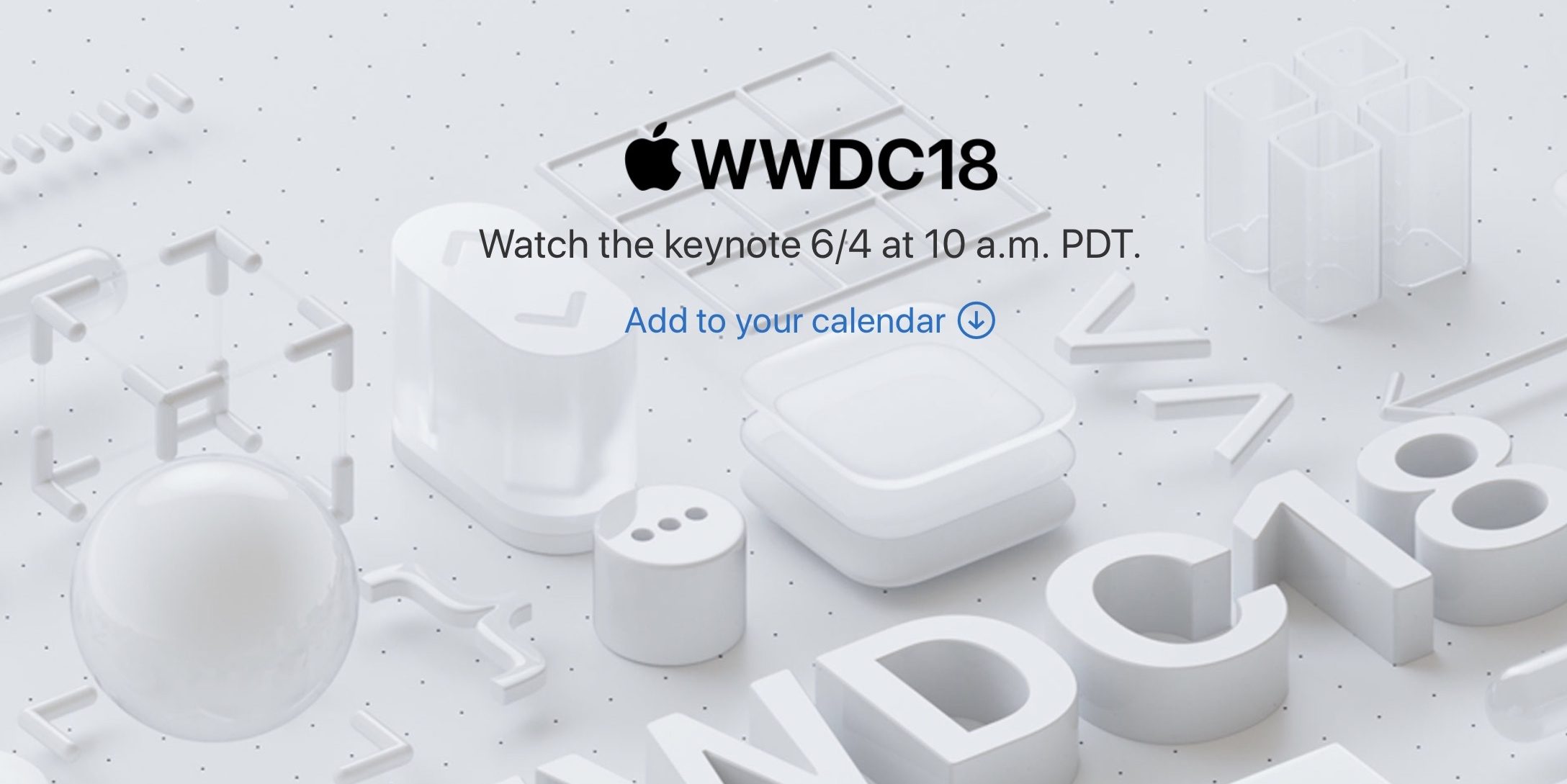

Apple Confirms it Will Live Stream WWDC Keynote on June 4


The event video will be available to watch live from 10 AM Pacific Time on June 4. Apple is expected to announce its next-generation software platforms, headlining new features in iOS 12, macOS 10.14, watchOS 5 and tvOS 12.


The main keynote is really the customer-focused show of the developer conference. The morning presentation focuses on software (and sometimes hardware) announcements aimed at end-users. On Monday afternoon, Apple hosts the developer-centric keynote; the ‘State of the Union’. Live video of this and most other sessions throughout the week will be available to watch at developer.apple.com/wwdc.


Source: 9to5mac

Windows
Mac OS
iOS
Linux
3uTools
Win 64-bit For this device
V9.01 2025-12-27
Download
Win 32-bit For this device
V9.01 2025-12-27
Download
3uTools
Intel Chip How to Identify Chip Type
V9.01 2025-12-31
Download
Apple Silicon
V9.01 2025-12-31
Download
How to Identify Chip Type
1.  Click the Apple icon in the top-left corner of the screen and select About This Mac.
2.  Check the Processor or Chip field to determine if it is "Intel" or "Apple".
Please use the 3uTools PC client to install the iOS client:
1、 Install either the Windows or Mac version of 3uTools on your computer
2、 Open the PC client and connect your device to the computer via USB cable
3、 After the connection is successful, wait for the computer to automatically install the mobile app for the device, or locate “Install Mobile App” on the computer and manually click to install.
3uTools
deb file
V3.01 2025-11-20
Download
rpm file
V3.01 2025-11-20
Download
Windows
Windows
iOS
iOS
Android
Android
TV
TV
3uAirPlayer
Win 64-bit For this device
V6.0.2 2025-11-19
Download
Win 32-bit For this device
V6.0.2 2025-11-19
Download
iOS Device Mirroring (No App Required)
1、 Install 3uAirPlayer on the Windows PC
2、 Open Control Center and select Screen Mirroring
3、 From the list, choose your PC to start mirroring
4、 Or connect your iOS device to the PC via USB to begin mirroring
Scan to get "3uAirPlayer" App
3uAirPlayer TV V1.0.18
2025-11-28
TV System Requirements: Android 7.0 or later
Download the TV installation package, copy it to a USB drive, insert it into your TV or set-top box, then select the file from the home screen to install.




