NEWS

Impressive new Apple Store in Seattle’s University Village Set to Open on June 30th

06/27/2018

2555

Impressive new Apple Store in Seattle’s University Village Set to Open on June 30th


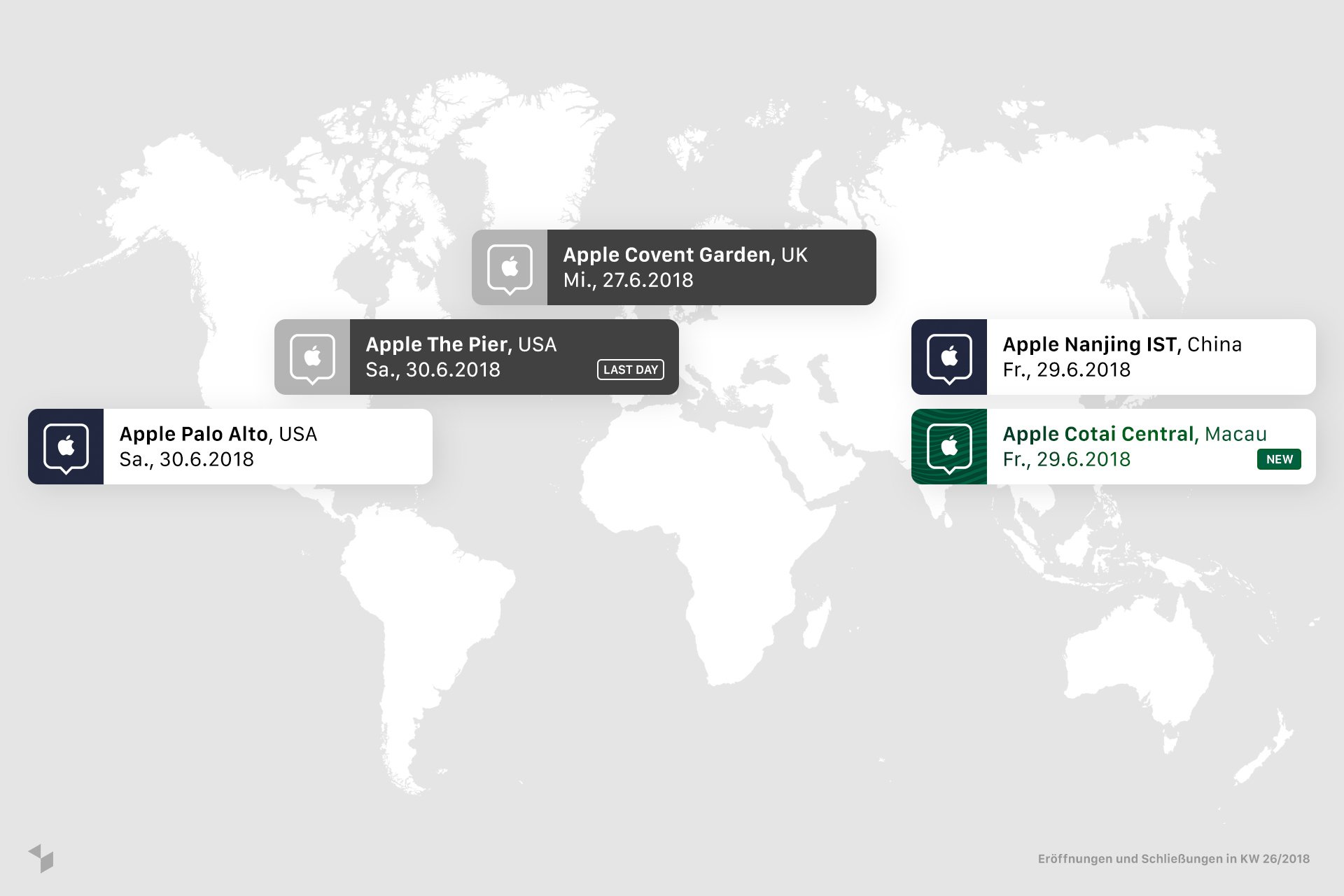
Apple will open a retail store in University Village on Saturday just a few steps from the site it has occupied since 2003, the company confirmed.


The stand-alone store sits on a former parking lot that separated the old Apple store from the Microsoft store.


Earlier plans filed with the city indicated that the ground-level building was likely to be an expanded outlet for the tech giant, but Apple only confirmed as much on Tuesday in anticipation of the weekend opening. Those plans describe a 11,600-square-foot building, including a basement. The retail space was expected to be about 6,321 square feet.


Apple has been redesigning and building stores to emphasize its instructional programs – classes and summer camps for kids to help people learn how to use the company’s software and devices.


Source: seattletimes

Windows
Mac OS
iOS
Linux
3uTools
Win 64-bit For this device
V9.01 2025-12-27
Download
Win 32-bit For this device
V9.01 2025-12-27
Download
3uTools
Intel Chip How to Identify Chip Type
V9.01 2025-12-31
Download
Apple Silicon
V9.01 2025-12-31
Download
How to Identify Chip Type
1.  Click the Apple icon in the top-left corner of the screen and select About This Mac.
2.  Check the Processor or Chip field to determine if it is "Intel" or "Apple".
Please use the 3uTools PC client to install the iOS client:
1、 Install either the Windows or Mac version of 3uTools on your computer
2、 Open the PC client and connect your device to the computer via USB cable
3、 After the connection is successful, wait for the computer to automatically install the mobile app for the device, or locate “Install Mobile App” on the computer and manually click to install.
3uTools
deb file
V3.01 2025-11-20
Download
rpm file
V3.01 2025-11-20
Download
Windows
Windows
iOS
iOS
Android
Android
TV
TV
3uAirPlayer
Win 64-bit For this device
V6.0.2 2025-11-19
Download
Win 32-bit For this device
V6.0.2 2025-11-19
Download
iOS Device Mirroring (No App Required)
1、 Install 3uAirPlayer on the Windows PC
2、 Open Control Center and select Screen Mirroring
3、 From the list, choose your PC to start mirroring
4、 Or connect your iOS device to the PC via USB to begin mirroring
Scan to get "3uAirPlayer" App
3uAirPlayer TV V1.0.18
2025-11-28
TV System Requirements: Android 7.0 or later
Download the TV installation package, copy it to a USB drive, insert it into your TV or set-top box, then select the file from the home screen to install.