 NEWS
NEWS
Apple’s Jimmy Iovine and Dr. Dre Ordered to Pay $25 Million
 06/28/2018
 2771
2771
Way back in 2014, Apple officially acquired Beats, officially bringing the headphone (and stremaing music) company under Apple’s umbrella.
Since then, Apple’s efforts with the Beats brand has been pretty laid back, letting the Beats brand continue on unabated. For its part, Apple released its own truly wireless headphones not too long ago, but the AirPods don’t follow any of Beats signature stylings. That is rumored to be changing in the future, though, with the rumor mill pointing to some high-end over-the-ear headphones coming down the pipe with Apple’s branding on board.
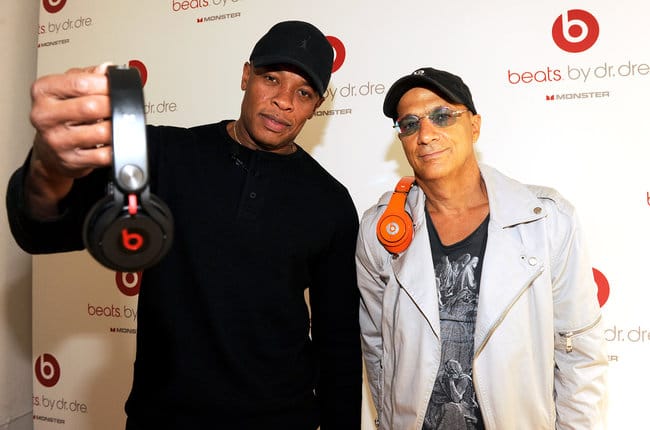
Now, though, it is that definitive Beats design cue that has put Apple’s Jimmy Iovine and Dr. Dre in some hot water. Specifically, dating back to 2016, when Steven Lamar filed against the two because Lamar argued he helped design some Beats headphones. Now, years later, a jury out of the Superior Court of Los Angeles has ruled in favor of Lamar, and ordered Dr and Iovine to pay $25 million in damages.
“A jury on Wednesday decided that Lamar had fulfilled his contract and that the defendants should pay him royalties on the sales of three Beats headphone models, the Studio 2 Remastered, the Studio 2 Wireless and the Studio 3, to the tune of $25,247,350.”
This is another long-running case, though. A settlement was made back in 2007, as Dre and Iovine have both argued in the past that Lamar should only get royalties off the first headphone model, the Beats Studio. But that aforementioned settlement didn’t sit well, as there appeared to be confusion regarding Lamar’s royalties, and whether or not they encompassed just one Beats model, or was “inclusive of the celebrity-endorsed line of headphones that was later released”.
Source: iphonehacks










