 NEWS
NEWS
Former Apple Employee Accused of Stealing Autonomous Car Trade Secrets
 07/11/2018
 2841
2841
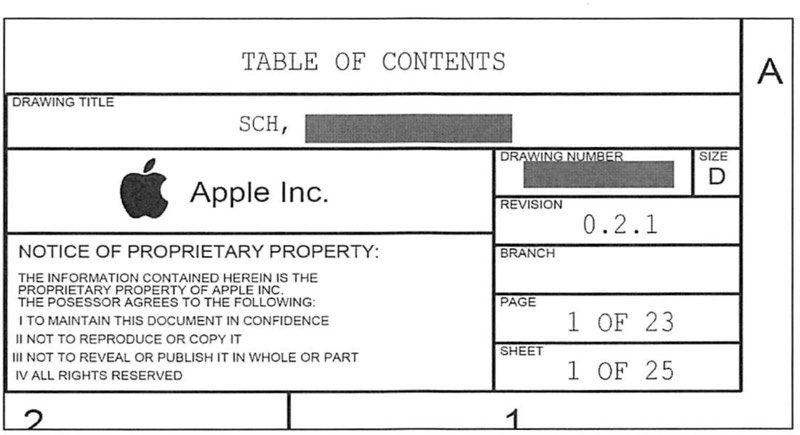
A former Apple employee was arrested over the weekend and is facing federal charges of Theft of Trade Secrets. Xiaolang Zhang, a hardware engineer who recently worked for the company, was arrested on Saturday at San Jose International Airport while attempting to board a flight to China, according to the San Jose Mercury News.
According to the court filing, Zhang was a member of Apple’s self-driving car initiative, Project Titan. While there, the engineer worked on the Compute Team, which was responsible for designing and testing circuit boards. This work granted Zhang access to databases containing trade secrets and sensitively intellectual property.
In April, Zhang visited China while on paternity leave. When he returned to the United States, he resigned from Apple, indicating that he would be moving to China to take care of his ill mother. He told a supervisor he planned on working for Chinese electric car startup XMotors.
When Zhang was leaving Apple and returning company-issued iPhones and a laptop, the company noticed some unusual activity, which indicated Zhang might have downloaded information illegally. He later admitted to “air-dropping” content to his wife’s laptop.
As the San Jose Mercury News concluded, “Authorities say Zhang also allowed his wife’s laptop to be examined and that an examination showed about 60 percent of the data was “highly problematic,” according to the complaint. FBI agents interviewed Zhang on June 27, and authorities say Zhang admitted to taking files from Apple.”
Zhang faces 10 years in prison and a $250,000 fine if convicted.
Source: idb










