 NEWS
NEWS
France Bans Smartphones and Tablets in Schools
 08/02/2018
 3062
3062
Under a new legislation, French students will be prohibited from using smartphones and tablets while at school. The law, which was originally noted in President Emmanuel Macron's election campaign, was elevated to a matter of public health amidst concerns French youth has become super-connected.
France endorsed a blanket ban on smartphone usage for drivers (even those who move to the side of the road) earlier this year, so more action in school settings is not unexpected.
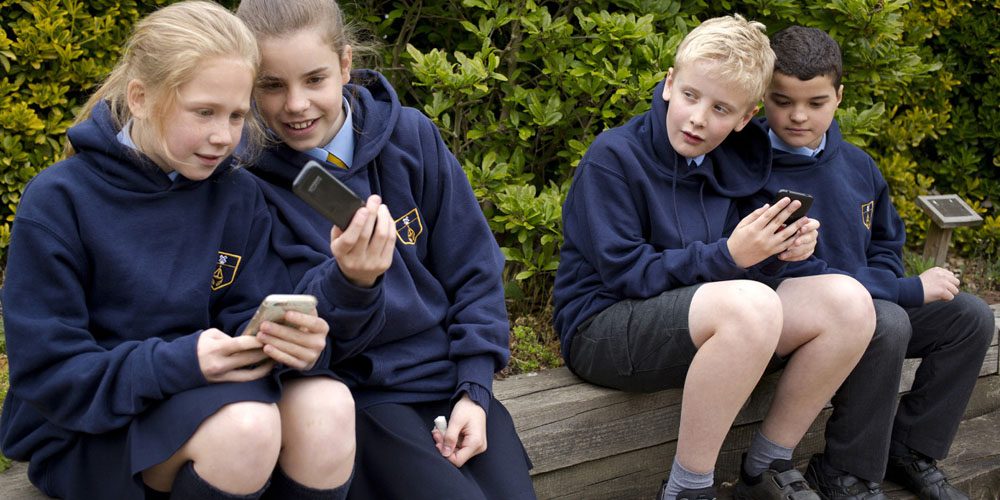
Agence France-Presse reports that a softer ban -- which prevented smartphone usage during class hours -- has already been in practice since 2010. The latest prohibition will completely forbid phone use between classes and even during meal times, although schools have been given the option to make 'pedagogical' exceptions.
Those opposed to the ban previously cited the logistical problems of storing phones, and suggested signal jamming as a possible alternative. But experts fear excessive mobile phone use and the allure of the internet may be fuelling cyber-addiction, sleep disruption and bullying. Speaking with LCI News, France's Education Minister Jean-Michel Blanquer argued mobile phones might be a "technological advance," but they should not "monopolize our lives."
Today, approximately 90 percent of children in France aged between 12 and 17 have access to a smartphone (PDF). Blanquer says the ban "sends a message to French society," but it could be a while before similar measures are adopted in the US. American Federation of Teachers President Randi Weingarten points out that cellphones are "an essential safety and security tool" that can provide reassurance to parents during emergencies.
Source: engadget










