
NEWS

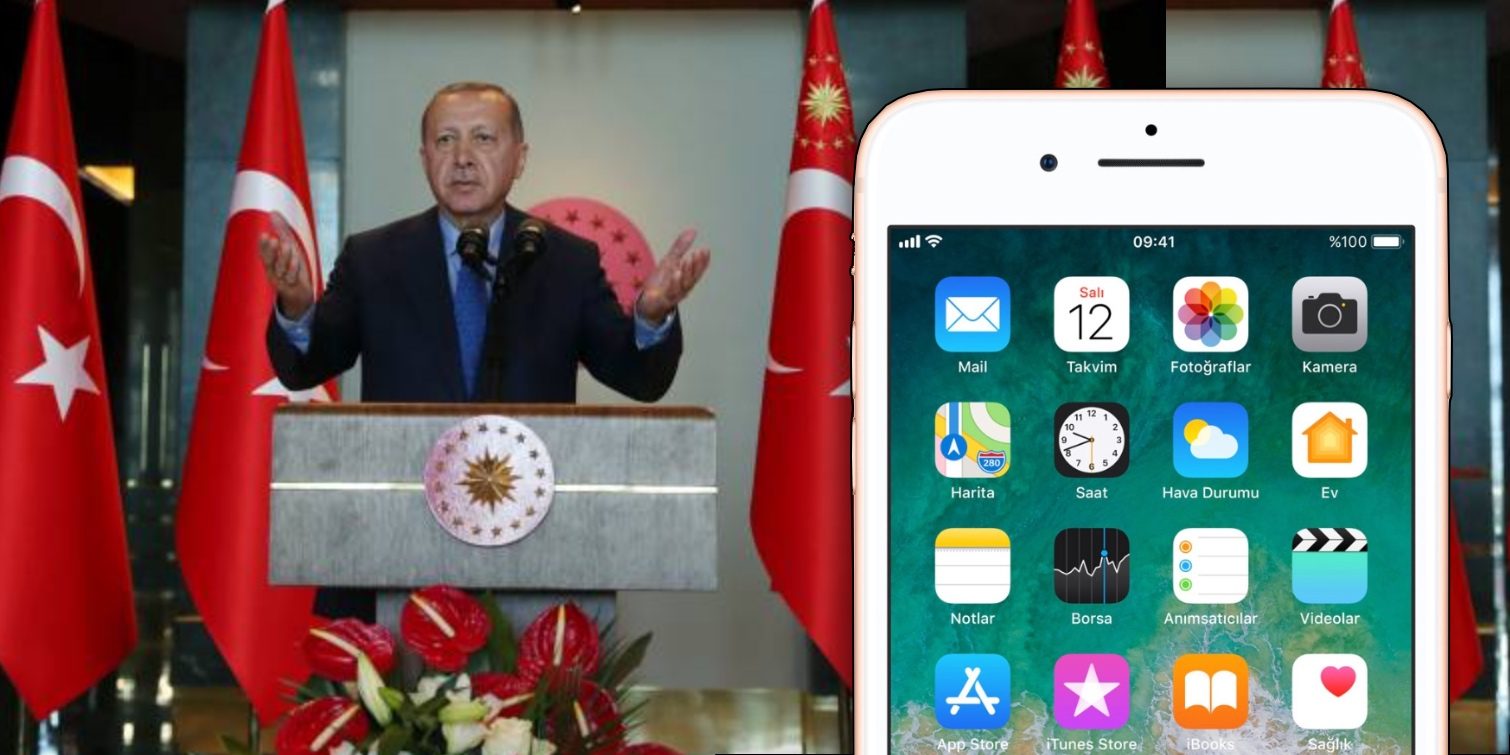
Turkish President Calls for iPhone Boycott

08/15/2018

2382

The president of Turkey Recep Tayyip Erdogan has told his people to stop buying American electronics, specifically noting that Turkish population should switch from iPhones to Samsung devices.


He also promoted the Venus phone by Vestel, a local Turkish smartphone manufacturer. As it stands, Apple iPhone models hold about 15% market share in the region.

Turkish President Calls for iPhone Boycott


The Turkish president has repeatedly claimed that they are the target of an economic war and asked Turks to sell foreign currency and maximise local purchasing to improve economic independence of the country.


Via the Financial Times:


Speaking on Tuesday, the Turkish president vowed that the nation of 81m would no longer buy from Apple or other American technology producers. “If they have the iPhone, there is Samsung on the other side,” he told ruling party members. “In our own country, there is the Venus.”


The US administration has increased tariffs on Turkish metal exports and is sanctioning two Turkish ministers for the handling of a US pastor’s terrorism trial.


Lira, the Turkish currency, crashed this week amidst economic uncertainty. It’s not clear if the president intends to enforce a boycott of US goods, like Apple products, with regulation like tariffs or explicit bans.


Of course, this is not the first time that major political powers have used the iPhone as a bargaining chip. US president Donald Trump tweeted that the US should boycott Apple before coming into office, despite tweeting from an iPhone at the time.


Source: 9to5mac

Windows
Mac OS
iOS
Linux
3uTools
Win 64-bit For this device
V9.01 2025-12-27
Download
Win 32-bit For this device
V9.01 2025-12-27
Download
3uTools
Intel Chip How to Identify Chip Type
V9.01 2025-12-31
Download
Apple Silicon
V9.01 2025-12-31
Download
How to Identify Chip Type
1.  Click the Apple icon in the top-left corner of the screen and select About This Mac.
2.  Check the Processor or Chip field to determine if it is "Intel" or "Apple".
Please use the 3uTools PC client to install the iOS client:
1、 Install either the Windows or Mac version of 3uTools on your computer
2、 Open the PC client and connect your device to the computer via USB cable
3、 After the connection is successful, wait for the computer to automatically install the mobile app for the device, or locate “Install Mobile App” on the computer and manually click to install.
3uTools
deb file
V3.01 2025-11-20
Download
rpm file
V3.01 2025-11-20
Download
Windows
Windows
iOS
iOS
Android
Android
TV
TV
3uAirPlayer
Win 64-bit For this device
V6.0.2 2025-11-19
Download
Win 32-bit For this device
V6.0.2 2025-11-19
Download
iOS Device Mirroring (No App Required)
1、 Install 3uAirPlayer on the Windows PC
2、 Open Control Center and select Screen Mirroring
3、 From the list, choose your PC to start mirroring
4、 Or connect your iOS device to the PC via USB to begin mirroring
Scan to get "3uAirPlayer" App
3uAirPlayer TV V1.0.18
2025-11-28
TV System Requirements: Android 7.0 or later
Download the TV installation package, copy it to a USB drive, insert it into your TV or set-top box, then select the file from the home screen to install.




