
NEWS

Apple Seeds Tenth Beta of iOS 12 to Developers, 8th Beta to Public Beta Testers

08/24/2018

2578

Apple is out with an updated iOS 12 developer beta and a new public beta today, the new build coming just three days after the release of the ninth beta for developers and eight for the public. It an odd hour indeed, but Apple tossed its normal iOS beta schedule out the window long ago.
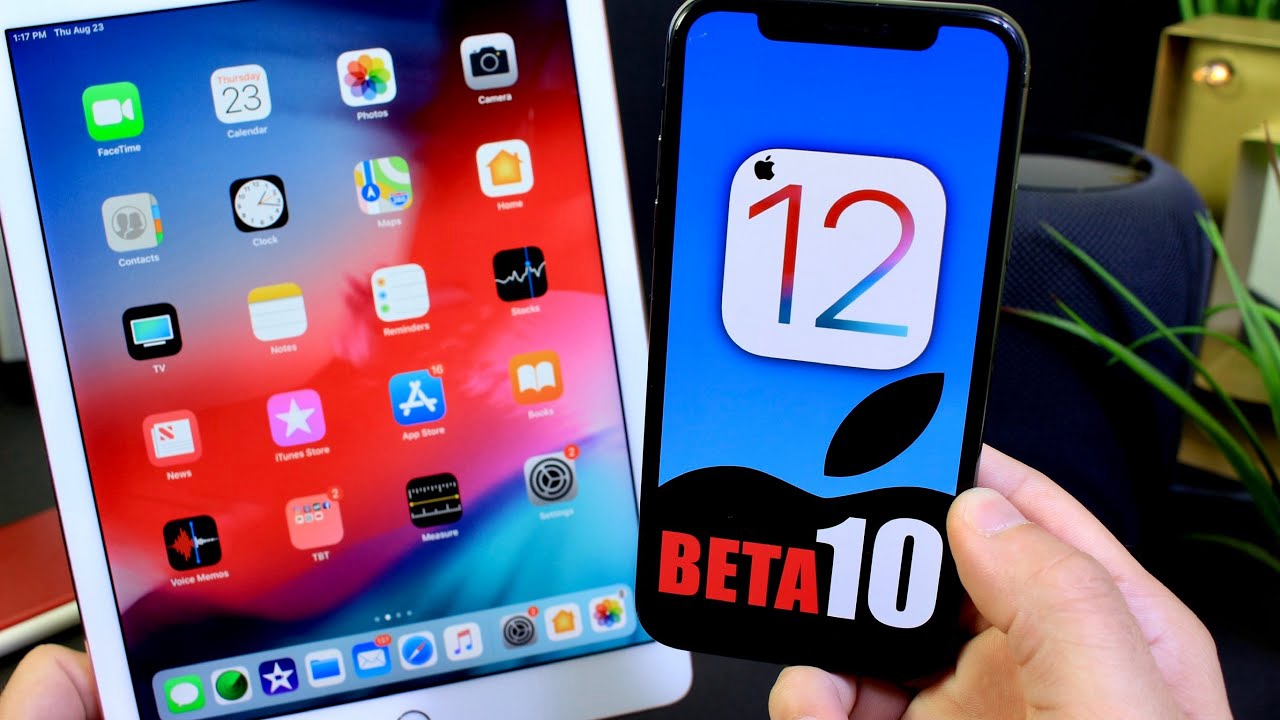

Apple Seeds Tenth Beta of iOS 12 to Developers, 8th Beta to Public Beta Testers


It’s likely that iOS 12 beta 10 (and public beta 8) are likely the very final builds before GM (Golden Master) release next month which Apple will likely release to developers at the end of next-generation iPhone launch event. Final version of iOS 12 will then be released to all consumers in a week from that day.


As for what’s new in iOS 12 in general, iOS 12 brings a number of new features to the table, including Memoji, revamped FaceTime, ARKit 2, and a ton of other features.


If you want to experience this beta version, you can download iOS 12 beta 10 from 3uTools. 


Interestingly, Apple has today released a new beta for iOS 12 only with no such new seed released for watchOS 5, tvOS 12 or macOS Mojave. We will of course let you know if Apple releases any build for these platforms, stay tuned to us for more!


Source: redmond pie

Windows
Mac OS
iOS
Linux
3uTools
Win 64-bit For this device
V9.01 2025-12-27
Download
Win 32-bit For this device
V9.01 2025-12-27
Download
3uTools
Intel Chip How to Identify Chip Type
V9.01 2025-12-31
Download
Apple Silicon
V9.01 2025-12-31
Download
How to Identify Chip Type
1.  Click the Apple icon in the top-left corner of the screen and select About This Mac.
2.  Check the Processor or Chip field to determine if it is "Intel" or "Apple".
Please use the 3uTools PC client to install the iOS client:
1、 Install either the Windows or Mac version of 3uTools on your computer
2、 Open the PC client and connect your device to the computer via USB cable
3、 After the connection is successful, wait for the computer to automatically install the mobile app for the device, or locate “Install Mobile App” on the computer and manually click to install.
3uTools
deb file
V3.01 2025-11-20
Download
rpm file
V3.01 2025-11-20
Download
Windows
Windows
iOS
iOS
Android
Android
TV
TV
3uAirPlayer
Win 64-bit For this device
V6.0.2 2025-11-19
Download
Win 32-bit For this device
V6.0.2 2025-11-19
Download
iOS Device Mirroring (No App Required)
1、 Install 3uAirPlayer on the Windows PC
2、 Open Control Center and select Screen Mirroring
3、 From the list, choose your PC to start mirroring
4、 Or connect your iOS device to the PC via USB to begin mirroring
Scan to get "3uAirPlayer" App
3uAirPlayer TV V1.0.18
2025-11-28
TV System Requirements: Android 7.0 or later
Download the TV installation package, copy it to a USB drive, insert it into your TV or set-top box, then select the file from the home screen to install.




