NEWS

After 1475 Days of Waiting, Apple Unveils new Mac Mini: Quad-core, >32 GB RAM, All SSDs

10/31/2018

2253

After 1475 Days of Waiting, Apple Unveils new Mac Mini: Quad-core, >32 GB RAM, All SSDs


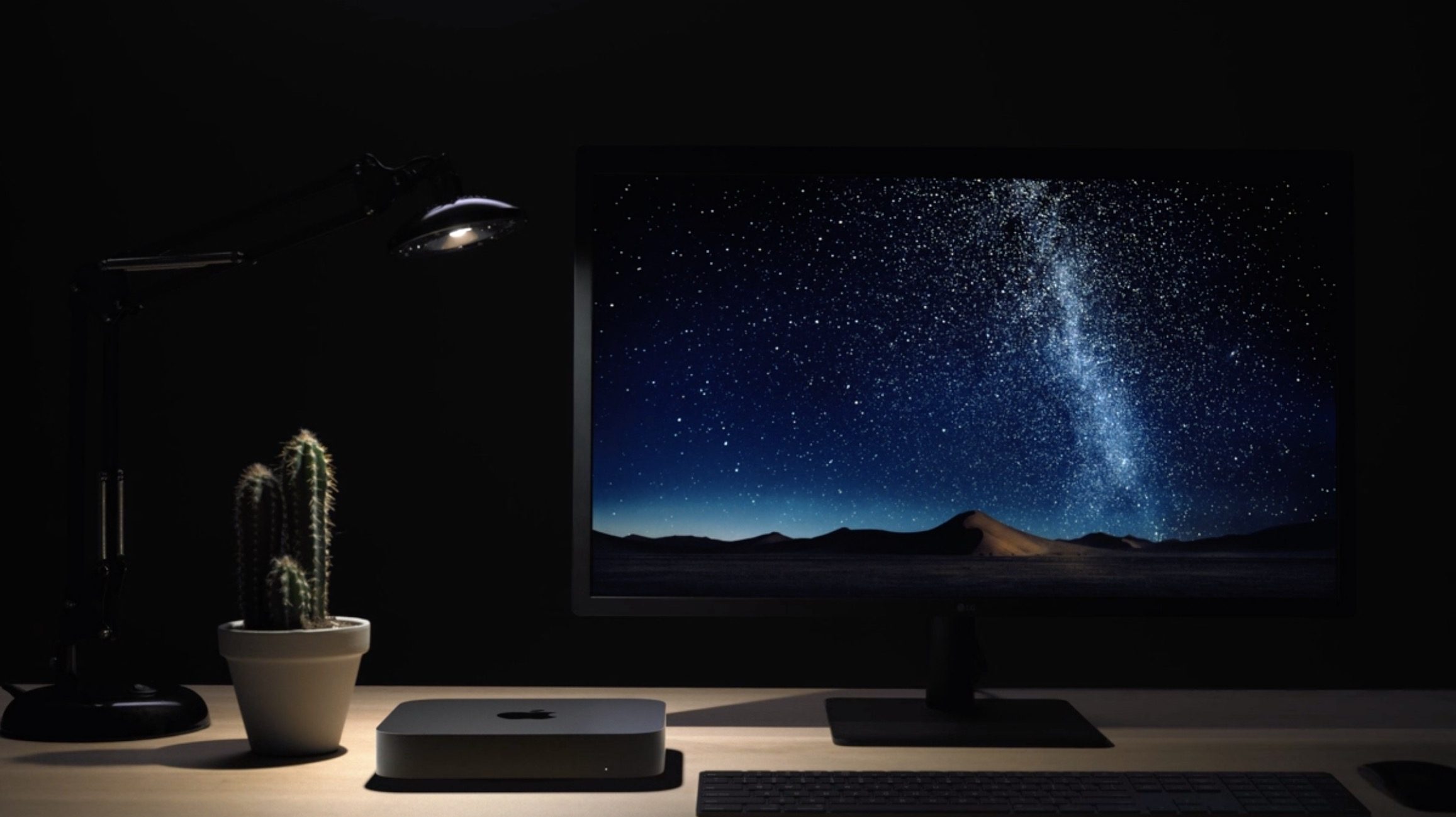
Apple has just unveiled a new Mac mini at its October media event. In a space grey finish, every Mac mini now starts with quad-core CPU configurations. Apple will also offer six-core models for the first time. The new Mac mini can include up to 64 GB RAM, and all models feature solid state drives.


The Mac mini starts at $799, with various build-to-order upgrade options. Orders start today, with first deliveries from November 7.


On the back side, the Mac mini includes an array of ports: gigabit Ethernet, four Thunderbolt 3 ports, HDMI port, and USB-A. You can also configure it with 10 Gigabit Ethernet like the iMac Pro.


The new Mini also features the Apple T2 chip for security. Apple has redesigned the internals for better cooling. Apple is using recycled aluminium for the enclosure and 60% recycled plastics.


The most specced-out Mac mini can feature 64 GB RAM, 4.6GHz 6-core Core i7 CPUs, a 2 TB SDD and 10 Gigabit ethernet.


Fans of the Mac Mini have had to wait for a long time for this update. Before today, the last update to the product was in 2014. With this revision, Apple has dramatically updated the internal components, although the exterior has mostly stayed the same aside from the new space gray finish.


Source: 9to5mac

Windows
Mac OS
iOS
Linux
3uTools
Win 64-bit For this device
V9.01 2025-12-27
Download
Win 32-bit For this device
V9.01 2025-12-27
Download
3uTools
Intel Chip How to Identify Chip Type
V9.01 2025-12-31
Download
Apple Silicon
V9.01 2025-12-31
Download
How to Identify Chip Type
1.  Click the Apple icon in the top-left corner of the screen and select About This Mac.
2.  Check the Processor or Chip field to determine if it is "Intel" or "Apple".
Please use the 3uTools PC client to install the iOS client:
1、 Install either the Windows or Mac version of 3uTools on your computer
2、 Open the PC client and connect your device to the computer via USB cable
3、 After the connection is successful, wait for the computer to automatically install the mobile app for the device, or locate “Install Mobile App” on the computer and manually click to install.
3uTools
deb file
V3.01 2025-11-20
Download
rpm file
V3.01 2025-11-20
Download
Windows
Windows
iOS
iOS
Android
Android
TV
TV
3uAirPlayer
Win 64-bit For this device
V6.0.2 2025-11-19
Download
Win 32-bit For this device
V6.0.2 2025-11-19
Download
iOS Device Mirroring (No App Required)
1、 Install 3uAirPlayer on the Windows PC
2、 Open Control Center and select Screen Mirroring
3、 From the list, choose your PC to start mirroring
4、 Or connect your iOS device to the PC via USB to begin mirroring
Scan to get "3uAirPlayer" App
3uAirPlayer TV V1.0.18
2025-11-28
TV System Requirements: Android 7.0 or later
Download the TV installation package, copy it to a USB drive, insert it into your TV or set-top box, then select the file from the home screen to install.