
NEWS

Apple Begins Selling $29 18W USB-C Power Adapter Separately

12/06/2018

2895

Alongside the new clear case for iPhone XR , Apple is also making the 18W USB-C power adapter bundled with the 2018 iPad Pros available as a separate purchase. This adapter offers a more cost-effective entry point to fast charging for iPhone X, XS, and XR.
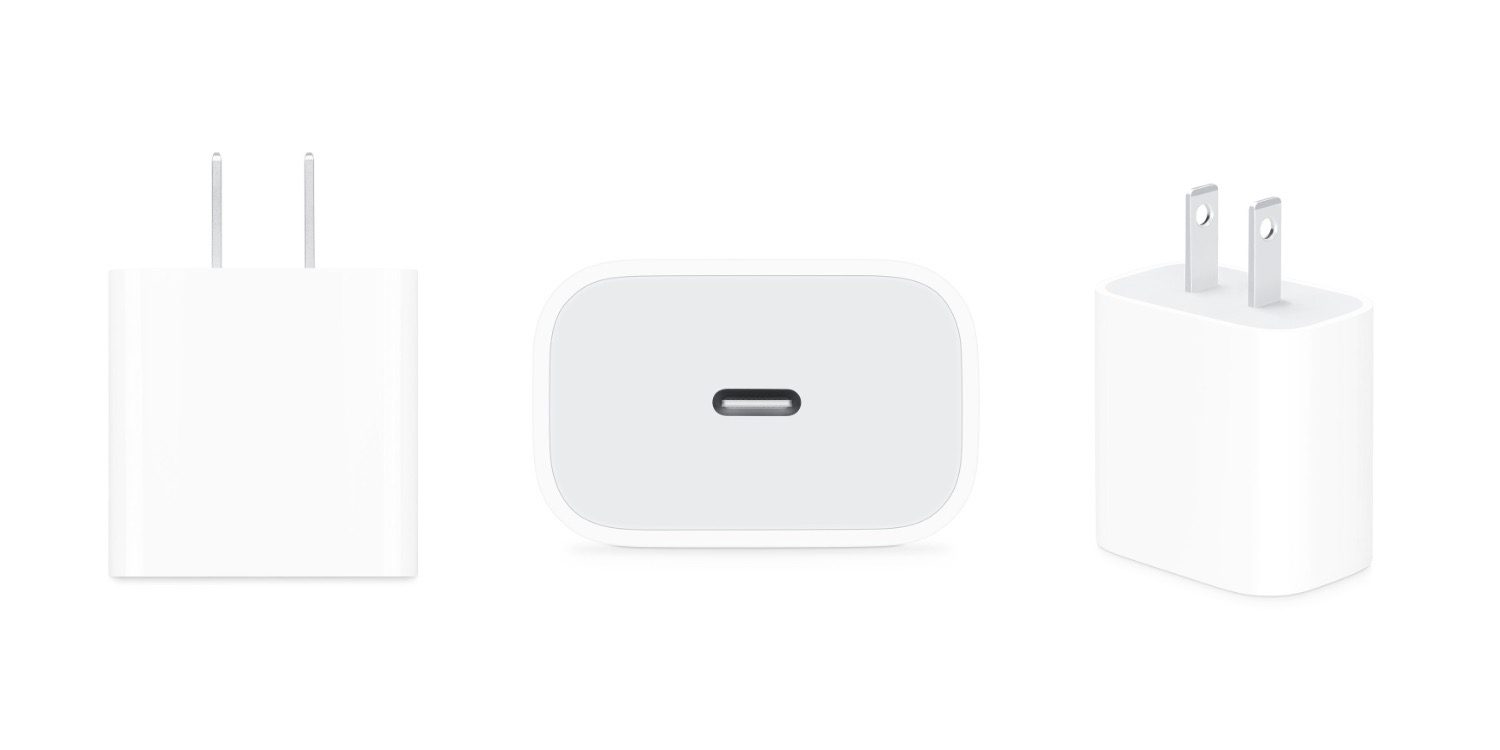

Apple Begins Selling $29 18W USB-C Power Adapter Separately

At a rather steep $29 price tag, the 18W power adapter will charge your 2018 iPad Pro at its standard charging rate, as well as fast charge previous iPad Pros, iPhone 8, iPhone X, or iPhone XS, iPhone XS Max, and iPhone XR devices with a Lightning to USB-C cable (sold separately).


When Apple announced the new iPad Pros at its October event, it was unclear when or if Apple would make this power adapter available as a separate purchase. Unlike Apple’s other high-powered power adapters, the 18W power adapter does not have detachable prongs, which means you can’t add an extension cord nor have a charger suitable for all regions.


At the $29 starting price, you could easily find cheaper power adapters elsewhere.


Source: 9to5mac

Windows
Mac OS
iOS
Linux
3uTools
Win 64-bit For this device
V9.01 2025-12-27
Download
Win 32-bit For this device
V9.01 2025-12-27
Download
3uTools
Intel Chip How to Identify Chip Type
V9.01 2025-12-31
Download
Apple Silicon
V9.01 2025-12-31
Download
How to Identify Chip Type
1.  Click the Apple icon in the top-left corner of the screen and select About This Mac.
2.  Check the Processor or Chip field to determine if it is "Intel" or "Apple".
Please use the 3uTools PC client to install the iOS client:
1、 Install either the Windows or Mac version of 3uTools on your computer
2、 Open the PC client and connect your device to the computer via USB cable
3、 After the connection is successful, wait for the computer to automatically install the mobile app for the device, or locate “Install Mobile App” on the computer and manually click to install.
3uTools
deb file
V3.01 2025-11-20
Download
rpm file
V3.01 2025-11-20
Download
Windows
Windows
iOS
iOS
Android
Android
TV
TV
3uAirPlayer
Win 64-bit For this device
V6.0.2 2025-11-19
Download
Win 32-bit For this device
V6.0.2 2025-11-19
Download
iOS Device Mirroring (No App Required)
1、 Install 3uAirPlayer on the Windows PC
2、 Open Control Center and select Screen Mirroring
3、 From the list, choose your PC to start mirroring
4、 Or connect your iOS device to the PC via USB to begin mirroring
Scan to get "3uAirPlayer" App
3uAirPlayer TV V1.0.18
2025-11-28
TV System Requirements: Android 7.0 or later
Download the TV installation package, copy it to a USB drive, insert it into your TV or set-top box, then select the file from the home screen to install.




