 NEWS
NEWS
Apple Patent Covers AirPower’s ‘Magnetic Vision System’
 01/27/2019
 3325
3325
New patents granted to Apple today reveal some of the possible problems its now-fabled AirPower mat might have needed to resolve before its public release, including what Apple calls a “magnetic vision system”.
Recently, we’ve been hearing reports of AirPower hitting the production stage, however, with Apple still tight-lipped on the product since last year, today’s patents offer another glimmer of hope.
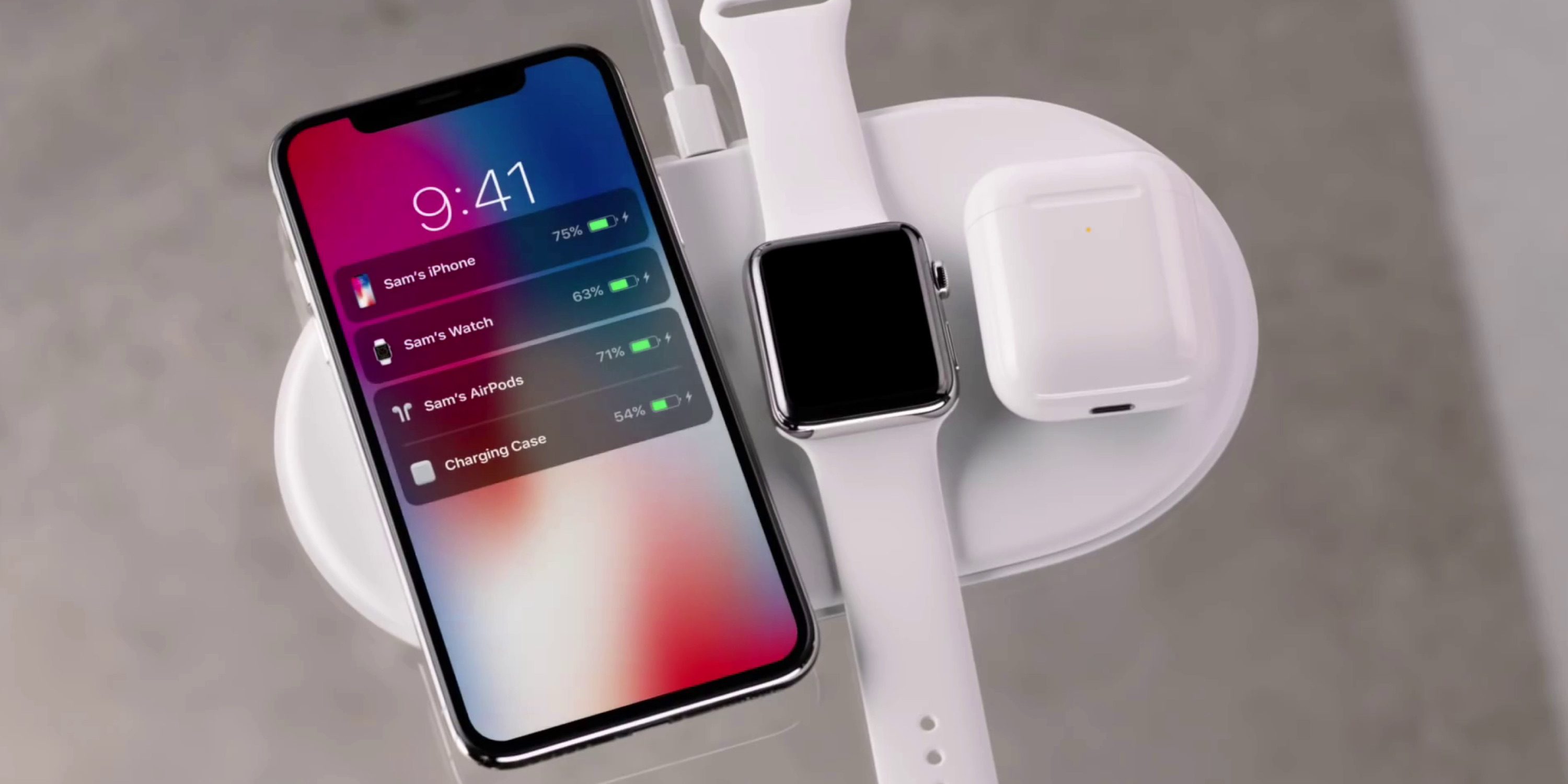
The patents, revealed by PatentlyApple, details how AirPower has what’s being referred to as a “magnetic vision system”, designed to prevent AirPower from being permanently damaged from foreign metal objects making contact with the mat.
One or more of the previously described methods of object detection may perform a Digital Ping to further establish if and what type of object has been. However, it is a concern that such execution of a Digital Ping, (e.g. MiFare proximity transport access card) may cause irreversible damage to certain foreign objects including electronic systems e.g. bus or train proximity ticket cards or NFC credit cards
Additionally, in situations where such a sensitive foreign object (containing an electronic system e.g. RFID) is simultaneously placed with a wirelessly chargeable mobile phone, the object detection system may not successfully detect this foreign object due to the presence of the approved wirelessly chargeable mobile phone.
Ultimately, the solution Apple has determined is when a potentially damaging foreign object is detected on the mat, AirPower will automatically shut down and halt delivering power.
As PatentlyApple points out, Apple most likely discovered the late-stage issue in the testing phase of the product, and dealing with foreign objects damaging the charging capabilities might have been a more difficult task than initially imaged.
Whether it’s all speculation or AirPower truly does finally reach consumer hands with this “magnetic vision” remains to be seen, however, tell us if you’re still holding out hope for the charging mat in the comments section below!
Source: 9to5mac










