 NEWS
NEWS
Apple Stops Signing iOS 12.1.1 Beta 3, Downgrade for Jailbreak No Longer Possible
 03/07/2019
 5104
5104
Apple has officially stopped internally signing iOS 12.1.1 beta 3. The decision means that would-be jailbreakers are no longer able to roll back their firmware from iOS 12.1.3/12.1.4 in order to successfully jailbreak using unc0ver v3.0.0.
The world of iOS jailbreaking is so complex and varied at the moment that it’s in danger of becoming extremely convoluted and leaving the average user behind if they don’t take the time to be continually keeping abreast changes.
This latest change on Apple’s side means that any attempt to downgrade or install the third beta of iOS 12.1.1 will immediately fail as Apple is no longer recognizing iOS 12.1.1 beta 3 as an available and valid build. Under normal circumstances, this wouldn’t cause a problem but it’s going to be a huge blocker for would-be jailbreakers.
If you were sitting on iOS 12.1.3 or iOS 12.1.4 but had previously decided that you would be happy to sacrifice those changes and improvements in favor of a jailbreak, then it was possible to go through the process of downgrading to iOS 12.1.1 beta 3. This was particularly relevant because Apple was stilling signing that firmware version but also because unc0ver version 3.0.0 actually supported it from a jailbreak perspective. It was a perfect match made in heaven. Downgrade with Apple’s blessings and then jailbreak to achieve liberation.
Now though that’s no longer possible, meaning those who are on iOS 12.1.3 or 12.1.4 will need to stay there and wait extremely patiently to see if there is even the smallest chance that a vulnerability or exploit can be found which supports those latest versions of iOS.
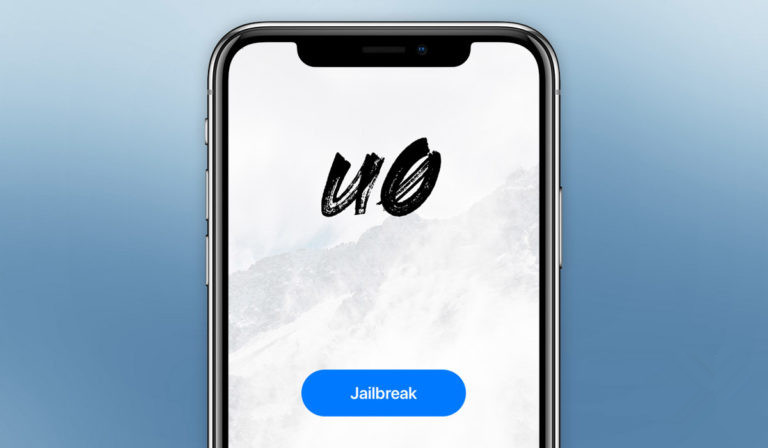
Apple would have had its own reasons for keeping the signing window of iOS 12.1.1 beta 3 open for this prolonged period of time. Now, however, those reasons no longer suit the company at an internal level, which has led to the window of opportunity being closed. As we already know, the cat and mouse game between Apple and jailbreakers means that Apple will take great pleasure in putting up a concrete wall as far as jailbreaking goes.
It’s now up to the community to do what it does best and what it has done so consistently over the years: find a solution to get through, over, or around Apple’s wall.
Source: redmond pie










