 NEWS
NEWS
Apple Will Reportedly Launch AR Glasses Powered by iPhone Within a Year
 03/11/2019
 2798
2798
Apple typically takes its sweet time to enter new product categories, but the wait may soon be over. According to the prolific analyst Ming-Chi Kuo, Apple is planning to launch its first augmented reality hardware by the second quarter of 2020. Apple’s AR glasses have been repeatedly rumored over the years, but Kuo believes that mass production could begin as soon as the fourth quarter of this year, but the middle of next year at the latest.
Apple’s first-generation AR glasses will apparently be an iPhone accessory, rather than a standalone product. In other words, it will serve as a display, with the iPhone handling the computing, networking, and positioning. Presumably, the AR glasses will connect to an iPhone wirelessly, but this isn’t stated explicitly in the report.
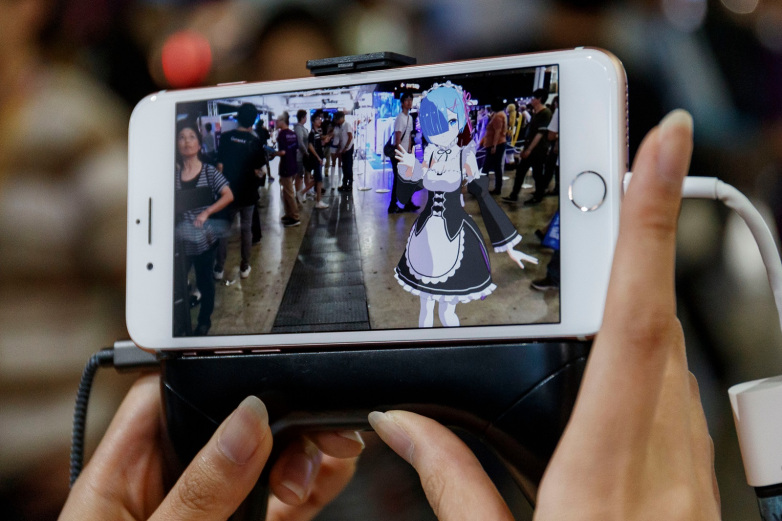
On one hand, these concessions will keep the device light, portable, and comfortable to wear, but on the other, it might drain your battery faster than Pokemon Go. Nevertheless, there isn’t exactly a booming market at the moment for AR or VR glasses that are compatible with the iPhone, so this will allow Apple to test the waters without investing in a product as complex, unwieldy, or expensive as the Oculus Go and its ilk.
It’s worth noting that the details of Kuo’s report line up perfectly with a Bloomberg story from over a year ago which claimed that Apple would have the technology for an AR headset ready by 2019, with the intention of launching the device in 2020. That story also discussed an entirely new platform called rOS (reality operating system) which would run on the headset. If Kuo’s report is to be believed, the plans to give the AR headset its own operating system may have been shelved, but either way, the release timing appears to be unchanged on Apple’s end.
Source: bgr










