 NEWS
NEWS
Apple Has Cancelled the AirPower Product
 04/01/2019
 3153
3153
Apple has cancelled the AirPower product completely, citing difficulty meeting its own standards.
“After much effort, we’ve concluded AirPower will not achieve our high standards and we have cancelled the project. We apologize to those customers who were looking forward to this launch. We continue to believe that the future is wireless and are committed to pushing the wireless experience forward,” said Dan Riccio, Apple’s senior vice president of Hardware Engineering in an emailed statement today.
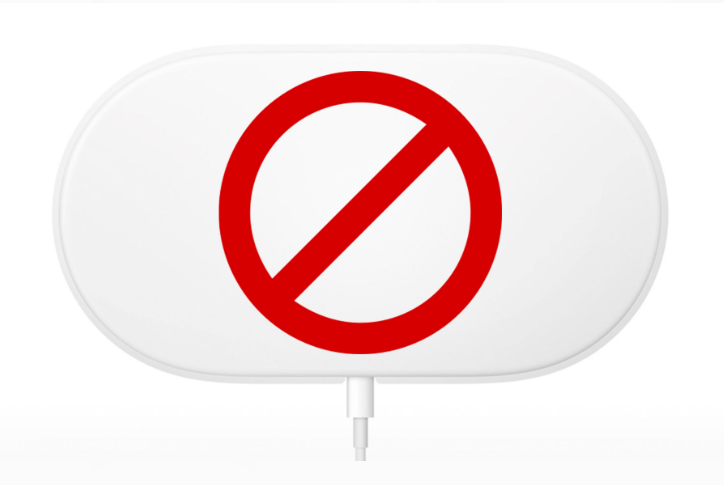
After a delay of over a year since it was first announced in September of 2017, the AirPower charging mat has become something of a focal point for Apple’s recent habit of announcing envelope tickling products and not actually shipping them on time. The AirPods, famously, had a bit of a delay before becoming widely available and were shipped in limited quantities before finally hitting their stride and becoming a genuine cultural moment.
AirPower, however, has had far more time to marinate in the soup of public opinion since it was announced. Along with recent MacBook keyboard troubles, this has functioned as a sort of flashpoint over the discussion that something isn’t right with Apple’s hardware processes.
There have been other scenarios where Apple has pushed the hardware envelope hard and managed to pull it off and ship them, the iPhone 7 Plus, its first with a twin-lens system, being one that jumps to mind. Apple had a fallback plan in a single-lens version but at some point had to commit and step off a ledge to get it done in time to ship — even though knowing they still had problems to solve. Apple has done this many times over the years, but has managed to ship a lot of them.
AirPower, however, was the other kind of case. The project was apparently cancelled so recently that boxes of the new AirPod cases even have pictures of AirPower on them and the new AirPod sets have mentions of AirPower.
This is a very, very rare public misstep for Apple. Never, throughout the discussion about when AirPower might be released, did the overall trend of the discussion lean toward “never.” That’s a testament to the ability of its hardware engineering teams to consistently execute features that seemed to be nearly impossible over the years. In this case, it appears that the engineering issues have proven, at least at this point, insurmountable.
The fact of the matter is that hardware is, well, hard. The basic concepts of wireless charging are well known and established, but by promising the ability to place multiple devices anywhere on a pad, allowing them to charge simultaneously while communicating charge levels and rates, Apple set its bar incredibly high for AirPower. Too high, in this case.
Source: techcrunch










