 NEWS
NEWS
Apple Music in China seemingly censored to remove reference to Tiananmen Square massacre
 04/11/2019
 3201
3201
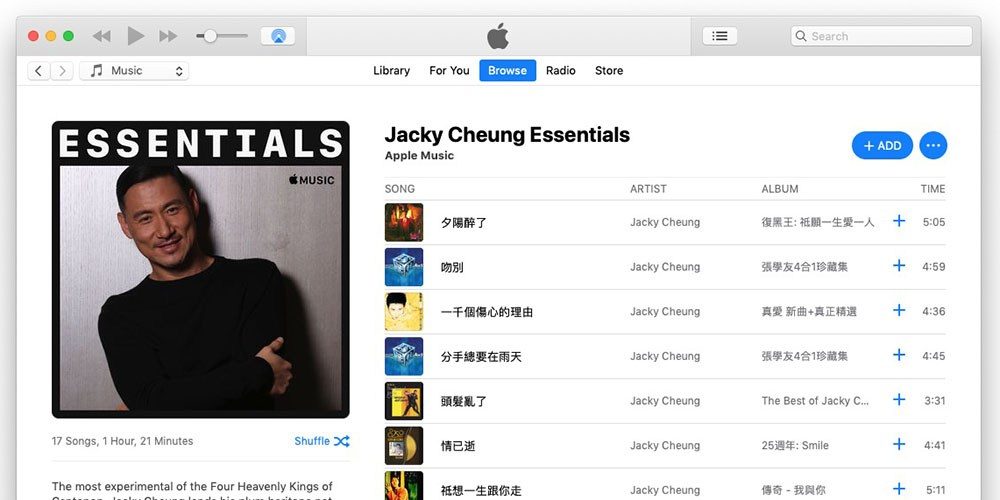
A song referencing the Tiananmen Square massacre has been removed from Apple Music. The song by hit Hong Kong singer Jacky Cheung disappeared from the streaming music service over the weekend.
At his peak, Cheung outsold Madonna and was second only to Michael Jackson in record sales.
Titled The Path of Man, the missing song was the theme music to a 1990 film A Chinese Ghost Story II…
Hong Kong Free Press reports.
According to the late James Wong, who penned the lyrics, parts of the song were directly referring to the 1989 Tiananmen Square crackdown.
“The youth are angry, heaven and earth are weeping… How did our land become a sea of blood? How did the path home become a path of no return?” the lyrics read.
Chinese netizens reported over the weekend that the song was missing from Apple Music’s China service. Its removal was verified by Stand News, and the song was also nowhere to be seen on Tencent’s streaming service QQ Music.
The move has fueled speculation that the Chinese government was ramping up efforts to censor mentions of the June 4th incident, as this year would mark the 30th anniversary of the massacre.
Jacky Cheung isn’t the only artist to have been impacted.
"Last week, netizens also discovered that the songs of Hong Kong singer Anthony Wong were taken down from Apple Music’s China service. All songs from his band Tat Ming Pair were removed, except for one titled “Do you still love me?”
The songs of Hong Kong pro-democracy singer Denise Ho were similarly delisted, with the singer’s name not showing up in searches at all."
The songs remain available elsewhere, including, interestingly, Hong Kong.
It’s not the first time Apple has had to remove content from its online stores in the country. When China outlawed VPN apps, Apple was forced to remove more than 400 of them from the local App Store, and later had to remove Skype too.
Should Apple not comply with such ‘requests,’ the Chinese government is unlikely to shrug and accept it. Back in 2016, China shut down the iTunes Movie Store and Book Store.
This latest development is just another example of Apple’s difficult relationship with the Chinese government. In one particularly controversial move, Apple was required to move the iCloud data of Chinese citizens to a data center managed by a local company affiliated to the government. Apple provided assurances at the time that there would be no back-door access, but careful wording can hide the true position.
Source: 9to5mac










