 NEWS
NEWS
Apple Stock Gets Another Downgrade to Sell
 04/16/2019
 2547
2547
For the second time this week, an analyst has slapped a bearish rating on Apple Inc.’s stock.
New Street Research analyst Pierre Ferragu downgraded Apple AAPL, -0.04% shares to sell from neutral on Friday, writing of his concerns about iPhone demand trends.
“The air pocket we anticipated for 2019 is now real, and numbers suggest the iPhone first-hand installed base is now ex-growth,” said Ferragu.
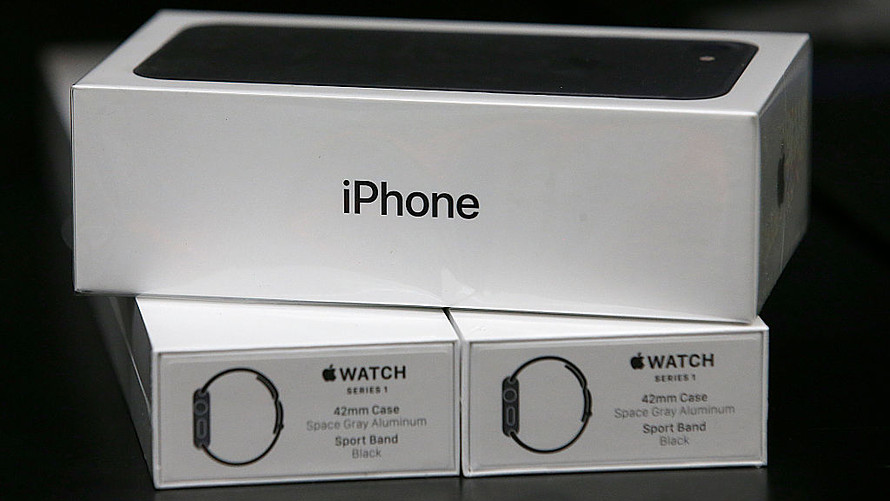
He argued that while analysts have brought down their revenue expectations for Apple this year, the consensus view still looks too optimistic about a recovery in the fiscal third quarter, which ends in June. That’s based on his understanding of prior iPhone cycles.
Don’t miss: Apple’s hardware reputation will be ‘hard to shake,’ Credit Suisse says in neutral initiation
“In the [fiscal-year 2016] air pocket following the iPhone 6S+ launch, iPhone shipments started recovering against typical seasonality only in [fiscal fourth-quarter 2016], but consensus now expects iPhone shipments to recover in [fiscal third-quarter 2019], over 4 points above typical seasonality, and further recovery in [fiscal fourth-quarter 2019],” Ferragu wrote. “We see a risk on [fiscal third-quarter 2019] shipments, and expect a recovery only in [fiscal fourth-quarter 2019] as observed in [fiscal-year 2016].
There’s been optimism on Wall Street lately about Apple’s services business, as the company starts to provide a bit more disclosure about this faster-growing area of the business and prepares to launch a suite of new subscription services later in the year. Ferragu is less upbeat than some other analysts.
“Positive sentiment on services and potentially good numbers on that front could save the day, but don’t create a material upside risk on today’s valuation,” he wrote.
Earlier this week, HSBC downgraded Apple’s stock to reduce from hold. Shares are up 0.1% in morning trading on Friday, and they’ve gained 31% over the past three months.
Source: marketwatch










