 NEWS
NEWS
Apple could Make the iPhone's NFC More Useful at WWDC
 04/23/2019
 2696
2696
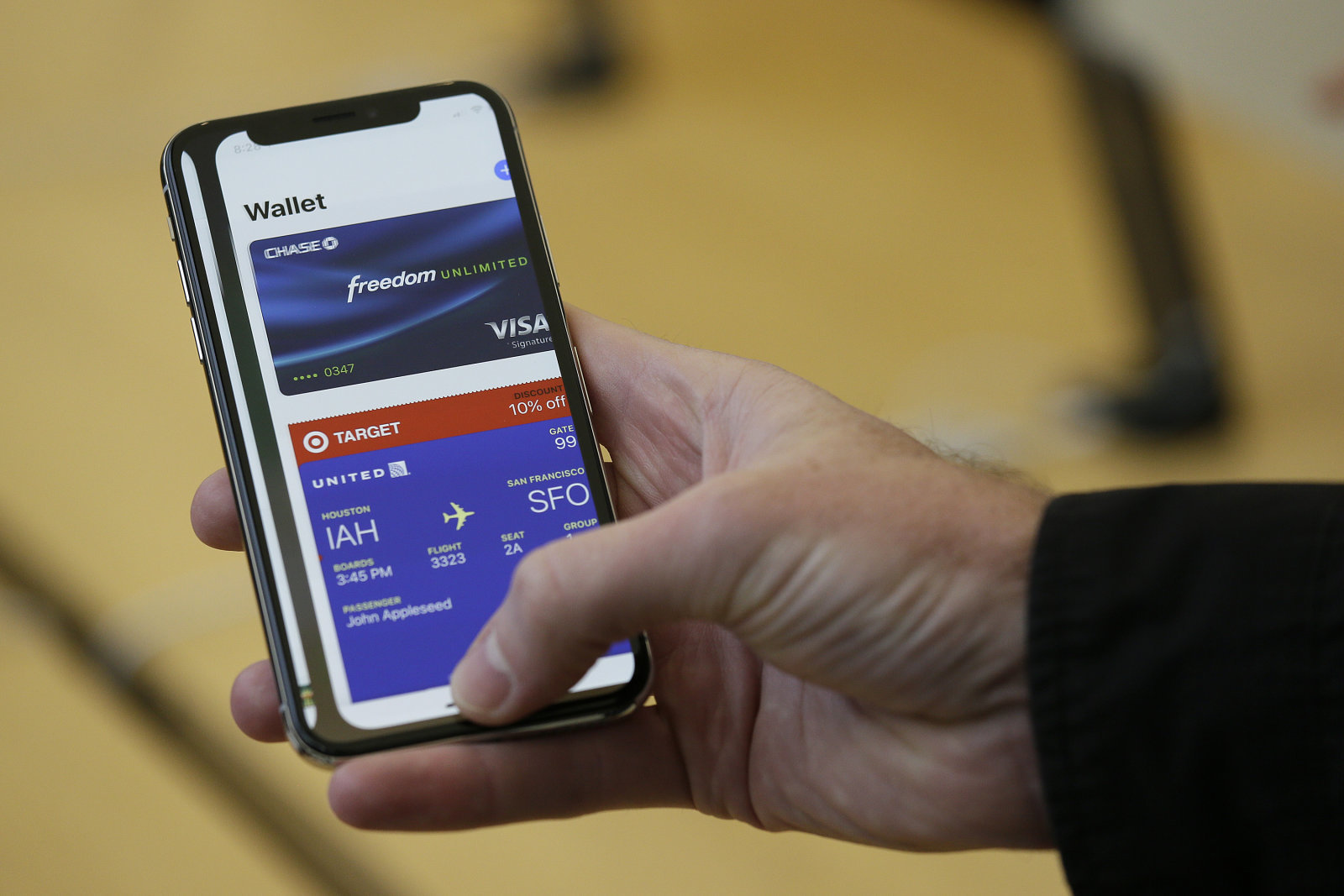
Apple has a lot in the cards for WWDC, and that might include improvements for cards. The 9to5Mac team and Steve Troughton-Smith claim to have details of developer-friendly updates that will be unveiled in early June, and NFC support would be in line for a serious upgrade. App developers will finally have the option to read NFC tags based on ISO 7816 (usually ID and access cards), FeliCa (Japan's tap-based system) and MiFare (a popular mass transit format). In other words, you might use your iPhone to enter your office or hop aboard a bus in many cities.
This may also lay the groundwork for Apple's rumored Tile-like tracking tag, although there's nothing strictly linked to trackers in the leak.
This wouldn't be the only developer-focused addition, of course. Siri would support a host of new intents for third-party apps, such as media controls (for third-party services on the HomePod, perhaps?), search, voice calling and travel information. There's also talk of a "brand new" framework for augmented reality, including an app that allows creating AR experiences visually instead of through raw code. Developers could make better use of the Taptic Engine in newer Apple devices, and Marzipan (Apple's iOS-to-Mac app framework) would let developers use Mac-specific features like the menu bar and multiple windows.
There are still plenty of unknowns about Apple's intentions for iOS and macOS at WWDC, including the possibility of major interface overhauls. Hardware news, if any, is a mystery as well. If the sources are on the mark, though, there will be some genuinely functional improvements that might not be flashy, but could have a far-reaching impact on how you use your devices.
Source: engadget










