NEWS

iOS 13 Will Bring New Animoji to iPhone

04/23/2019

2770

iOS 13 Will Bring New Animoji to iPhone


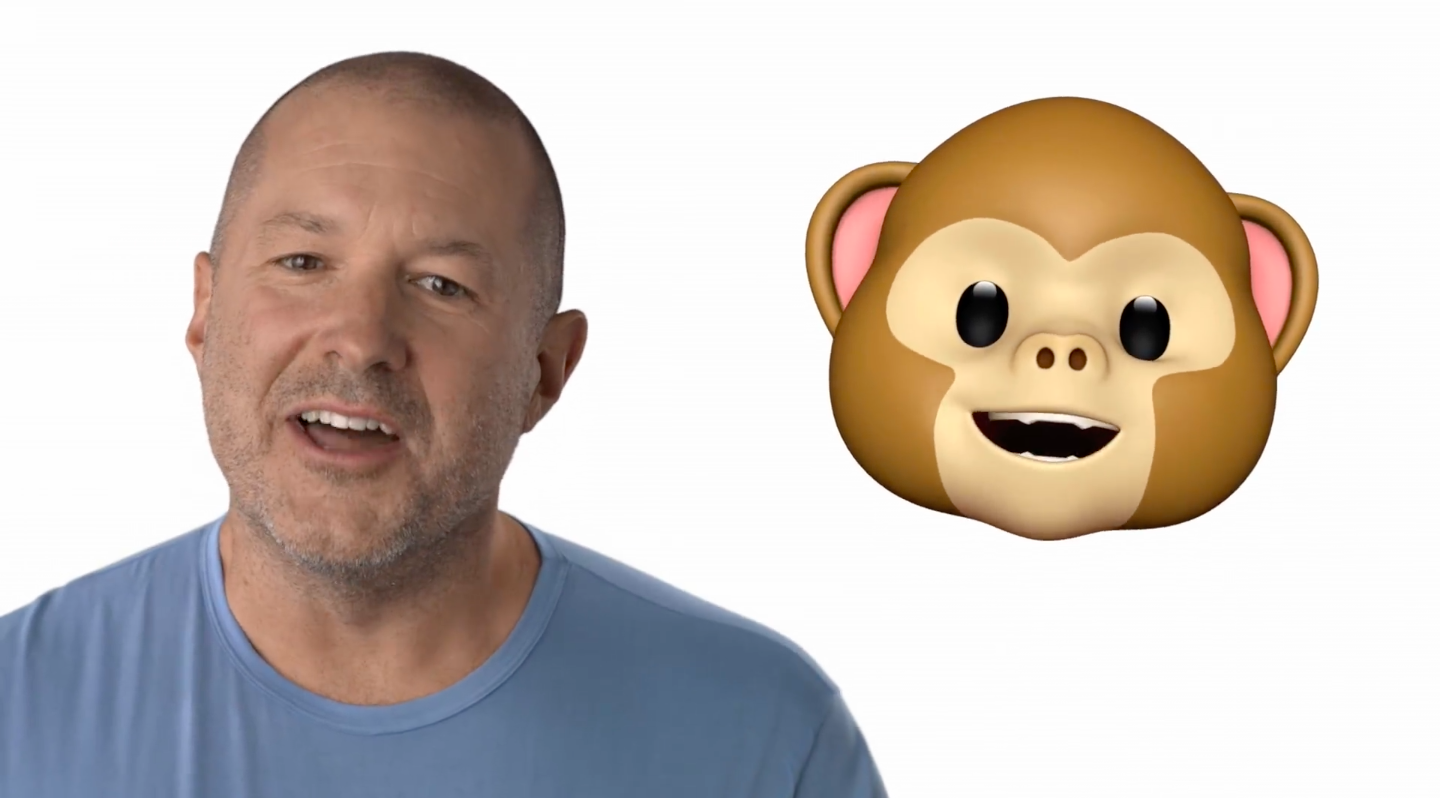
iPhone owners can expect to get a new batch of Animoji characters later this year according to newly leaked details regarding Apple’s iOS 13 update.


After revealing Animoji as a feature on the iPhone X, Apple has been slowly updating its library of characters over the last few years. The last iOS 12.2 update added new characters for giraffe, shark, boar and owl and it appears that we’ll get at least four more fun characters to play with later this year


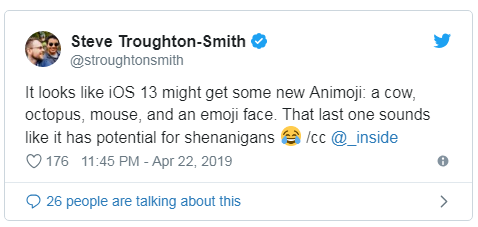
iOS developer Steven Troughton-Smith has been doing some investigating into iOS 13 and claims that we’ll be getting new four new characterS: cow, octopus, mouse and an emoji face.

iOS 13 Will Bring New Animoji to iPhone


The mouse Animoji could be particularly interesting. Some fans are theorizing that it could be a Mikey Mouse Animoji in partnership with Disney. Apple already has Mickey Mouse and Minnie Mouse clock faces on Apple Watch, so it’s not too much of stretch to think they could bust out something different.


Creating licensed Animoji from Disney or Pixar’s brands could be an interesting idea. It makes us wonder if maybe someday Apple would open up Animoji to third-party developer to create (and maybe sell) their own.


It’s unclear if the four new Animoji will arrive with iOS 13 or be included in the first iOS 13.1 update. We’ll find out more when Apple unveils iOS 13 at WWDC 2019 on June 3 in San Jose.


Source: cult of mac

Windows
Mac OS
iOS
Linux
3uTools
Win 64-bit For this device
V9.01 2025-12-27
Download
Win 32-bit For this device
V9.01 2025-12-27
Download
3uTools
Intel Chip How to Identify Chip Type
V9.01 2025-12-31
Download
Apple Silicon
V9.01 2025-12-31
Download
How to Identify Chip Type
1.  Click the Apple icon in the top-left corner of the screen and select About This Mac.
2.  Check the Processor or Chip field to determine if it is "Intel" or "Apple".
Please use the 3uTools PC client to install the iOS client:
1、 Install either the Windows or Mac version of 3uTools on your computer
2、 Open the PC client and connect your device to the computer via USB cable
3、 After the connection is successful, wait for the computer to automatically install the mobile app for the device, or locate “Install Mobile App” on the computer and manually click to install.
3uTools
deb file
V3.01 2025-11-20
Download
rpm file
V3.01 2025-11-20
Download
Windows
Windows
iOS
iOS
Android
Android
TV
TV
3uAirPlayer
Win 64-bit For this device
V6.0.2 2025-11-19
Download
Win 32-bit For this device
V6.0.2 2025-11-19
Download
iOS Device Mirroring (No App Required)
1、 Install 3uAirPlayer on the Windows PC
2、 Open Control Center and select Screen Mirroring
3、 From the list, choose your PC to start mirroring
4、 Or connect your iOS device to the PC via USB to begin mirroring
Scan to get "3uAirPlayer" App
3uAirPlayer TV V1.0.18
2025-11-28
TV System Requirements: Android 7.0 or later
Download the TV installation package, copy it to a USB drive, insert it into your TV or set-top box, then select the file from the home screen to install.