 NEWS
NEWS
Apple Engineering Leader Handling 5G Efforts Leaves Company
 04/30/2019
 2684
2684
Rubén Caballero, a hardware engineering executive at Apple who worked with suppliers on modem hardware, recently left the company, reports The Information.
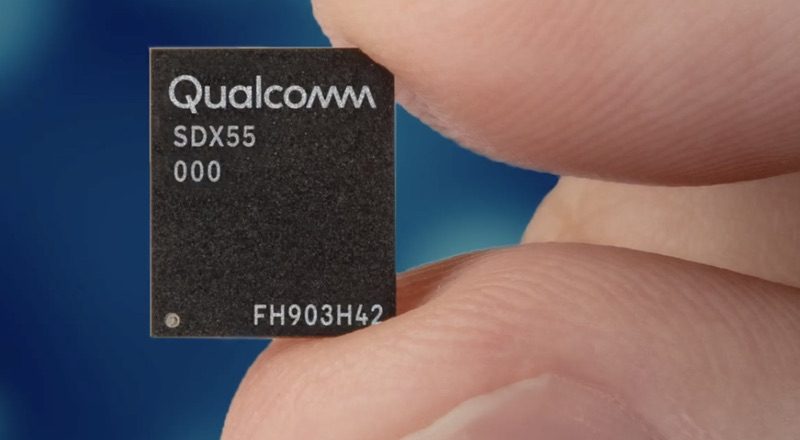
Caballero's departure comes just after Apple settled its lawsuit with Qualcomm and inked a deal that will see Qualcomm supplying chips for future Apple devices, including the 5G chips Apple will need for its 2020 iPhones.
Caballero joined Apple back in 2005, and his name has been included on hundreds of Apple patents related to wireless technologies. Caballero is a well-known part of Apple's antenna engineering group, gaining public recognition following the "Antennagate" situation that impacted the iPhone 4.
A person familiar with Caballero's work at Apple told The Information that he had been responsible for "leading Apple's charge into 5G." Caballero's email address is no longer valid, his phone number is no longer active, and he does not appear in Apple's internal directory.
There is no word on why Caballero left the company, but Apple has been restructuring some of its chip teams. Apple's modem engineering efforts were put under chipmaking chief Johny Srouji back in February. Caballero and Apple both declined to comment on his departure.
Apple is planning to release its first 5G iPhone in 2020 and while the launch of the device is still more than a year away, Apple is already working on the future iPhone and ironing out technical details.
Apple will use Qualcomm chips for its first 5G iPhones, and may also be planning to source some chips from Samsung. In the future, Apple is planning to use its own custom-designed modem chips, but Apple-designed modems won't be ready for "another few years."
Source: MacRumors










