NEWS

Apple May Equip USB-C and Lightning for New iPhones

04/30/2019

2211

Apple May Equip USB-C and Lightning for New iPhones


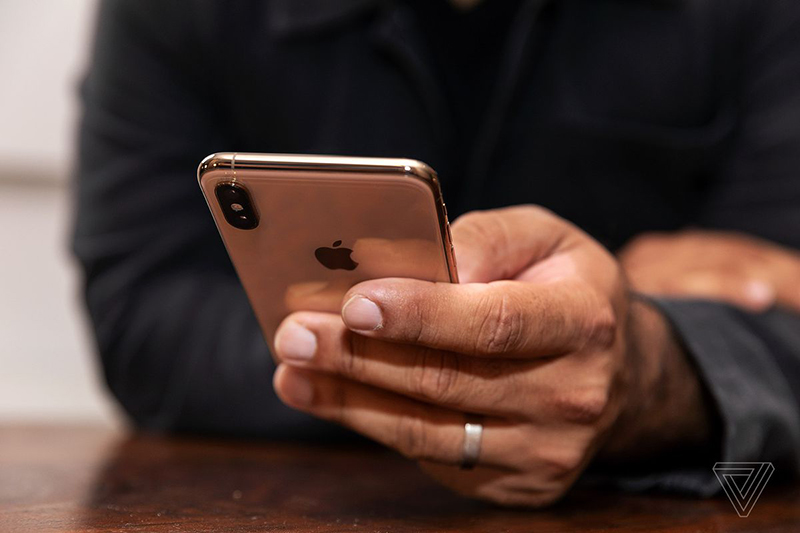
There have been plenty of rumors about what type of connector Apple will equip its new iPhones with now that the iPad Pro and its MacBook line use USB-C. We're finally starting to get a clearer picture of what that reality might look like come September. According to Japanese blog Mac Otakara, the new iPhone models, of which there are rumored to be three in line with last year's release, may not contain USB-C ports, as we've been hearing. They might, however, ship with a faster 18W USB-C charger and a Lightning to USB-C cable.


That would make a lot of sense. Apple may not be ready to ditch Lightning just yet, but it looks like the company could try making iOS users' lives a little bit easier. It's always been a mystery why Apple ships new smartphones with the same 5W cube charger it's included for years, despite designing its handsets since the iPhone 8 with fast-charging capabilities.

Apple May Equip USB-C and Lightning for New iPhones


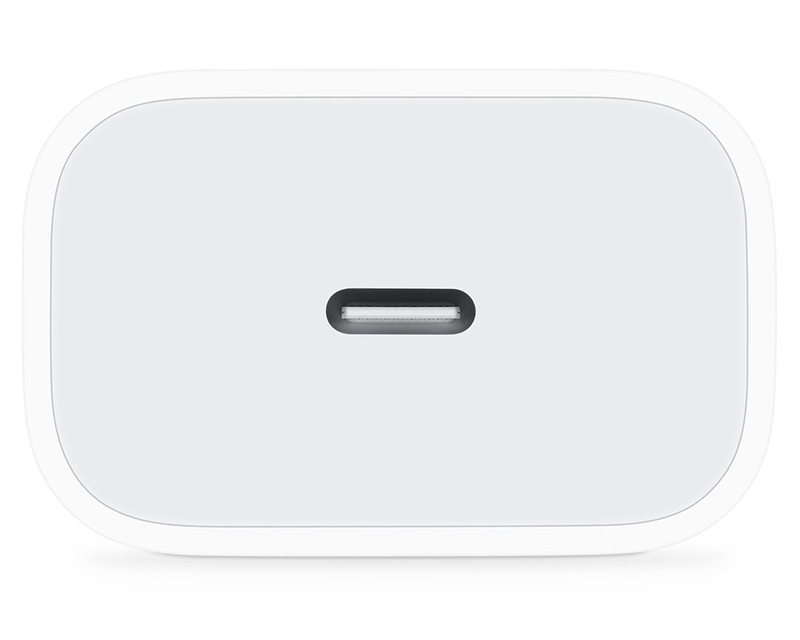
Last year's iPad Pro redesign brought USB-C to Apple's tablet line, and with it came a faster 18W charger. Right now, to take advantage of that charger with your iPhone, you'd need to spend nearly $50 on the 18W charger and the Lightning to USB-C adapter, as noted byMacRumors. But shipping that setup in the box is a smart way to bring faster charging to the newest iPhones while still retaining the Lightning port to help ease the transition in the future. Additionally, this would mean you'd finally be able to plug your phone into your Mac laptop without needing to purchase a new cable.


Source: theverge

Windows
Mac OS
iOS
Linux
3uTools
Win 64-bit For this device
V9.01 2025-12-27
Download
Win 32-bit For this device
V9.01 2025-12-27
Download
3uTools
Intel Chip How to Identify Chip Type
V9.01 2025-12-31
Download
Apple Silicon
V9.01 2025-12-31
Download
How to Identify Chip Type
1.  Click the Apple icon in the top-left corner of the screen and select About This Mac.
2.  Check the Processor or Chip field to determine if it is "Intel" or "Apple".
Please use the 3uTools PC client to install the iOS client:
1、 Install either the Windows or Mac version of 3uTools on your computer
2、 Open the PC client and connect your device to the computer via USB cable
3、 After the connection is successful, wait for the computer to automatically install the mobile app for the device, or locate “Install Mobile App” on the computer and manually click to install.
3uTools
deb file
V3.01 2025-11-20
Download
rpm file
V3.01 2025-11-20
Download
Windows
Windows
iOS
iOS
Android
Android
TV
TV
3uAirPlayer
Win 64-bit For this device
V6.0.2 2025-11-19
Download
Win 32-bit For this device
V6.0.2 2025-11-19
Download
iOS Device Mirroring (No App Required)
1、 Install 3uAirPlayer on the Windows PC
2、 Open Control Center and select Screen Mirroring
3、 From the list, choose your PC to start mirroring
4、 Or connect your iOS device to the PC via USB to begin mirroring
Scan to get "3uAirPlayer" App
3uAirPlayer TV V1.0.18
2025-11-28
TV System Requirements: Android 7.0 or later
Download the TV installation package, copy it to a USB drive, insert it into your TV or set-top box, then select the file from the home screen to install.