
NEWS

Apple Updates WWDC App Ahead of 2019 Event

05/24/2019

2724

Ahead of the 2019 Worldwide Developers Conference, which kicks off on Monday, June 3 with a keynote event, Apple has updated its official WWDC app for iOS devices. 

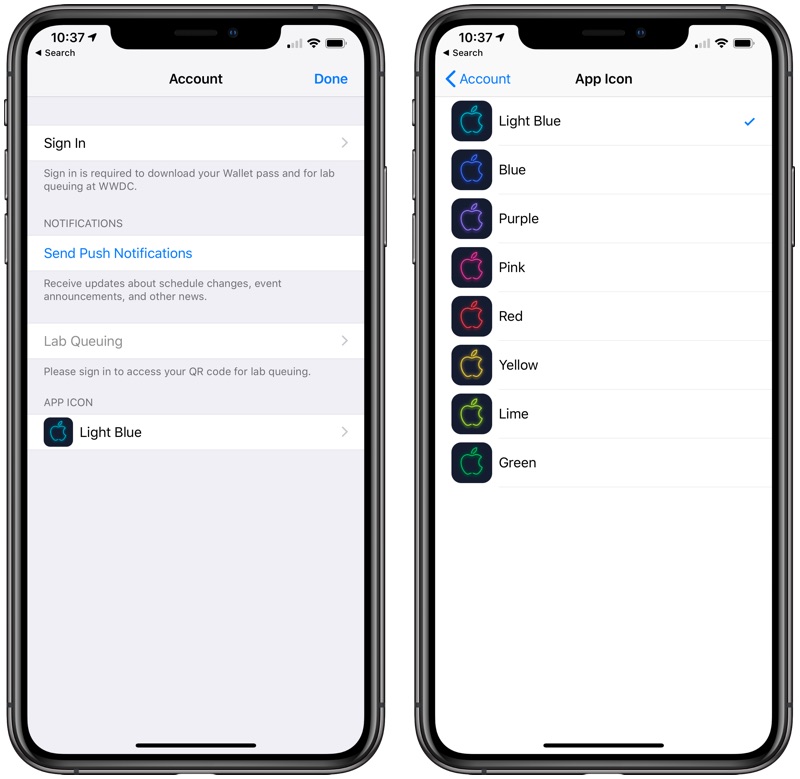
There have been no design changes to the app aside from a new neon icon that better matches the darker theme of the 2019 conference, but according to Apple's release notes, the update adds a new profile area for managing notifications, virtual queuing for labs, and app icon selection. App icon selection means you can change the color of the Apple logo on the icon in the Settings section of the app. 

Apple Updates WWDC App Ahead of 2019 Event


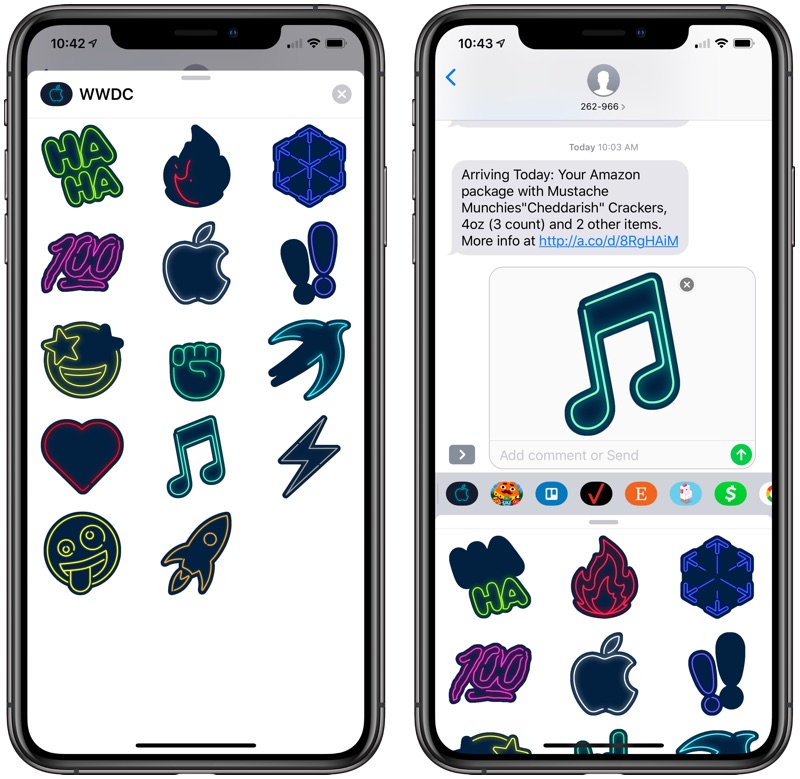
You'll also see new WWDC-themed iMessage stickers in the Messages app following the update. 

Apple Updates WWDC App Ahead of 2019 Event


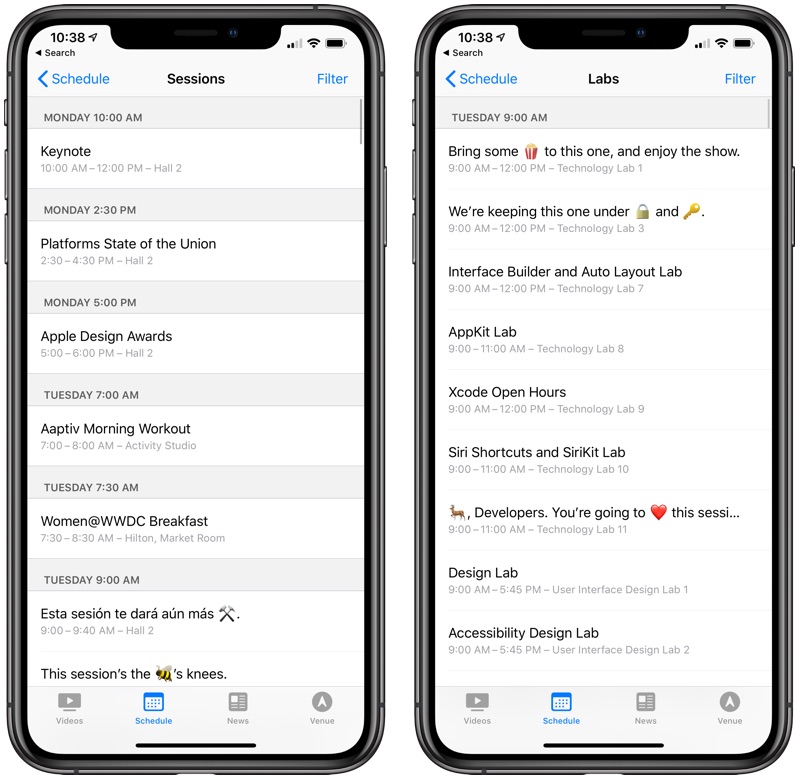
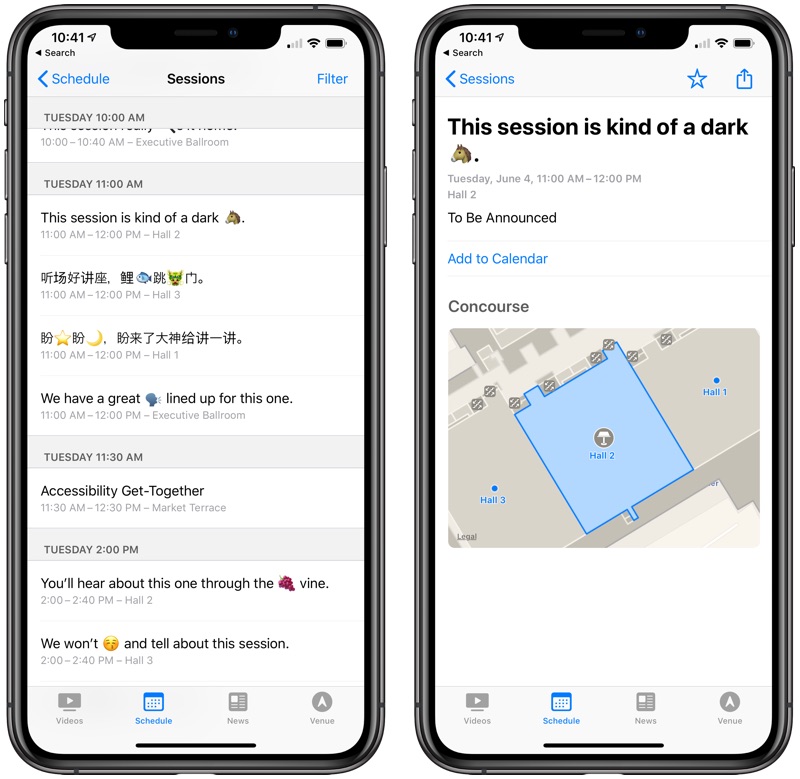
The new update introduces placeholder titles for upcoming sessions and labs, with official names hidden because many of these sessions are based on features that have not yet been announced.

Apple Updates WWDC App Ahead of 2019 Event


For developers who are on-site and attending WWDC, the app offers up on-site tools like maps and start times for labs, sessions, and events. For those unable to attend, it will include live video streams of the keynote, labs, and sessions.

Apple Updates WWDC App Ahead of 2019 Event


Apple is also offering a tvOS app for the fourth and fifth-generation Apple TV so developers can also watch WWDC sessions on their television sets. 

The Worldwide Developers Conference starts on June 3 with a keynote that will take place at 10:00 a.m. Apple will live stream the keynote on both its website and on the Apple TV, and MacRumors will also provide live coverage on MacRumors.com and through the MacRumorsLive Twitter account. 

Apple's WWDC app can be downloaded from the App Store for free.


Source: MacRumors

Windows
Mac OS
iOS
Linux
3uTools
Win 64-bit For this device
V9.01 2025-12-27
Download
Win 32-bit For this device
V9.01 2025-12-27
Download
3uTools
Intel Chip How to Identify Chip Type
V9.01 2025-12-31
Download
Apple Silicon
V9.01 2025-12-31
Download
How to Identify Chip Type
1.  Click the Apple icon in the top-left corner of the screen and select About This Mac.
2.  Check the Processor or Chip field to determine if it is "Intel" or "Apple".
Please use the 3uTools PC client to install the iOS client:
1、 Install either the Windows or Mac version of 3uTools on your computer
2、 Open the PC client and connect your device to the computer via USB cable
3、 After the connection is successful, wait for the computer to automatically install the mobile app for the device, or locate “Install Mobile App” on the computer and manually click to install.
3uTools
deb file
V3.01 2025-11-20
Download
rpm file
V3.01 2025-11-20
Download
Windows
Windows
iOS
iOS
Android
Android
TV
TV
3uAirPlayer
Win 64-bit For this device
V6.0.2 2025-11-19
Download
Win 32-bit For this device
V6.0.2 2025-11-19
Download
iOS Device Mirroring (No App Required)
1、 Install 3uAirPlayer on the Windows PC
2、 Open Control Center and select Screen Mirroring
3、 From the list, choose your PC to start mirroring
4、 Or connect your iOS device to the PC via USB to begin mirroring
Scan to get "3uAirPlayer" App
3uAirPlayer TV V1.0.18
2025-11-28
TV System Requirements: Android 7.0 or later
Download the TV installation package, copy it to a USB drive, insert it into your TV or set-top box, then select the file from the home screen to install.




