 NEWS
NEWS
Mobile Google Says Apple's New Sign-In Button Is a Good Idea
 06/14/2019
 2987
2987
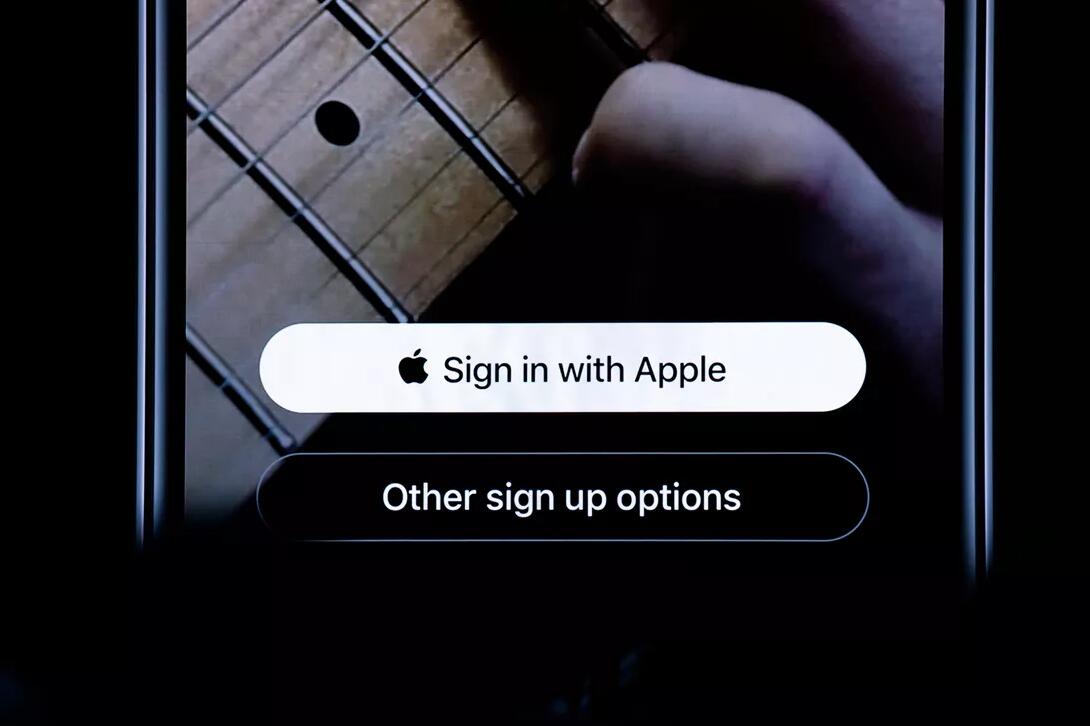
At its annual WWDC event last week, Apple unveiled a new privacy tool called Sign in with Apple, an alternative to single sign-on services offered by Facebook and Google. Apple appeared to take a shot at its competitors by saying that even free services need to respect privacy. Google's Mark Risher reportedly wasn't pleased about the jab but thinks the technology will make people safer.
"There was a bunch of innuendo wrapped around the release that suggested that only one of them [the logins] is pure, and the rest of them are kind of corrupt, and obviously I don't like that," Risher, a director of product management at Google, told The Verge in an interview published Wednesday.
Risher said Google hasn't properly articulated exactly what happens when a user clicks "Sign in with Google," which could lead to misunderstandings at a time when people feel unsafe in the digital world. Overall, Risher said, using Google's sign-on option or Sign in with Apple is better than random usernames and passwords.
"I honestly do think this technology will be better for the internet and will make people much, much safer," he told The Verge.
Google didn't immediately respond to request for further comment.
The Sign in with Apple tool lets you use your Apple ID as a credential to sign into websites and apps, instead of typing in your email address. The tool uses your iOSdevice to verify your credentials, instead of social account logins, which could make you vulnerable to being tracked online. Apple says its sign-In service offers convenience without a privacy toll.
Apple's rivals use their sign-on services to craft a user profile to help deliver targeted ads. Apple generates its revenue from the sale of devices and services, and not ads, so it isn't as interested in your information. Sign In works on Macs, iPhones, iPads, Apple TVs and Apple Watches. Through the web, it also works on Android and Windows.
At WWDC, Apple introduced iOS 13, a new voice for Siri, dark mode, a new Mac Prothat starts at $5999 and more.
Source: cnet










