 NEWS
NEWS
Apple May Introduce a Ridiculously Expensive New 16-inch MacBook Pro Later This Year
 07/24/2019
 2887
2887
Earlier this month, Apple discontinued its 12-inch MacBook and, in doing so, finally took a serious step towards simplifying its notebook line. The 12-inch MacBook was undoubtedly a solid machine, but it’s hard to deny that its time had come.
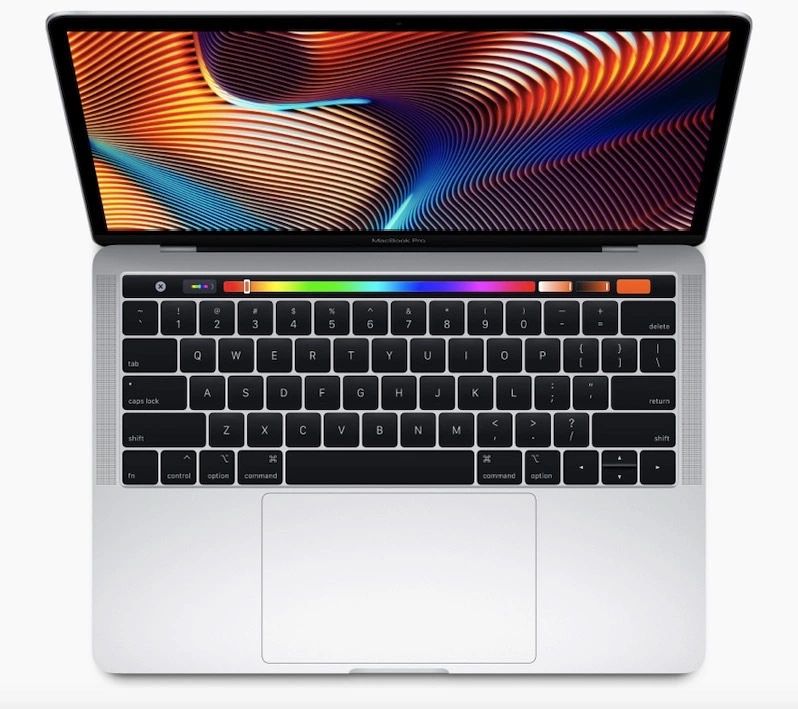
At the same time, Apple just a few weeks ago also introduced some welcome enhancements to its MacBook Air and MacBook Pro models. Specifically, Apple added a True Tone display to the Air while also lowering its price point. The entry-level MacBook Pro, meanwhile, was graced with the Touch Bar and an 8th-gen quad-core processor.
Interestingly enough, Apple reportedly has some additional laptop revamps in the works. According to a report from the Economic Daily News, Apple is planning to introduce a brand new 16-inch MacBook Pro with a 3,072 x 1,920 display sometime this fall. As far as positioning is concerned, the report relays that it will be designed for true professionals looking for something in between an iMac and an iMac Pro.
It’s also rumored to be Apple’s most expensive laptop with a price somewhere in the $2,900 range. That’s a lot of dough, to be sure, but it’s no secret that power users have been clamoring for a larger notebook from Apple for years now.
Aside from the MacBook Pro, the report also adds that Apple will introduce revamped versions of its 13-inch MacBook Pro and 13-inch MacBook Air.
Notably, the rumors above align quite well with previous investor notes from reputed analyst Ming-Chi Kuo. Back in February, Kuo said that Apple was working on a MacBook Pro model with a display size in the 16-inch to 16.5-inch range. Kuo, at the time, also said that the new 16-inch MacBook Pro would feature a brand new design.
As a final point, it’s worth noting that there have been reports indicating that Apple over the next few months will slowly transition away from the butterfly keyboard design that has famously caused so many complaints among users.
Source: BGR










