 NEWS
NEWS
The All-new Apple Aventura: A Tropical Apple Store Inspired by the Coast
 08/12/2019
 4395
4395
Along Florida’s southern shores, a cool coastal pavilion punctures the tropical humidity. Customers today celebrated the grand reopening of Apple Aventura just outside of Miami. An all-new location and all-new design are just part of the story behind what is undoubtedly the most noteworthy — and the most chill — Apple Store in the Southeastern United States.
Playful waves of sculpted white concrete rhythmically draw your eye across the skyline of Apple Aventura, tapering to a sharp peak at both ends. Arched panes of glass enclose each of the store’s seven ceiling vaults, creating a transparent barrier between the interior and exterior. No, Apple didn’t buy up a classic 1950s storefront or revitalize a Googie roadside gem, but it was inspired by Miami’s architectural heritage.
Apple Aventura borrows from the airy and optimistic styling of Miami Modern architecture, a mid-century vernacular characterized by its use of cast concrete, light color schemes, dynamic shapes, and extensive glass. The style became popular in South Florida between the 1940s and late 1960s following a rich era of Art Deco construction around Miami.
All of Apple’s recent flagship stores are shaped by a desire to respect the culture of the cities they are built in, often incorporating local materials. Apple Aventura joins this tradition by fusing Miami Modern architecture with iconic Apple design. The result is a fresh take on Apple retail aesthetics that feels right at home on the coast.
The second set of doors exits to face the 93-foot Aventura Slide Tower. Functioning as both a slide and a sculpture, the landmark is just one of many public art installations scattered throughout the shopping center. Aventura Mall’s celebration of the arts is a perfect match to Apple’s affinity for creativity.
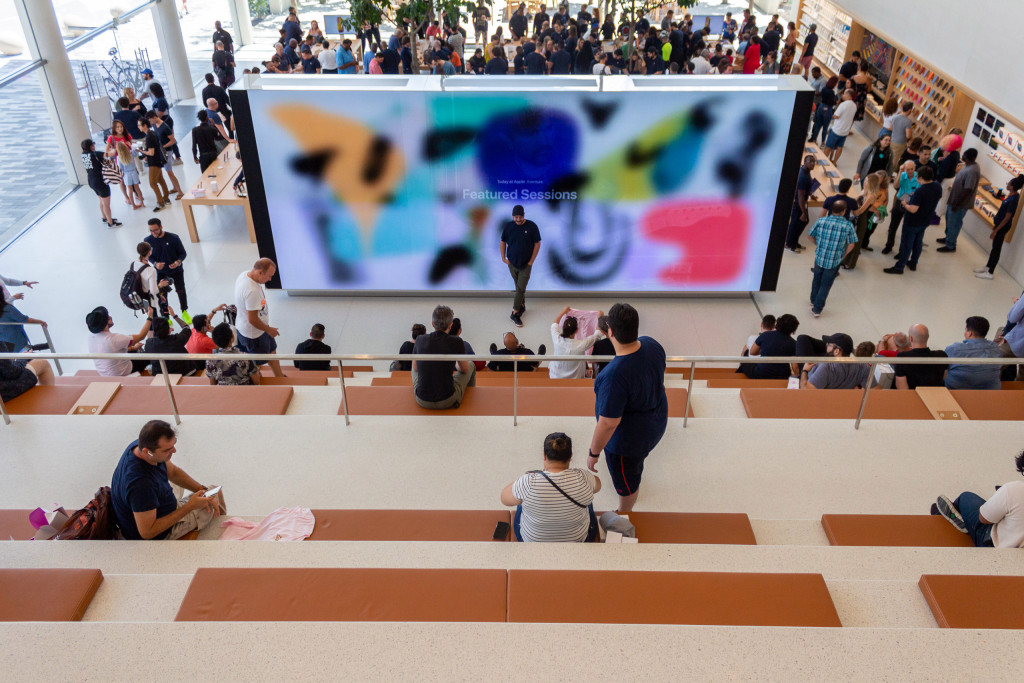
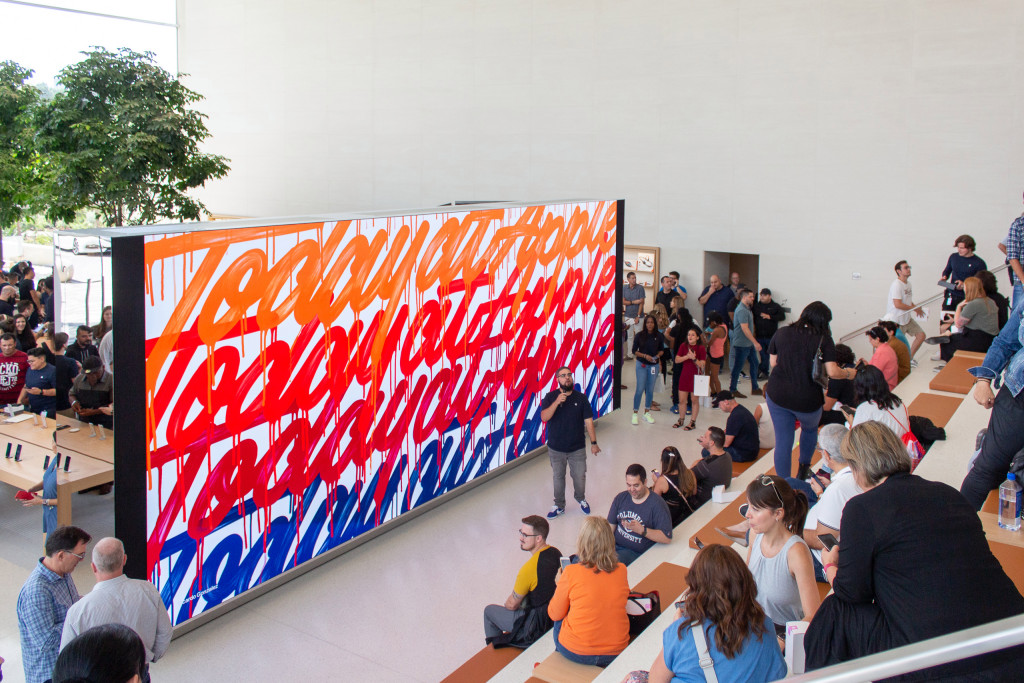
On the opposite side of the glass, the new Apple Aventura debuts a rethought interior layout. Customers familiar with Apple’s former classic location inside the mall will be in for a surprise. A large amphitheater softens the definition between both floors of the split-level store, sloping downward to a freestanding video wall used for hosting Today at Apple sessions.
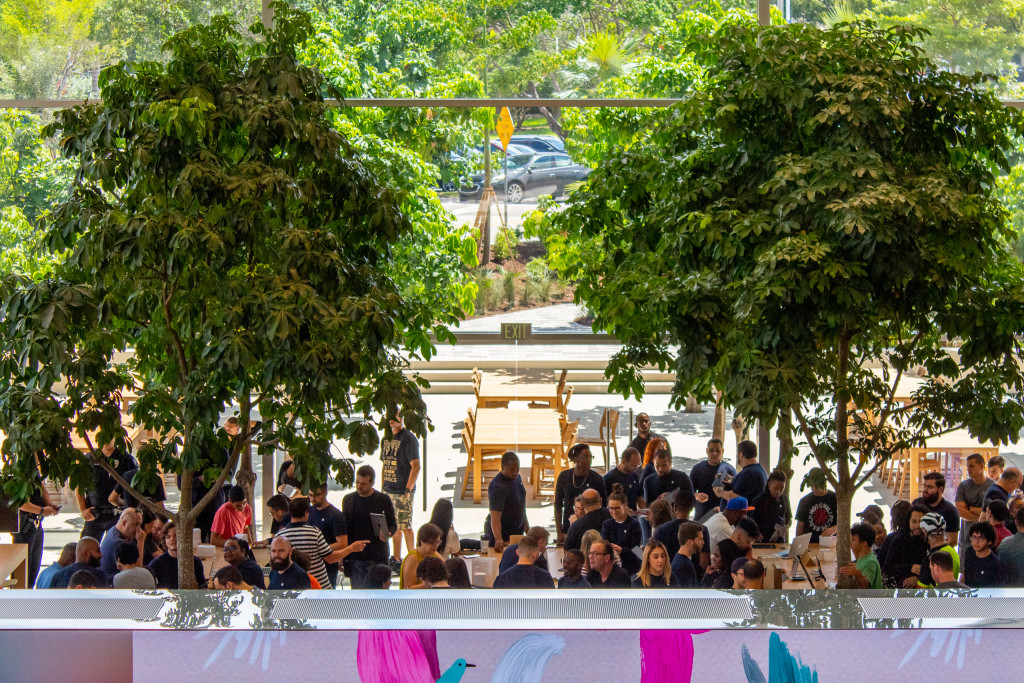
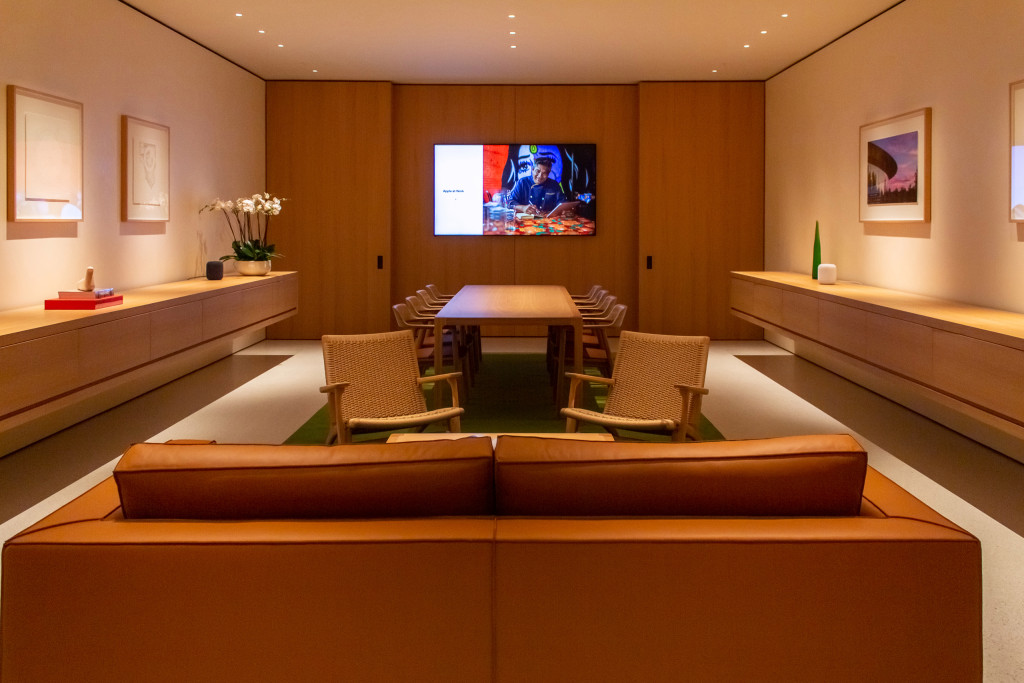
Behind the video wall, tables built for support and service mix with indoor trees forming a Genius Grove. The curved ceiling vaults visible outside have been carried indoors and run the width of the main structure with strips of integrated lighting. Apple Aventura is the second store in the Miami area built with a private Boardroom, following downtown’s Apple Brickell City Centre.
Source: 9to5mac










