 NEWS
NEWS
Apple Explains Apple Card Application Process, Offers Suggestions for Those who Were Declined
 08/15/2019
 3259
3259
Apple continues to release more information about Apple Card in the run-up to a full-fledged launch and on Wednesday detailed why some applications are denied, offering suggestions as to how prospective customers might improve their chances at acceptance.
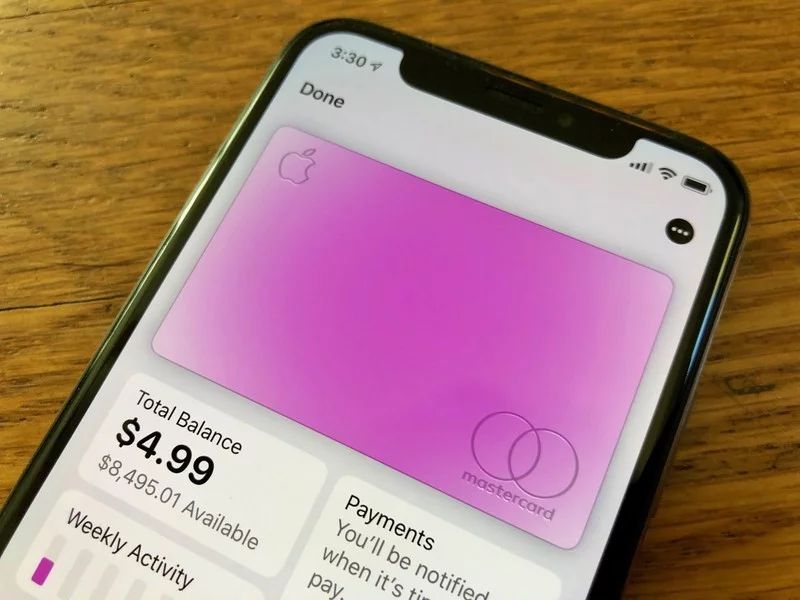
Outlined in a Support Pages document, Apple runs through the process Apple Card partner Goldman Sachs uses when evaluating a new application. Currently, Apple Card is open to a limited number of customers as part of a "preview" program, and while previous reports suggest acceptance is fairly broad, some applicants in relatively good standing have seen their application denied.
According to Apple, the card issuer applies a customer's credit score, credit report and yearly income as a general guideline to determine eligibility. There are, however, other factors to consider.
As noted in a section titled "Conditions that might cause your application to be denied," Goldman Sachs "might not be able to approve" an Apple Card application if a customer is behind, or has previously been behind, on debt obligations. This includes having a checking account closed by a bank or carrying two or more "non-medical debt obligations" (mortgages, auto loans, personal loans, utility bills and the like) that are past due.
Negative public records like bankruptcy or property repossession can color an application. Carrying heavy debt is also seen as a negative. For example, customers who lack disposable income after paying off obligations, have obligations that eat up some 50% or more of monthly income or maxed out credit lines and opened a "significant" number of new accounts might be declined.
Users who frequently apply for credit cards or loans, or those who have a low credit score may not be approved.
In a section that provides suggestions for users who were denied access to the Apple Card Preview, Apple says potential customers should ensure all information on a submitted application is accurate and a clear picture of a state-issued photo ID is provided if one was requested. On the latter, an applicant's last name must match that of the submitted ID.
Beyond application accuracy and ensuring a user's credit report does not contain errors, Apple offers little held as to how a negative decision might be changed. The company largely defers to the conditions for denial listed above.
For those accepted into the program, Apple says the card's initial credit limit is calculated using income and minimum payment amounts associated with existing debt. Goldman Sachs also takes credit history into account, as well as certain factors that were assessed during the application evaluation stage.
Customers who request a limit increase will likely need to use Apple Card for six months or more before Goldman Sachs can make such a determination, the document says.
Apple began sending out invitations to its preview program in early August after an internal trial involving Apple and Goldman Sachs employees. In addition to users who signed up to be notified of Apple Card's release, some random iPhone owners are finding the option to apply appear in the Wallet app.
Source: Appleinsider










