 NEWS
NEWS
Major Us Carriers Are Going to Fight Robocalls
 08/23/2019
 2813
2813
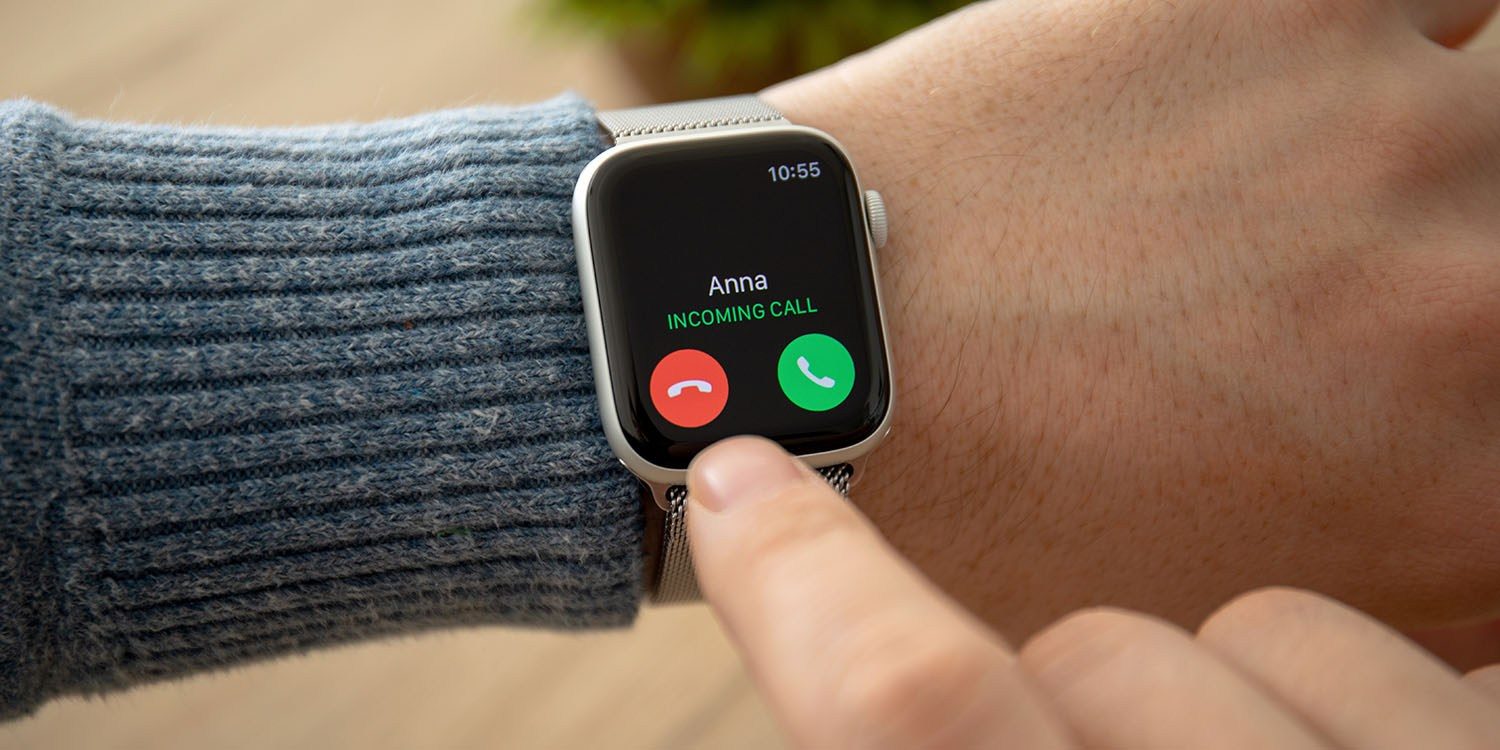
The fight among carriers and regulators over the robocalling problem continues this week. The Washington Post reports that 12 of the largest telephone companies, as well as 51 state attorneys general, have all pledged to implement new anti-robocalling technology.
Under this agreement, the 12 carriers have agreed to implement call-blocking technology, make better tools available to customers, and implement a new system to label incoming calls as real or spam. The agreement was reached with attorneys general from all 50 states, as well as the District of Columbia.
Known by its acronym, STIR/SHAKEN, the technology takes aim at a practice known as spoofing, where fraudsters mask their identities by using phone numbers that resemble those that they’re trying to contact in a bid to get victims to pick up and surrender their personal information.
The carriers behind the agreement include the big four carriers of AT&T, Sprint, T-Mobile and Verizon, as well as smaller carriers including Bandwidth, CenturyLink, Charter, Consolidated, Frontier, U.S. Cellular and Windstream.
Unfortunately, there’s no deadline for when carriers have to make these changes as part of the agreement. Some carriers are already testing STIR/SHAKEN, though, so ideally it will be sooner rather than later.
Josh Stein, the attorney general of North Carolina and one of the architects of the agreement, told The Washington Post ahead of the announcement that the “expectation is they will all implement them as soon as practical.”
“Illegal robocalls harass and harm our people. There is no silver bullet to put a stop to them, but these anti-robocall principles represent a dramatic step forward,” he added in an interview.
We’ve seen quite a bit of action around the battle to defeat robocalling over the last several months. Earlier this month, the FCC gained new authority to punish text message scams and international robocallers.
In July, the House of Representatives approved a new act aimed at improving anti-robocalling technology. The Stopping Bad Robocalls Act would place new requirements on carriers, and give even more power to the FCC. It’s likely that Congress could send a bill to the White House before the end of this year.
In the interim, however, this new agreement between carriers and state attorneys general should at least put some pressure on the issue.
Source: 9to5mac










