 NEWS
NEWS
Apple Was Working a Feature to Let iPhones Text Each Other
 08/27/2019
 3144
3144
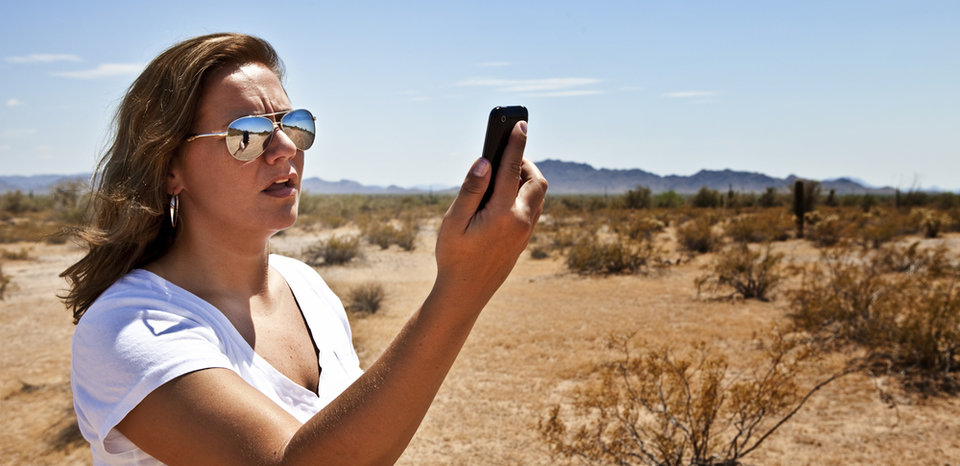
Apple has reportedly halted development on a new iPhone feature that would have let people text each other in areas without cellular service.
According to The Information's Aaron Tilley, Apple had partnered with Intel to build a new technology that would let iPhones communicate with other iPhones "over long-distance radio waves that bypass cellular networks, said two people familiar with the project."
These are the most salient points from the report:
At Apple, this project was internally codenamed Off-Grid Radio Service, or "OGRS" (pronounced "ogres").
At Intel, it was called "Project Shrek."
Apple filed a series of patents relating to OGRS earlier this year.
The tech would leverage Intel chips from upcoming iPhones, and work over the 900 megahertz radio band that utility companies often use.
Rubén Caballero was the Apple executive in charge of this project. He apparently called this his "baby."
Caballero left Apple in April. His modem team was combined with Johny Srouji's hardware team in January, and Srouji assumed control over the new unit, according to Reuters.
Apple has invested billions into wireless technologies
While it sounds like this project may have been shelved, for now, it may not be totally "dead." It's possible the plans fell apart because it was contingent on using Intel chips for future iPhones; Apple struck a deal to have Qualcomm handle the chips for its first 5G iPhones in 2020, and it reportedly spent over $1 billion on Intel's modem business earlier this year to start building its own iPhone modems itself. So maybe Apple can resuscitate this project once the dust has settled with the Intel smartphone modem team acquisition.
Apple is serious about relying less on third parties for future iPhone parts — the iPhone still accounts for about half the company's total worldwide revenue.
Hopefully, Apple decides to resume work on this "Walkie Talkie" texting feature, which would be a pretty compelling reason to buy an iPhone. The ability to text someone if they have no cell service is pretty powerful: Think about how many areas have cruddy cell service, or none at all, even near your house. I'm sure a lot of people would commit themselves to the Apple ecosystem or entrench themselves even further if you knew text-messaging would work reliably regardless of your reception or coverage.
Source: businessinsider










