 NEWS
NEWS
Are the iPhone XS and iPhone XR Worth Buying Right now?
 08/29/2019
 3043
3043
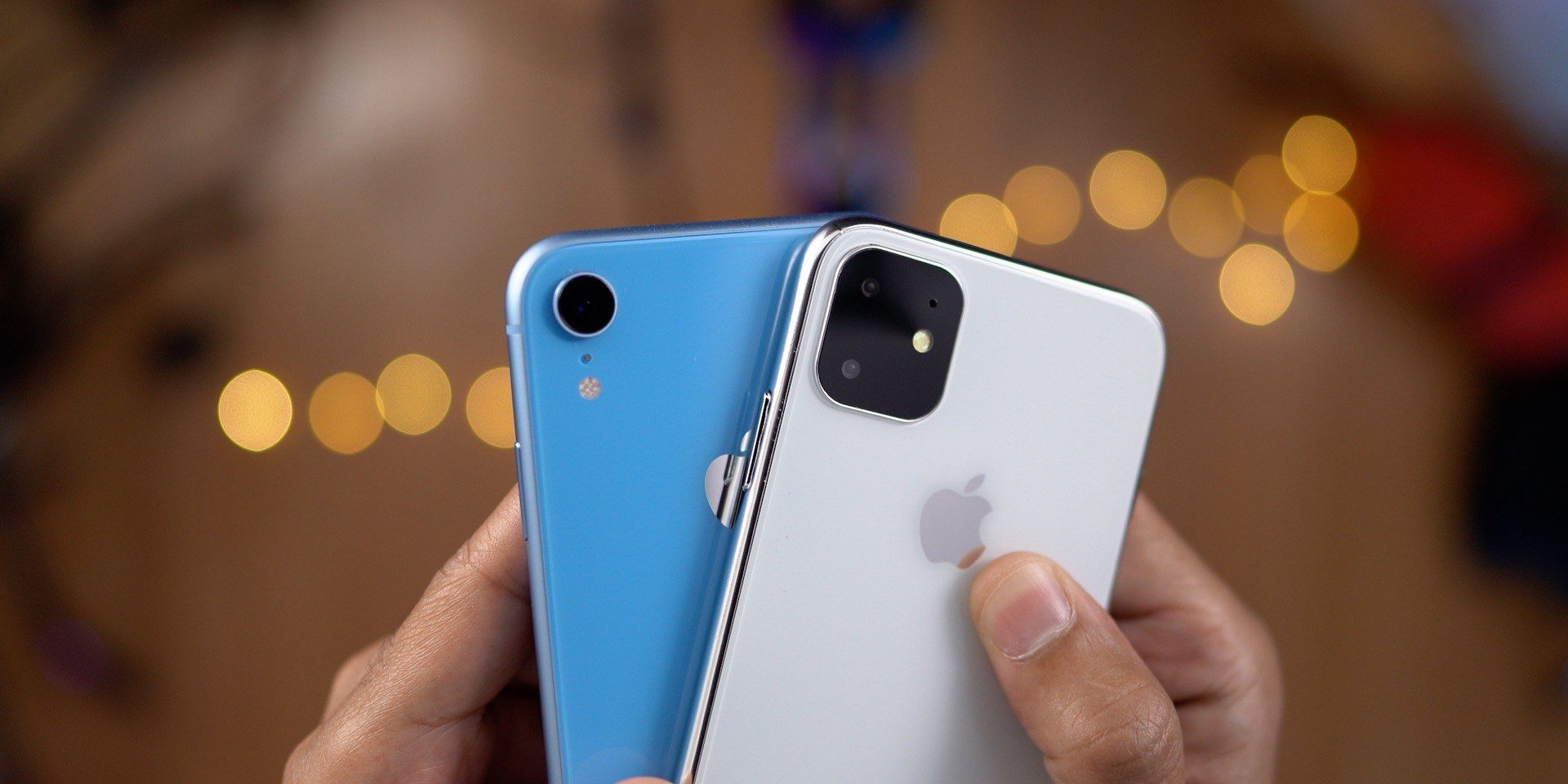
We’re less than a month away from the expected release of the 2019 iPhone lineup, including the iPhone 11, iPhone 11 Pro, and iPhone 11 Pro Max. The release of new iPhone models also means changes for what’s currently on the market. Leading up to the iPhone 11 release, are the iPhone XR and iPhone XR worth buying right now?
Every August, 9to5Mac gets inundated by people asking whether or not they should buy the previous year’s iPhone model, or wait to see what Apple has in store for September. Even if you don’t care about the new tech coming in that year’s new iPhone, the answer is always clear: wait.
The iPhone XS and iPhone XR were announced just under one year ago, and even 11 months later, they’re excellent devices. They’re even arguably the best smartphones money can buy right now. So why should you wait to get your hands on one?
The iPhone XS and iPhone XR are expensive – with the iPhone XR starting at $749, the iPhone XS starting at $999, and the iPhone XS Max starting at $1,099. While you’ll almost certainly pay that off through some sort of upgrade program, it’s hard to justify spending that much money on products that are nearly a year old.
The iPhone 11, iPhone 11 Pro, and iPhone 11 Pro are all rumored to be on schedule for a mid-September release. Apple’s event will likely be held on September 10th, with hardware releases to follow shortly thereafter. With that in mind, it’s hard to recommend anyone go out and pay full price for the iPhone XS and iPhone XR for the next few weeks.
First and foremost, you’ll likely end up getting a better deal if you wait another month.
Source: 9to5mac










