 NEWS
NEWS
Here Are the Apple Products Affected by the Trade War
 09/02/2019
 3330
3330
The Trump administration's latest round of tariffs on products and goods imported from China just went into effect on Sunday, impacting some of Apple's most popular products.
The 15% increase on Chinese imports will affect Apple products such as the Apple Watch, AirPods, HomePod, and certain Beats headphone models, according to Bloomberg. Apple's iMac computers, components necessary for iPhone repairs, and storage components for iPhones will also be affected. The tariffs were entered into the Federal Register days earlier on Friday.
The iPhone won't be impacted by tariffs until December after Apple is expected to debut three new smartphone models in September. Most of Apple's supply chain is based in China, including facilities operated by Foxconn Technology Group, its main assembly partner for iPhones.
It's unclear whether Apple will absorb the tariff or pass it on to consumers, thus making affected products more expensive. Analysts at Morgan Stanley believe Apple is more likely to absorb the tariffs, the firm wrote in a report from May.
Apple did not immediately respond to Business Insider's request for comment.
Wearables like the Apple Watch and AirPods have become increasingly important for Apple in recent years. Apple's wearables, home, and accessories product category, which includes the Apple Watch and AirPods, outpaced iPad sales and is catching up to the Mac, according to the firm's most recent earnings report.
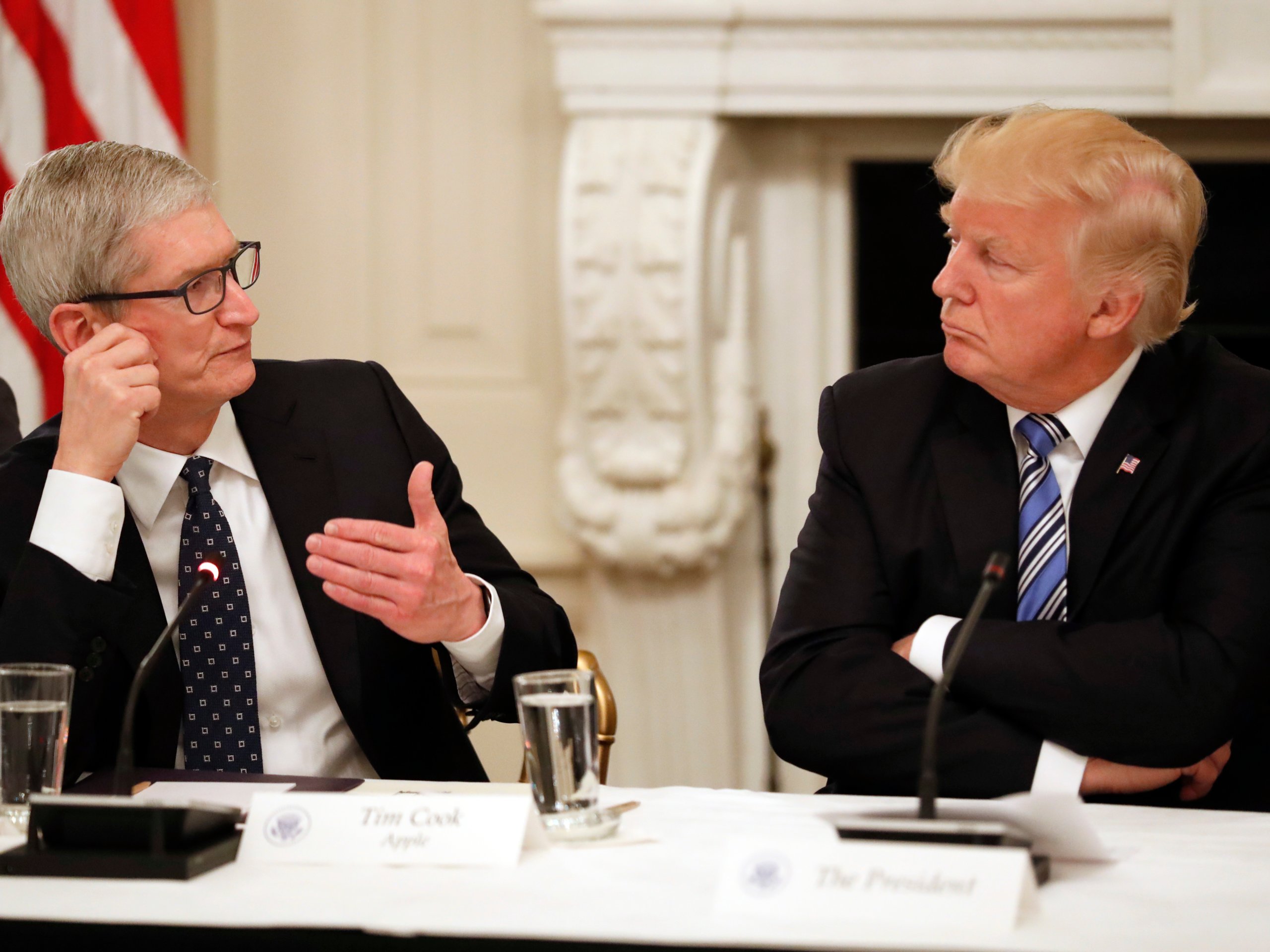
Apple CEO Tim Cook has raised concerns about how the tariffs could impact his company's products when speaking with President Trump in the past. Earlier this month, President Trump said Cook "made a good case" for how the tariffs would benefit Apple's main competitor, Samsung, which is headquartered in South Korea.
Earlier this month, Wedbush Securities analysts Daniel Ives said Strecker Backe said Trump's tariffs on Chinese imports could be a "potential gut punch" for Apple. Apple has reportedly been considering shifting some of its production to India and Vietnam, according to reports from Bloomberg and Reuters, which would reduce its reliance on China. But doing so would likely require a lot of time and resources, says Ives.
"Apple has really bet the company's production on China and on Foxconn," Ives told Business Insider in June. "It would be like General Motors or Ford saying we're going to move away from Detroit."
The 15% increase on Chinese imports represents the latest escalation in a trade war between the United States and China that's been ongoing since last year. Most recently, Trump raised the tariff rates on Chinese products by 5% on August 23, following China's decision to announce tariffs on $75 billion worth of US products in retaliation.
Source: businessinsider










