 NEWS
NEWS
Apple Watch Sleep Tracking Revealed: Sleep Quality, Battery Management, More
 09/03/2019
 2996
2996
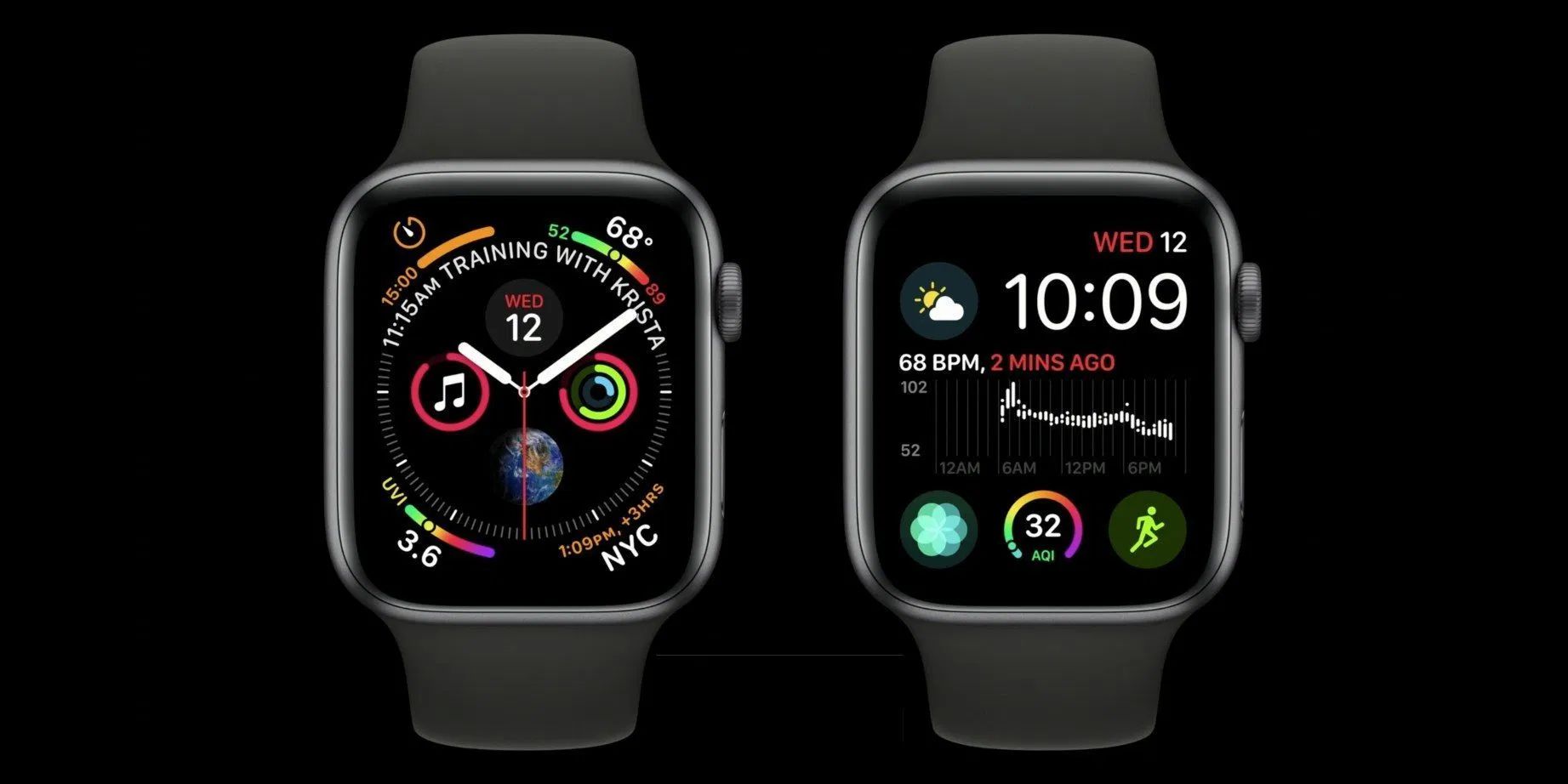
There’s been a lot of speculation about Apple Watch sleep tracking, especially after Apple acquired Beddit, manufacturer of the Beddit Sleep Monitor product and companion app.
Today, 9to5Mac has learned from sources inside Apple that the company is working on sleep tracking for the Apple Watch, which won’t require any special hardware to work. The new feature could be announced as early as next week when the company is expected to announce the next generation iPhones and possibly a revised Apple Watch with titanium and ceramic options.
The new feature — codenamed “Burrito” internally and called “Time in Bed tracking” — will allow users to choose to wear Apple Watch to bed. If the user has more than one Apple Watch, they can pick one to be their designated bedtime Watch.
While asleep, the Apple Watch will track the user’s quality of sleep using its multiple sensors and inputs, including the person’s movement, heart rate, and noises. Data about the user’s quality of sleep will be made available in the Health app and a new Sleep app for the Apple Watch.
One of the issues with wearing an Apple Watch during sleep is that many users choose to charge their Apple Watch at night. Apple thought about this and developed a feature that will remind users to charge their Watch beforehand so they can get through the night.
When wearing the Watch during bedtime, if the user wakes up and starts their day before their alarm goes off, it will automatically turn off the alarm. The alarm will also play only on Apple Watch, using the iPhone as a backup. There will also be an option to use a silent alarm that only vibrates the Apple Watch. The new bedtime system will enable Do Not Disturb automatically when the user goes to bed. There will also be a new complication available for sleep tracking.
It’s unclear whether the new sleep tracking features will require a new model of the Apple Watch to be announced on September 10, but given the current rumors about new watches being a minor revision, it’s likely it won’t require new hardware.
Source: 9to5mac










