 NEWS
NEWS
Thieves Broke into an Australian Apple Store with a Sledgehammer
 09/04/2019
 2834
2834
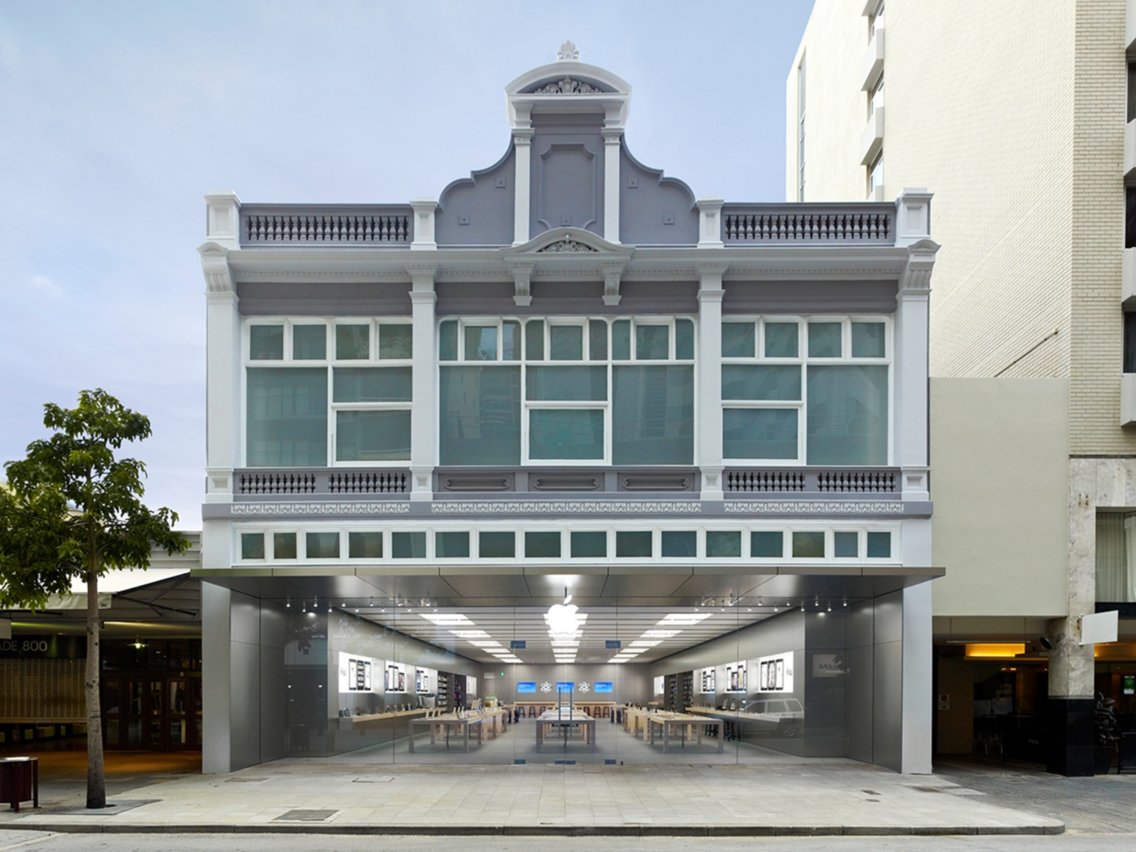
Thieves used a sledgehammer to smash the window of an Apple Store in Perth, Western Australia, on Tuesday morning and stole $300,000 worth of iPhones and other products, the police told Perth Now and other Perth news outlets. We first saw the reports on 9to5Mac.
However, Apple knows which devices were stolen and has disabled them, Detective Senior Constable Matt Whelan told Perth media. That would mean the stolen iPhones are now about as useful as a brick.
Apple was considering some kind of security measure on its devices to prevent shoplifting, as revealed by a patent the company submitted in May. The security measure described in the patent suggested that shoplifted iPhones couldn't be set up with user accounts if they were taken a certain distance from a store's wireless security system.
It's unclear whether the stolen iPhones were disabled using this security method, nor has Apple confirmed that the stolen devices were indeed disabled. Apple didn't immediately reply to Business Insider's request for comment.
Stolen devices can be sold to unsuspecting buyers for less than their retail price, making them a tempting option — especially for popular devices like Apple's iPhones.
But anyone who buys a stolen device from this particular robbery in Perth is likely to discover a "bricked" iPhone. That is to say the device can turn on but is otherwise useless because it won't let the person sign into their Apple ID account or set up the iPhone for normal use.
There's still the potential for bricked devices to be sold for parts, which would turn a profit for the thieves who obtained the devices with a sledgehammer rather than money. But an iPhone sold for parts would fetch a much smaller price than a fully functioning model.
Source: businessinsider










