 NEWS
NEWS
Where Does the Apple Watch Go Next?
 09/09/2019
 3803
3803
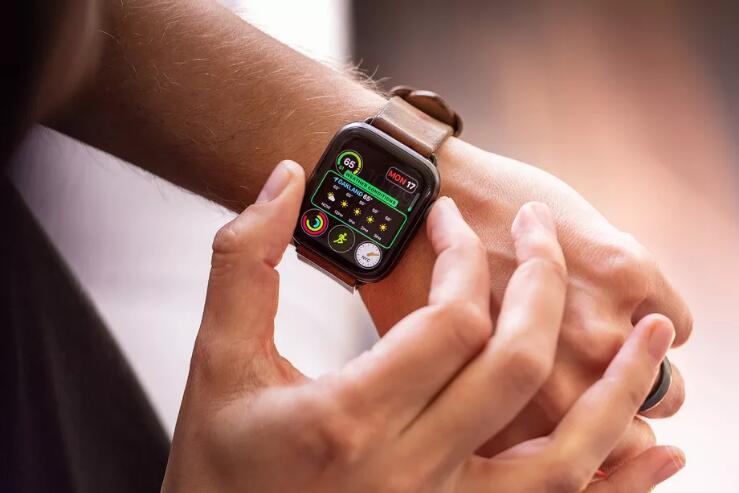
Apple is widely expected to announce the latest iteration of the Apple Watch on Tuesday, presumably called the Apple Watch Series 5, if the naming conventions hold out. But where does Apple even take the Watch next? What improvements can it possibly make that will turn it into the kind of product that Series 4 (or even Series 3 or Series 2) owners will rush out and upgrade to?
Part of the issue is the current Watch’s lack of competition. Apple dominates the smartwatch industry to an almost absurd level: last year, it accounted for more than half the total sales of all smartwatches, selling more than twice as many as Samsung and Fitbit — the number two and three spots on the leaderboard — combined, according to Strategy Analytics.
Apple’s also coming off a major redesign for the Apple Watch last year, the first it’s ever done since introducing the product back in 2015, which means that the Series 5 models will almost certainly continue using the Series 4 design instead of something new. It’s particularly telling that the biggest updates rumored for the Apple Watch this year are either cosmetic — like the leaked titanium and ceramic cases — or software-based, like the standalone App Store and rumored sleep tracking.
Earlier Watch updates didn’t have quite the same issue, thanks to the laundry list of features that were missing, such as proper waterproofing, functional microphones and speakers, and a standalone LTE connection that would untether it from an iPhone. But now the Watch has all those things already, and the list of missing features that Apple could add this year is starting to look slimmer and slimmer.
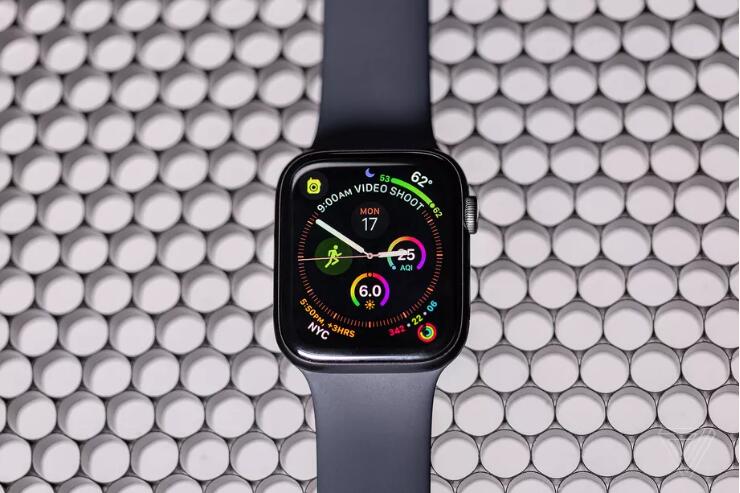
That’s not to say that the Watch is perfect, of course. Battery life still falls short compared to the week-long numbers reached by Fitbit’s Versa line. Siri is still frustratingly inconsistent, which is an issue when it’s also the only real means of text entry due to the small screen size. And of course, the holy grail of any smartwatch — an always-on display that doesn’t require sweeping hand contortions to show the time — still remains far out of Apple’s reach.
But the features that are rumored to be coming to this year’s Apple Watch may also show the way forward. As Apple famously announced when it first launched the Watch, the very fact that it’s constantly on your wrist makes it “the most personal device ever” from the company. New styles and materials that let you match a new Watch to your aesthetic is one way Apple can help realize that goal. New health features, like sleep and period tracking, are another.
Apple is so far ahead that the only real competitor for a new Apple Watch is an old one, especially once you factor in the software lock-in — Apple (naturally) lets it own Watches integrate much more deeply with iPhones than any competitors, making it the de-facto option for hundreds of millions of iPhone customers out there. Plus Apple’s industry-leading support for older hardware, with the upcoming watchOS 6 set to be available on all but the very first generation of the Apple Watch, means that Apple needs to have compelling reasons to persuade current customers to buy a new one.
But without more meaningful competition pushing it forward, it’s possible that Apple can just continue to coast with its massive market lead and iterative upgrades. Like the saying goes: if it ain’t broke, don’t fix it.
Source: theverge










