 NEWS
NEWS
iPhone 11 Shock As Secret Apple Feature Revealed
 09/16/2019
 3329
3329
Apple’s new iPhones are here: the iPhone 11 (guide), iPhone 11 Pro (guide) and iPhone 11 Pro Max (guide) and they are as famous for the features they are missing as their headline upgrades. But perhaps the biggest shock is we now know a feature Apple was thought to have canceled may be hiding inside the phones after all.
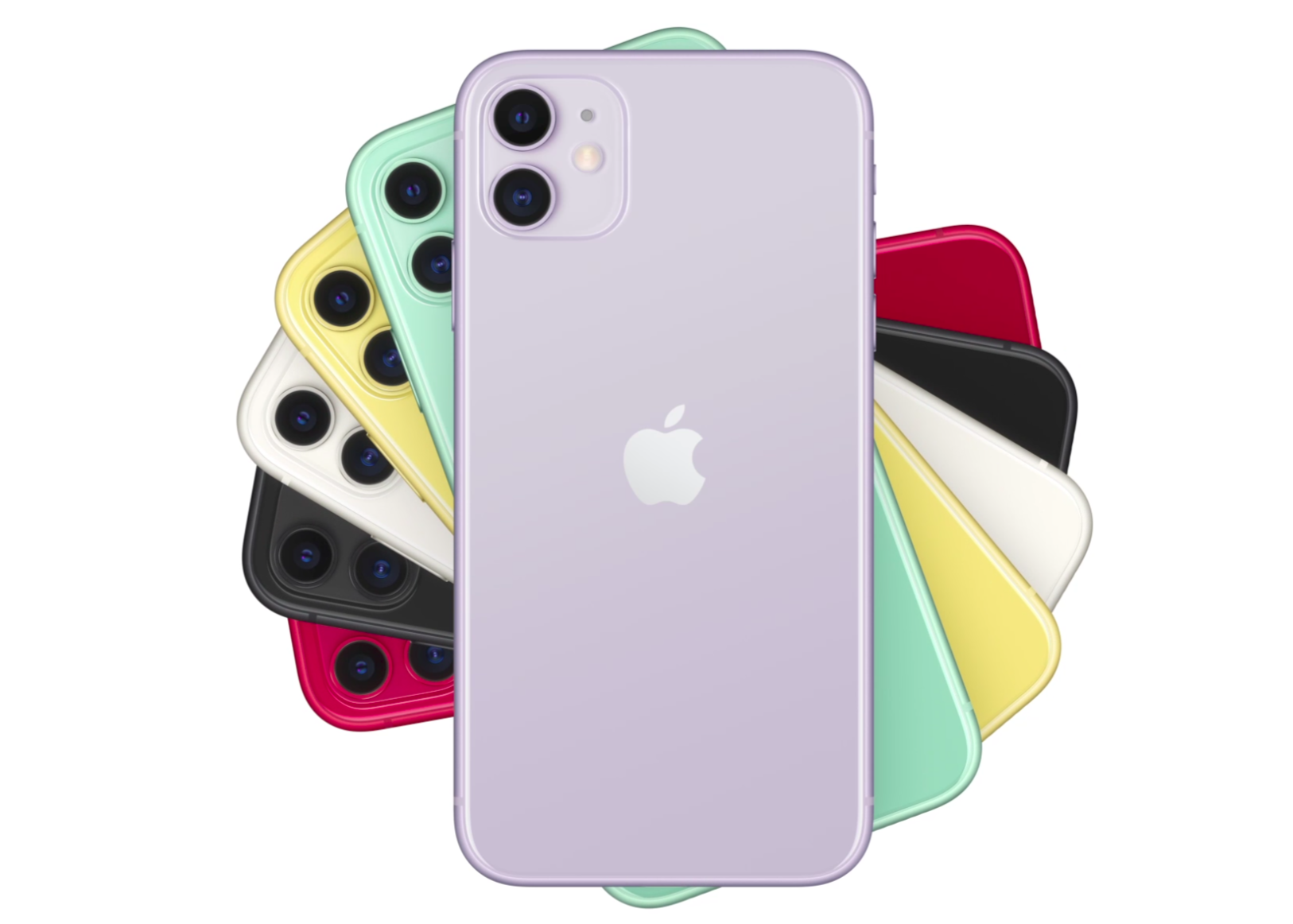
Setting tongues wagging, acclaimed Apple insider Sonny Dickson has revealed that every new iPhone 11 has bilateral (aka reverse wireless) charging hardware inside them but it is disabled in software. Reverse wireless charging, which enables iPhones to charge wireless devices placed upon them, was hotly tipped for months and thought to be a major motivation behind Apple’s new AirPods wireless cases. But it was missing at launch, so could it come back?
At this stage, it seems uncertain. Just before Apple’s launch event leaks appeared claiming the company was unhappy with the performance of the feature and it would be scrapped. As such, it may have been too late to pull the hardware from the phones and it will simply remain dormant. Dickson also states that his sources only know, for certain, that the hardware was in the iPhones up to their final production run. It would be unusual, but Apple made have managed to alter the design of all three phones at the last minute.
On the flip side, leaving the hardware inside would give Apple the flexibility to keep working on the feature via software. Apple could then spring a great surprise on iPhone 11 owners (and tempt new buyers) by enabling the feature in an iOS update and garnering the acclaim. That seems very Apple.
Either way, an answer is coming soon. The iPhone 11 range ships to customers on September 20 and the teardowns will begin. If Apple really does have a surprise in store for everyone, it won’t remain a secret for much longer.
And, just for the record, I still think you should wait for Apple’s 2020 iPhones. We already know they will ship with an all-new design, new screen sizes, ProMotion displays, see the return of Touch ID, move to USB-C and adopt 5G.
In my opinion, these are upgrades worth waiting for.
Source: forbes










