 NEWS
NEWS
Apple Stops Signing iOS 13.3 Following Release of iOS 13.3.1
 02/13/2020
 4572
4572
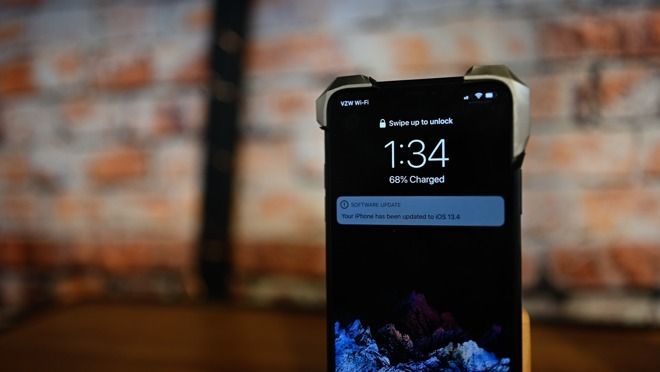
Apple must’ve caught wind about Pwn20wnd’s fast-paced progress on updated the unc0ver jailbreak for iOS 13.0-13.3. Not even a few hours after internal beta testers hyped the project on Twitter with the #unc0ver hashtag, Apple officially closed the signing window for iOS 13.3 to prevent downgrades from iOS 13.3.1.
Apple’s swift blow to iOS downgrading on Wednesday was somewhat out of character for the company because it transpired much earlier in the day than usual. While Apple regularly unsigns older firmware, the abruptness of iOS 13.3’s unsigning after Pwn20wnd’s slurry of announcements regarding unc0ver suggests that Apple intended to contain the jailbreak situation before it could reach the masses.
Tweets from this afternoon suggest that Pwn20wnd could release the first public beta of unc0ver for iOS 13.0-13.3 on A12(X)-A13 sometime within the next 24 hours if internal beta testing goes smoothly.
Notably, A12(X)-A13 device owners who already downgraded from iOS 13.3.1 to iOS 13.3 before the signing window closed are still eligible to jailbreak with unc0ver when the tool gets released, as are those using any version of iOS 13 from 13.0-13.3. This means those who followed our advice for the past week and didn’t procrastinate will soon be able to relish in the fruits of their preparation.
It should also be noted that those using an iPhone 5s or newer, up to and including the iPhone X, can always use the bootrom exploit-based checkra1n jailbreak tool to liberate their handset regardless of firmware version. This is because Apple can’t patch a bootrom exploit with a software update, but unfortunately, this exploit doesn’t encompass newer A12(X)-A13 devices as unc0ver soon will.
While it is indeed unfortunate for the jailbreak community that Apple is no longer signing iOS 13.3, the patterns of recent history would suggest that there will be more tfp0 exploits in the future and that jailbreaks will receive support for them. That said, if you didn’t get to iOS 13.3 in time, stay on the lowest possible firmware and avoid software updates if you intend to jailbreak in the future.
As always, you can see what firmware versions are being signed for your iPhone or iPad with the handy IPSW.me online utility.
Source: iDB









