NEWS

Elaborate Shortcuts Reportedly Running Twice as Fast on iOS 14.6

05/27/2021

3230

Elaborate Shortcuts Reportedly Running Twice as Fast on iOS 14.6


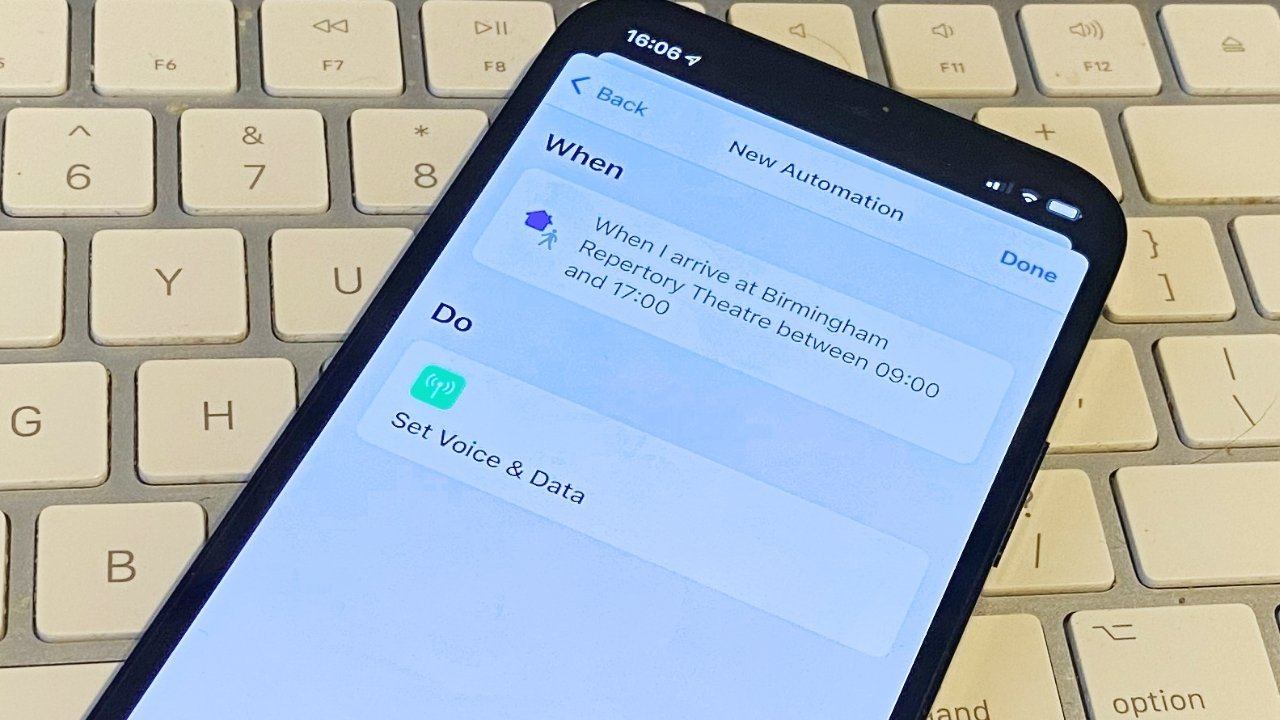
Users who utilize Apple's Shortcuts feature are reporting big speed boosts after upgrading to iOS 14.6, with some elaborate macros completing in less than half the time it took to do so on iOS 14.5.


Highlighted in a thread on Reddit, Shortcuts users are seeing speed improvements when running automations that include multiple actions.


For example, a user who created a 700-action Shortcut for scraping websites said the operation now runs successfully in 13 seconds. Before iOS 14.6, the same Shortcut would take about 30 seconds to complete.


Other operations, including Apple's own system settings, have also received a boost, according to users. As noted by 9to5Mac, gains are only obvious when dealing with Shortcuts containing a multitude of actions numbering in the hundreds. That said, automations that normally take a second or less should feel a bit snappier.


Apple did not specify a change to the Shortcuts backend in release notes accompanying iOS 14.6, which launched on Monday. The company does, however, note the usual unnamed performance enhancements.


Headlining the latest iOS iteration are new Apple Card Family features and paid subscriptions in Apple Podcasts.


Shortcuts debuted in 2018 as a visual scripting app built on a latticework created by Apple purchase Workflow. The app lets users create powerful macros that can be invoked within iOS or via Siri.


Source: Appleinsider

Windows
Mac OS
iOS
Linux
3uTools
Win 64-bit For this device
V9.01 2025-12-27
Download
Win 32-bit For this device
V9.01 2025-12-27
Download
3uTools
Intel Chip How to Identify Chip Type
V9.01 2025-12-31
Download
Apple Silicon
V9.01 2025-12-31
Download
How to Identify Chip Type
1.  Click the Apple icon in the top-left corner of the screen and select About This Mac.
2.  Check the Processor or Chip field to determine if it is "Intel" or "Apple".
Please use the 3uTools PC client to install the iOS client:
1、 Install either the Windows or Mac version of 3uTools on your computer
2、 Open the PC client and connect your device to the computer via USB cable
3、 After the connection is successful, wait for the computer to automatically install the mobile app for the device, or locate “Install Mobile App” on the computer and manually click to install.
3uTools
deb file
V3.01 2025-11-20
Download
rpm file
V3.01 2025-11-20
Download
Windows
Windows
iOS
iOS
Android
Android
TV
TV
3uAirPlayer
Win 64-bit For this device
V6.0.2 2025-11-19
Download
Win 32-bit For this device
V6.0.2 2025-11-19
Download
iOS Device Mirroring (No App Required)
1、 Install 3uAirPlayer on the Windows PC
2、 Open Control Center and select Screen Mirroring
3、 From the list, choose your PC to start mirroring
4、 Or connect your iOS device to the PC via USB to begin mirroring
Scan to get "3uAirPlayer" App
3uAirPlayer TV V1.0.18
2025-11-28
TV System Requirements: Android 7.0 or later
Download the TV installation package, copy it to a USB drive, insert it into your TV or set-top box, then select the file from the home screen to install.