
NEWS

Apple Supports the iDEAL Payment Method in its App Store

06/29/2018

2499

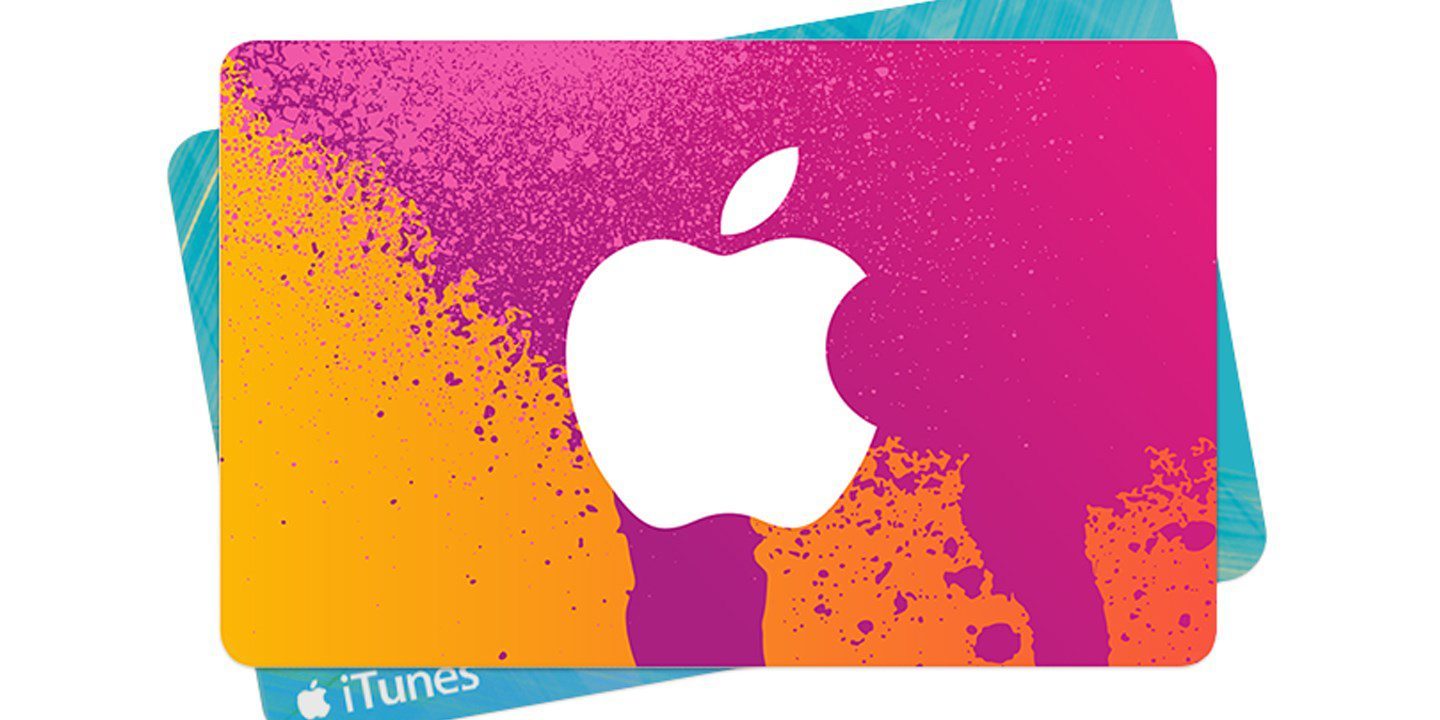
Apple has begun supporting the iDEAL payment method in its App Store. This allows customers to purchase apps with Dutch banks, instead of using a credit or debit card.


As reported by Dutch Apple blog iCulture, iDEAL works similarly to iTunes or App Store gift cards in that it only supports adding a balance to your account versus using it to purchase apps individually as a user normally would with a debit or credit card.

Apple Supports the iDEAL Payment Method in its App Store


Just like any other form of App Store or iTunes credit, using iDEAL will let customers use the credit towards monthly subscriptions such as iCloud storage or Apple Music subscriptions as long as there are sufficient funds.


The report doesn’t specifically mention if support for the payment type is supported outside of the Netherlands.


In addition to debit and credit cards, Dutch users are able to use their carrier (if supported) or PayPal as a payment method for their Apple accounts.


Source: 9to5mac

Windows
Mac OS
iOS
Linux
3uTools
Win 64-bit For this device
V9.01 2025-12-27
Download
Win 32-bit For this device
V9.01 2025-12-27
Download
3uTools
Intel Chip How to Identify Chip Type
V9.01 2025-12-31
Download
Apple Silicon
V9.01 2025-12-31
Download
How to Identify Chip Type
1.  Click the Apple icon in the top-left corner of the screen and select About This Mac.
2.  Check the Processor or Chip field to determine if it is "Intel" or "Apple".
Please use the 3uTools PC client to install the iOS client:
1、 Install either the Windows or Mac version of 3uTools on your computer
2、 Open the PC client and connect your device to the computer via USB cable
3、 After the connection is successful, wait for the computer to automatically install the mobile app for the device, or locate “Install Mobile App” on the computer and manually click to install.
3uTools
deb file
V3.01 2025-11-20
Download
rpm file
V3.01 2025-11-20
Download
Windows
Windows
iOS
iOS
Android
Android
TV
TV
3uAirPlayer
Win 64-bit For this device
V6.0.2 2025-11-19
Download
Win 32-bit For this device
V6.0.2 2025-11-19
Download
iOS Device Mirroring (No App Required)
1、 Install 3uAirPlayer on the Windows PC
2、 Open Control Center and select Screen Mirroring
3、 From the list, choose your PC to start mirroring
4、 Or connect your iOS device to the PC via USB to begin mirroring
Scan to get "3uAirPlayer" App
3uAirPlayer TV V1.0.18
2025-11-28
TV System Requirements: Android 7.0 or later
Download the TV installation package, copy it to a USB drive, insert it into your TV or set-top box, then select the file from the home screen to install.




