NEWS

HomePod Now has ‘Small but Meaningful Share’ of 50M Smart Speaker Sales in US

08/03/2018

2308

HomePod Now has ‘Small but Meaningful Share’ of 50M Smart Speaker Sales in US


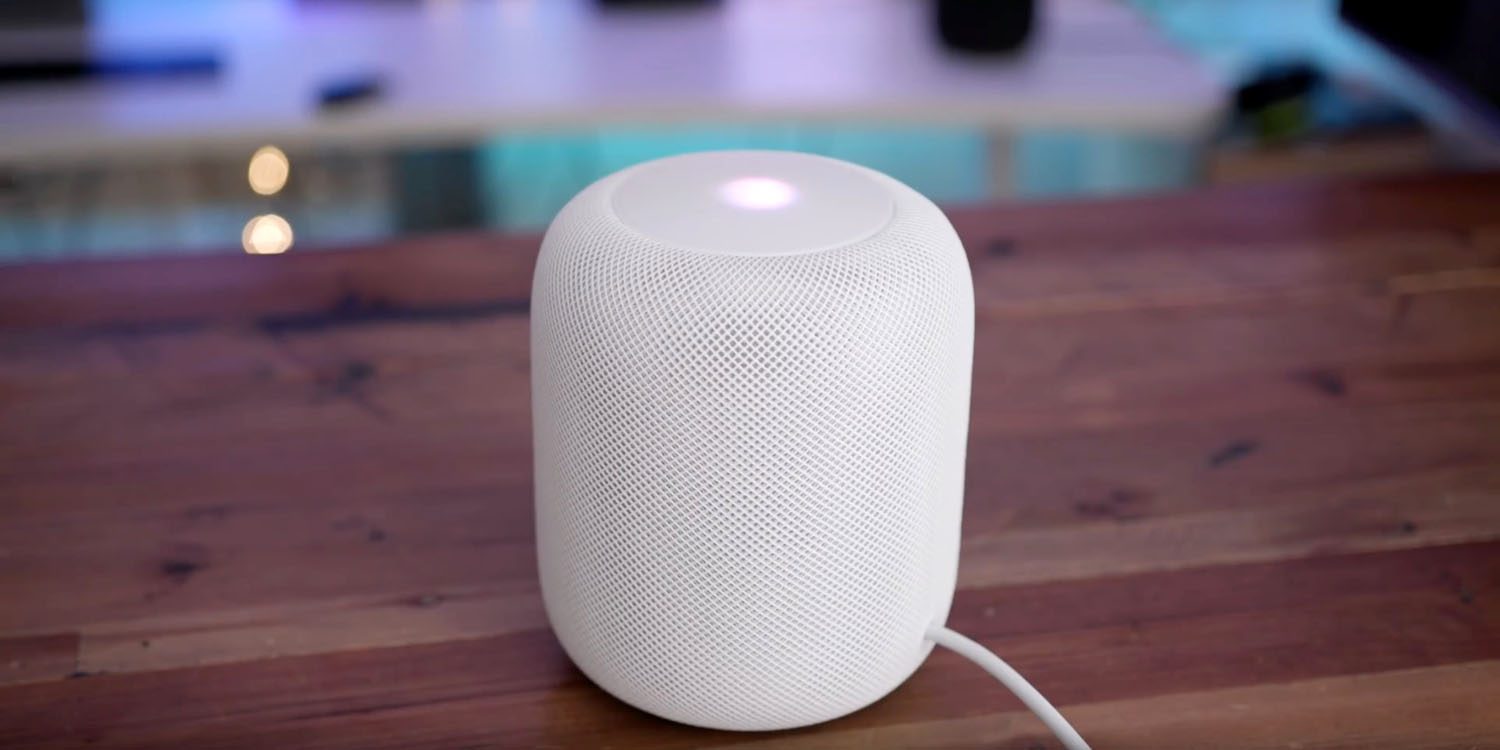
Consumer Intelligence Research Partners estimates that Apple has sold three million HomePods in the US, and has a ‘small but meaningful’ market share.


The company estimates that between March and June, HomePod saw its share of the smart speaker market roughly double to 6%. This compares with 70% for Amazon Echo and 24% for Google Home.


"It took a small share of the market from both Amazon and Google. Still, Amazon has a two-year head start, and Amazon and Google each have a low-priced device that accounts for at least half of unit sales, so it’s not clear how much further Apple can establish itself in the market without a more competitive model."


Market share of course doesn’t mean much here: Amazon’s cheapest Echo device officially retails for just $50, and is regularly on sale at significantly less than this. It’s into impulse purchase territory for many, and others have multiple units spread throughout their home. Indeed, CIRP’s own data shows that almost 35% of Echo owners have between two and four of them.


Apple’s HomePod, in contrast, is a sophisticated speaker system costing $349 – making it a $750 purchase if you want stereo. It’s competing with Sonos and Bose, not Amazon.


Source: 9to5mac

Windows
Mac OS
iOS
Linux
3uTools
Win 64-bit For this device
V9.01 2025-12-27
Download
Win 32-bit For this device
V9.01 2025-12-27
Download
3uTools
Intel Chip How to Identify Chip Type
V9.01 2025-12-31
Download
Apple Silicon
V9.01 2025-12-31
Download
How to Identify Chip Type
1.  Click the Apple icon in the top-left corner of the screen and select About This Mac.
2.  Check the Processor or Chip field to determine if it is "Intel" or "Apple".
Please use the 3uTools PC client to install the iOS client:
1、 Install either the Windows or Mac version of 3uTools on your computer
2、 Open the PC client and connect your device to the computer via USB cable
3、 After the connection is successful, wait for the computer to automatically install the mobile app for the device, or locate “Install Mobile App” on the computer and manually click to install.
3uTools
deb file
V3.01 2025-11-20
Download
rpm file
V3.01 2025-11-20
Download
Windows
Windows
iOS
iOS
Android
Android
TV
TV
3uAirPlayer
Win 64-bit For this device
V6.0.2 2025-11-19
Download
Win 32-bit For this device
V6.0.2 2025-11-19
Download
iOS Device Mirroring (No App Required)
1、 Install 3uAirPlayer on the Windows PC
2、 Open Control Center and select Screen Mirroring
3、 From the list, choose your PC to start mirroring
4、 Or connect your iOS device to the PC via USB to begin mirroring
Scan to get "3uAirPlayer" App
3uAirPlayer TV V1.0.18
2025-11-28
TV System Requirements: Android 7.0 or later
Download the TV installation package, copy it to a USB drive, insert it into your TV or set-top box, then select the file from the home screen to install.