 NEWS
NEWS
Apple Will No Longer Report iPhone, Mac and iPad Unit Sales
 11/06/2018
 2764
2764
Apple on Thursday dropped a bombshell in announcing a major change in the way it reports quarterly earnings, saying it will no longer release iPhone, Mac and iPad sales numbers starting with the December period.
So, next quarter you could see the report like this:
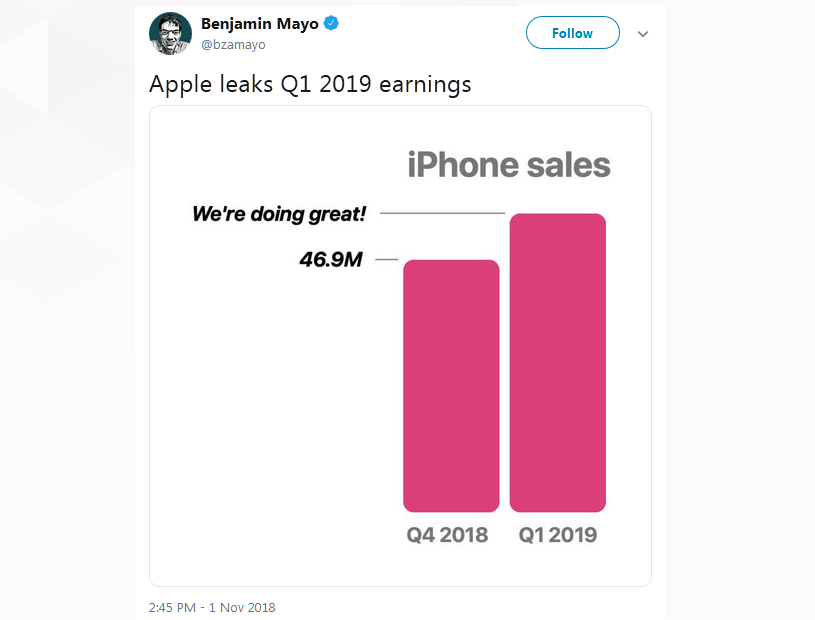
The surprise shift in policy was announced during a quarterly conference call for the fourth quarter of 2018 as part of opening remarks delivered by CFO Luca Maestri.
Going forward, Apple will no longer break out unit sales for three of its most important products. The company will continue to report revenue, sales growth, and guidance, but the change means analysts and market watchers will be unable to derive device ASPs and other calculations.
"A unit of sale is less relevant today than it was in our past," Maestri said, adding that the number of units sold does not necessarily represent the relative health of a product's underlying business.
Further, product ranges have become "much wider" and exhibit an equivalent sales price dispersion. Of note, iPhone offerings now run the gamut, from $449 for an iPhone 7 to $1,449 for a top-of-the-line iPhone XS.
The adjustment arrives as sales of iPhone, Apple's most important revenue driver, slowly stagnates. During the most recent quarter, for example, iPhone sales growth was flat year-over-year, and last quarter sales were up by a single percent from 2017.
While iPhone unit sales are no longer trending toward massive growth, average sales prices are booming. For the fourth quarter of 2018, iPhone ASP hit an all-time high of $793, up from $617.99 in 2017. Similar positive changes were seen in trailing quarters with a marked increase materializing with the launch of Apple's premium-priced iPhone X last year.
Maestri during today's call noted segment competitors do not provide unit sales.
"Our intention is to continue to give revenue guidance at the company level and gross margin in the other categories," Apple CEO Tim Cook said. "Our guidance isn't changing, it's the actual report that is changing."
When pressed on the matter, Cook said more important metrics like user install base — which is growing at double digits — provide better insight on Apple's ecosystem. He then offered a somewhat bizarre simile before ending the call.
"This is a little bit like if you go to the market and you push your cart up to the cashier, and she says, or he says, 'How many units you have in there?' It doesn't matter a lot how many units there are in there in terms of the overall value of the cart," Cook said.
Source: appleinsider










