 NEWS
NEWS
Apple CEO Tim Cook, Other Top Executives to Testify at Qualcomm Trial
 03/29/2019
 2783
2783
Apple's top executives, including CEO Tim Cook, are scheduled to take the stand at April's Apple v. Qualcomm jury trial in San Diego, Calif., according to court filings made public this week.
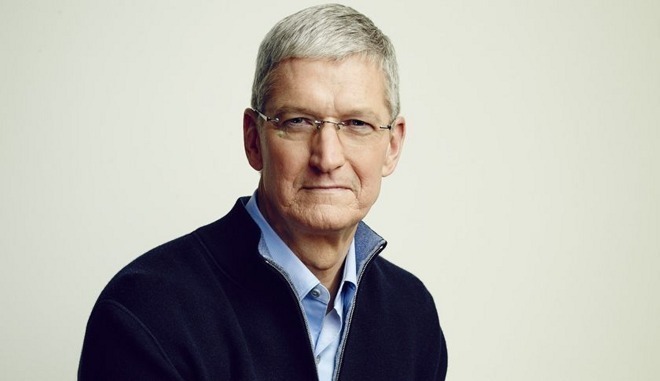
According to a joint witness list lodged with the U.S. District Court for the Southern District of California on Monday, Cook offer testimony alongside other top Apple executives including COO Jeff Williams, SVP of Worldwide Marketing Phil Schiller and chief IP counsel B.J. Watrous. Former hardware chief and current special advisor Bob Mansfield and former general counsel Bruce Sewell are providing depositions for the trial.
Cook is expected to offer testimony on Apple's business practices and strategy, agreements with cellular network carriers, licensing practices and other topics germane to the suit asserted by Apple over Qualcomm's alleged abuse of monopoly power in the wireless modem industry. Williams, Schiller, Watrous and a number of other Apple employees are expected to discuss issues related to their respective fields.
On tap to testify from Qualcomm are co-founder and former chairman Irwin Jacobs, CEO Steven Mollenkopf and president Cristiano Amon. Jacobs is expected to testify about Qualcomm's founding, its contributions to cellular technology and standardized cellular technologies, business practices and other topics, according to the filing. Mollenkopf will also appear live in court to testify on Qualcomm business practices, the firm's "no license, no chips" policy, incentives and rebates, FRAND practices and more.
As noted by Bloomberg, which reported on the filing earlier today, the jury trial starting April 15 is a key battle in Apple and Qualcomm's worldwide legal dispute.
The case dates back two years and is the genesis of what has evolved into global struggle over licensing practices and patents. Apple leveled the suit in San Diego, claiming Qualcomm withheld some $1 billion in refund payments in retaliation for Apple's participation in governmental regulatory probes. Apple also made claims against Qualcomm's licensing practices, saying the chipmaker leverages its market power to demand excessive royalty rates from customers.
Qualcomm fired back with multiple countersuits lodged in regional courts and international regulatory agencies. Previous court meetings ended in limited iPhone sales bans in China and Germany, though Apple has addressed the latter and claims to have a software workaround for the former. In the U.S., a federal jury earlier this month awarded Qualcomm partial iPhone ban on grounds that certain versions of the smartphone infringe on Qualcomm patents. That same day, a final determination from the full commission found invalid a key claim in patent leveraged as part of a separate Qualcomm injunction, enabling Apple to avoid a sought iPhone sales ban.
Source: appleinsider










