 NEWS
NEWS
Rumor Says Apple Is Changing the Slow-Ass Chargers
 04/30/2019
 3320
3320
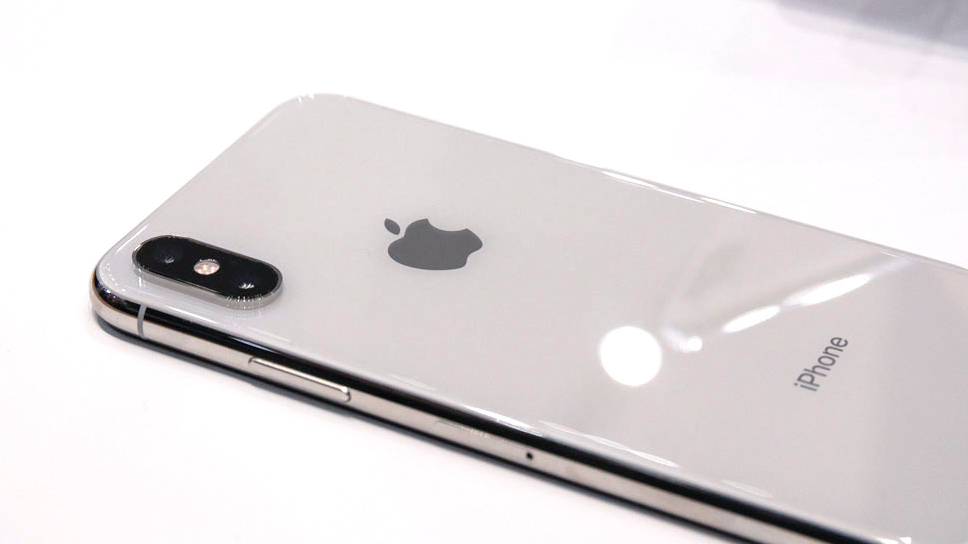
You may not know it, but your iPhone—if an iPhone 8 or later—is capable of much faster charging. The only problem is, Apple doesn't give you the stuff necessary for it. But a new rumor claims that could be changing, and it should.
Apple's phones are currently shipped with a standard 5W charging cube. If you've purchased an iPhone in the last few years, you know what this looks like. But Apple states that iPhone 8 or later can be fast-charged with a USB-C to Lightning cable and any one of the following power adapters: 18W, 29W, 30W, 61W, or 87W USB-C Power Adapter. But these will cost you extra, and that's frustrating! (However, it is standard for Apple.)
According to a report from the Japanese site Mac Otakara, however, Apple will include the goods necessary for fast charging—a USB-C to Lightning cable and the USB-C 18W adapter—with its next series of iPhones. To this I say: Give us the dang juice, Apple!
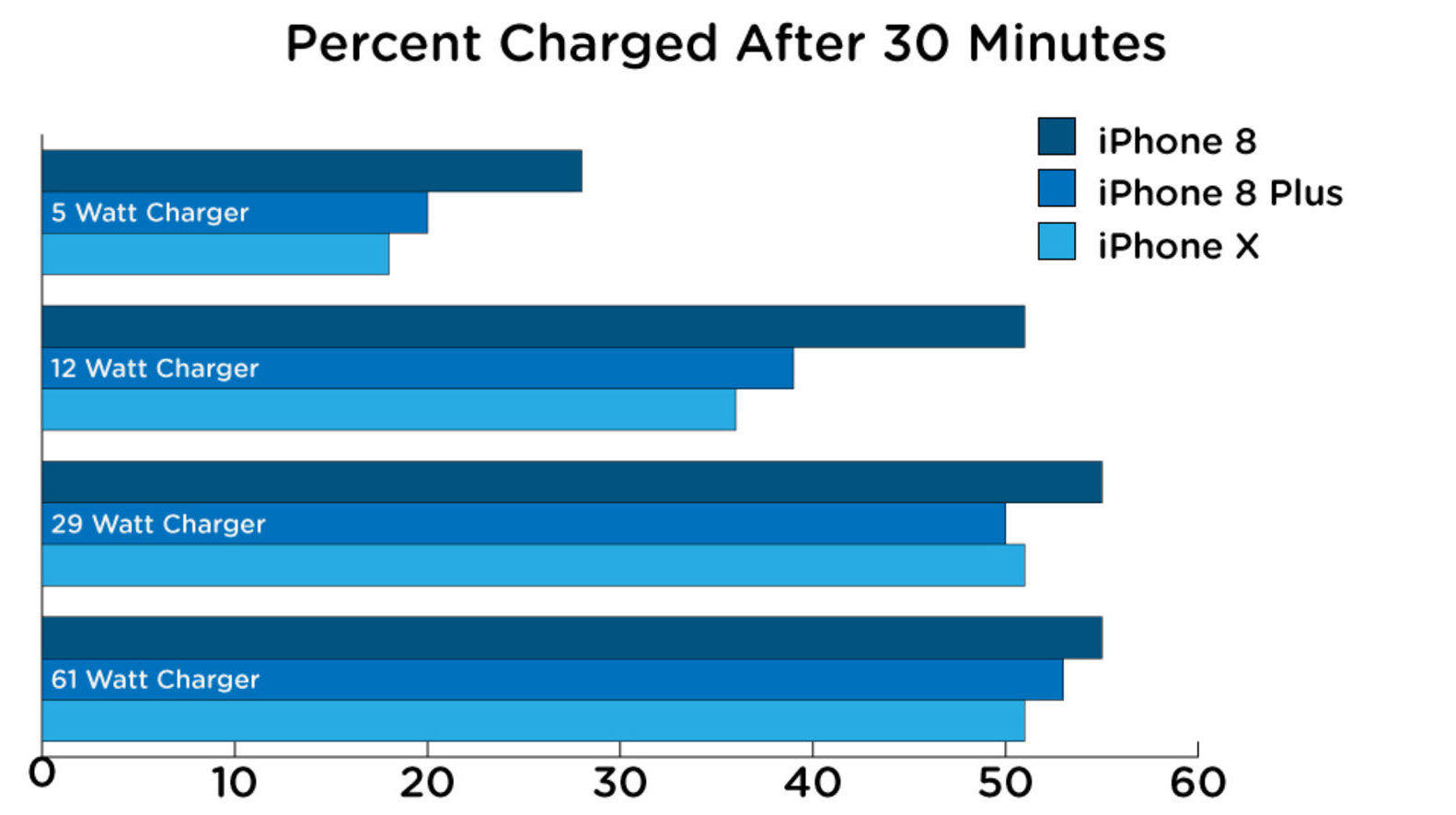
When Gizmodo tested the charging capabilities offered by the various power adapters that aren't included with an iPhone for which you could be paying close to a grand, the difference was clear. Anything above a 12-watt charger delivered far faster charging for an iPhone 8 or later, though the results varied slightly for later models.
Here's how Apple's chargers stacked against one another (keeping in mind that its 18-watt option wasn't available in late 2017 when we ran the tests):
No one wants to spend upwards of $50 for the accompanying tools necessary to make their iPhone do the thing that the company says it can do—particularly because we're already asked to do that with other arguably necessary accessories. Plus, as the Verge noted, Apple shipping with these upgraded charging accessories would also allow users to plug their iPhones directly into their laptops without needing a separate cord.
Apple did not immediately return a request for comment, but we'll update this article if we hear back.
Apple is one of the most innovative companies on the planet. It's time to let its technology speak for itself without requiring its customers to purchase a bunch of add-ons necessary to let a phone perform the way it's meant to.
Source: Gizmodo










