 NEWS
NEWS
Apple Overestimates iPhone Battery Life by up to 51%?
 05/05/2019
 3003
3003
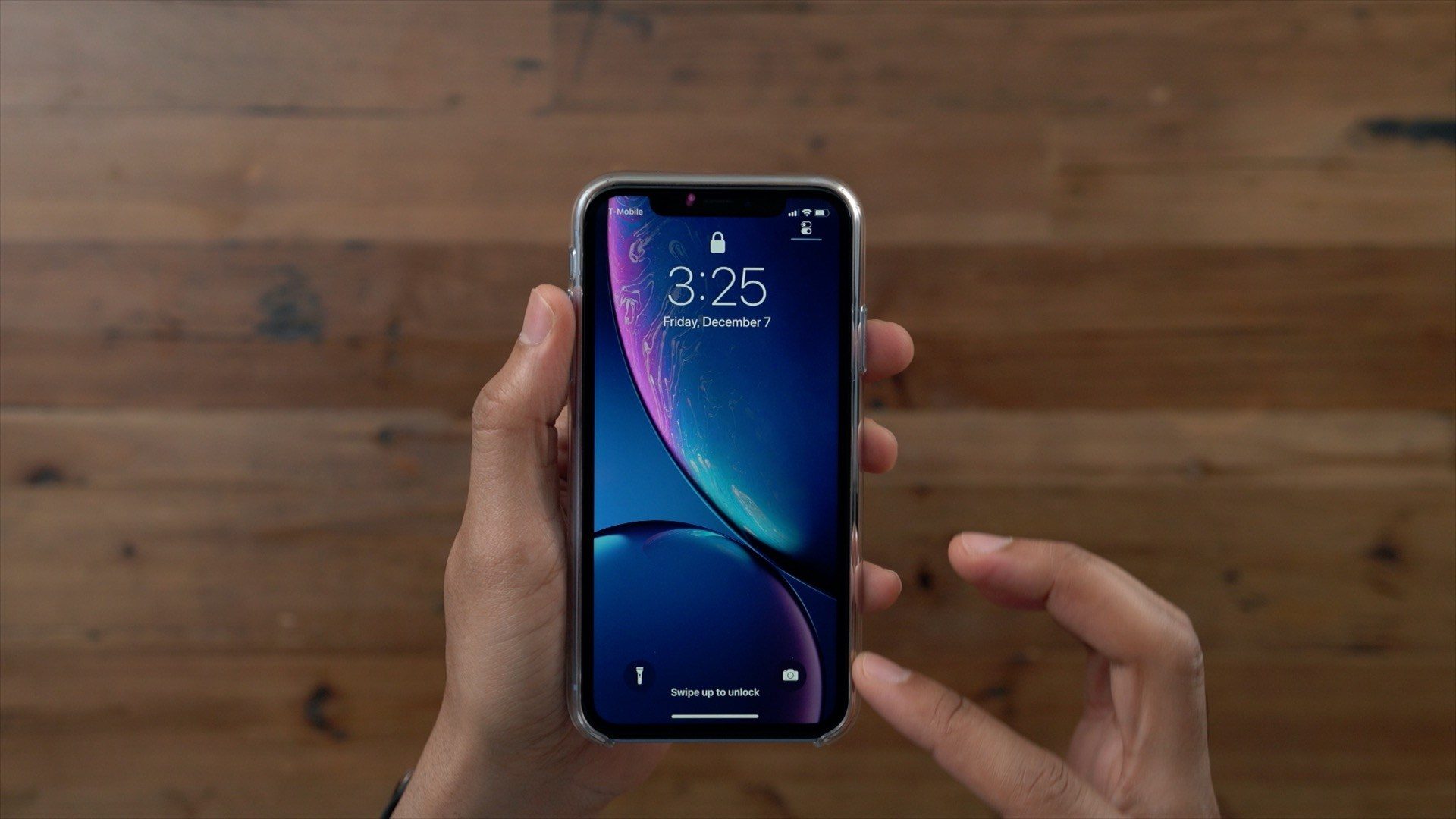
A new study from the UK consumer advocacy group "Which?" this weekend claims that Apple overstates the battery life of several iPhone models. According to the report, the iPhone XR's real-world performance offers the biggest discrepancy compared to Apple's claims in relation to talking time.
The group says that it tested nine different iPhone models and found that all of them fell short of Apple's claims by between 18 percent and 51 percent. The iPhone XR, for instance, recorded real-life talk time of 16 hours and 32 minutes, according to Which. Apple claims that the device offers up to 25 hours of talk time.
Which? tested nine iPhone models and found that all of them fell short of Apple's battery time claims. In fact, Apple stated that its batteries lasted between 18 percent and 51 percent longer than the Which? results.
In a statement responding to Which?'s test (via Business Insider), Apple reiterated that it "rigorously" tests its products and stands behind its battery claims. The company also noted that Which? did not share its testing methodology, while Apple publishes its testing process in full detail:
"We rigorously test our products and stand behind our battery life claims. With tight integration between hardware and software, the iPhone is engineered to intelligently manage power usage to maximize battery life. Our testing methodology reflects that intelligence. Which? haven't shared their methodology with us so we can't compare their results to ours. We share our methodology for testing which we publish in detail here."
Which? explained that its testing consists of charging brand new, independently purchased iPhones to full battery, then measuring how long they last during continuous calling. You can read Apple's testing methodology on its website.
Which? explained that its testing consists of charging brand new, independently purchased iPhones to full battery, then measuring how long they last during continuous calling. You can read Apple's testing methodology on its website.
Which?'s findings on the iPhone XR battery life are particularly interesting. Upon release last year, many reviewers praised the device's battery life, especially in comparison to the iPhone XS and iPhone XS Max.
In total, Which? tested smartphones from Apple, Samsung, Sony, Nokia, and HTC. Samsung, Sony, and Nokia were all found to underestimate their battery life claims, while HTC fell into the same category as Apple of overstating battery life.
Source: 9to5mac










